
Home

Entering

Order tracking

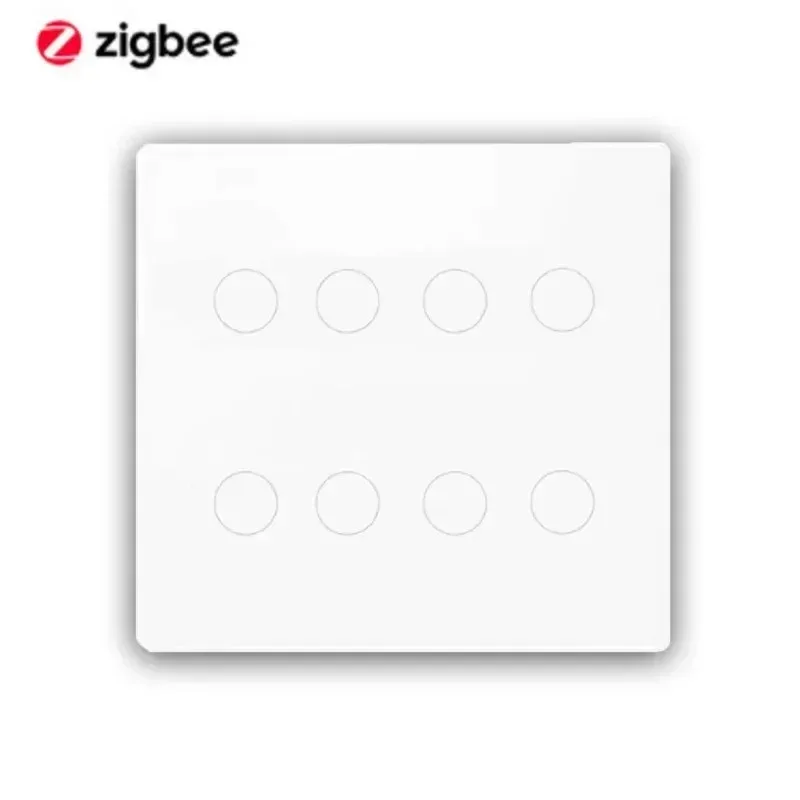
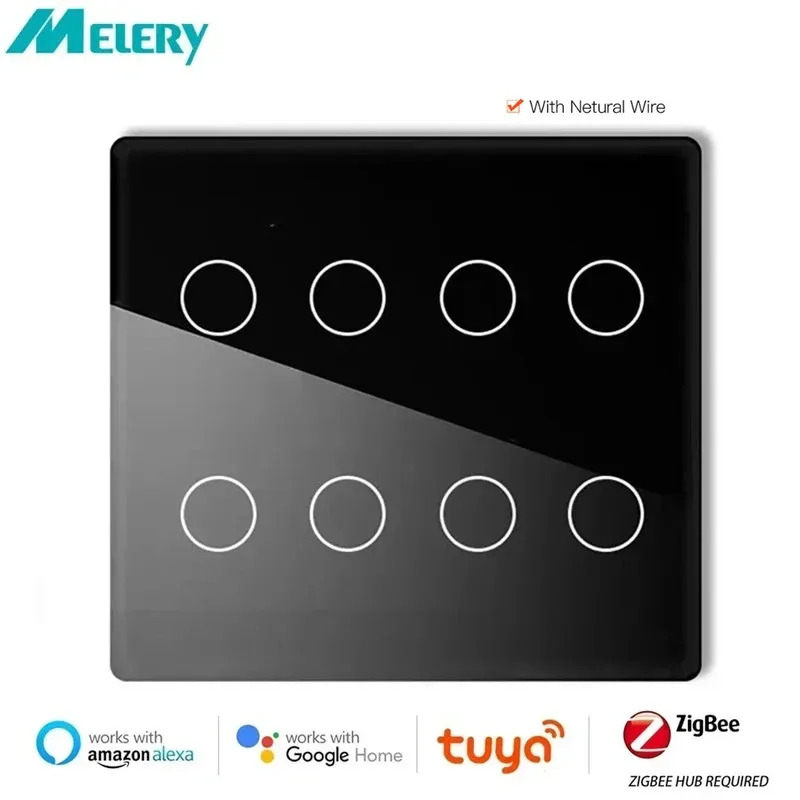
Brazil Tuya Zigbee Light Switch Touch Sensor Panel Tuya Smart Life Neutral Wire 4/6/8 Gang Remote by Alexa Dot Google Home

القسم:

Please select the product type to know the expected delivery time.

شحن دولي

يرجى معاينة تفاصيل المنتج لمعرفة بلد المنشأ والشحن

Product sharing

  • Brand Name: TimeScape
  • Voltage: Other
  • Origin: Mainland China
  • Model Number: WWS023-Zigbee
  • Certification: RoHS
  • Voltage: Other
  • Model Number: WWS023-Zigbee
  • Brand Name: Melery
  • Origin: Mainland China
  • Certification: CE,RoHS
  • Standard: 4*4 Touch Panel Switch Brazil

 

Tuya Smart Life Zigbee 4×4 Brazil Touch Panel Light Switch Neutral Wire 4/6/8 Gang Alexa Google Home 110-220V,Neutral Wire and Zigbee HUB.Gateway required


Specification
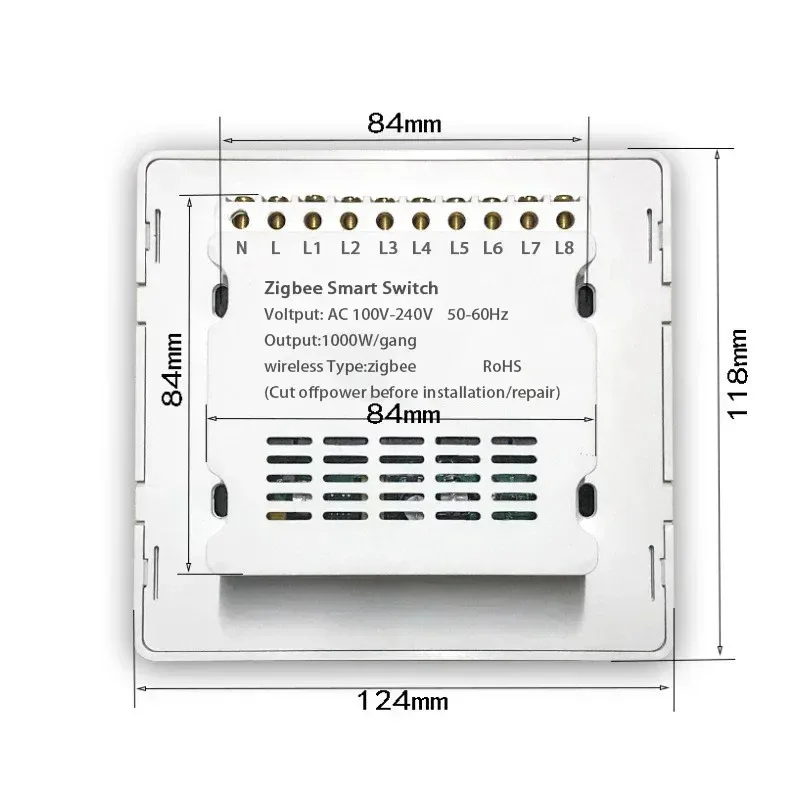
–Name:4*4 WiFi/Zigbee Switch
–Product Size: 120 x 120x 36mm
–Support: Neutral Wire required
–System: support IOS8.0 / Android4.0 and above
–Wireless Protocol: Wi-Fi 2.4G
–Material: ABS flame retardant
–Panel Material: tempered glass
–Rated Power: 500W/gang
–Rated Current: 10A
–Input Voltage: AC100 ~ 250V, 50 / 60hz
–Standby Power:<0.6W
–Temperature&Humudity: -10-45° 5-95%RH No Condensation

Package List
–1*Smart Wifi Switch
–2*Screws

{Zigbee Light Switch} Brazil 4*4 smart light switch( Neutral Wire Required)
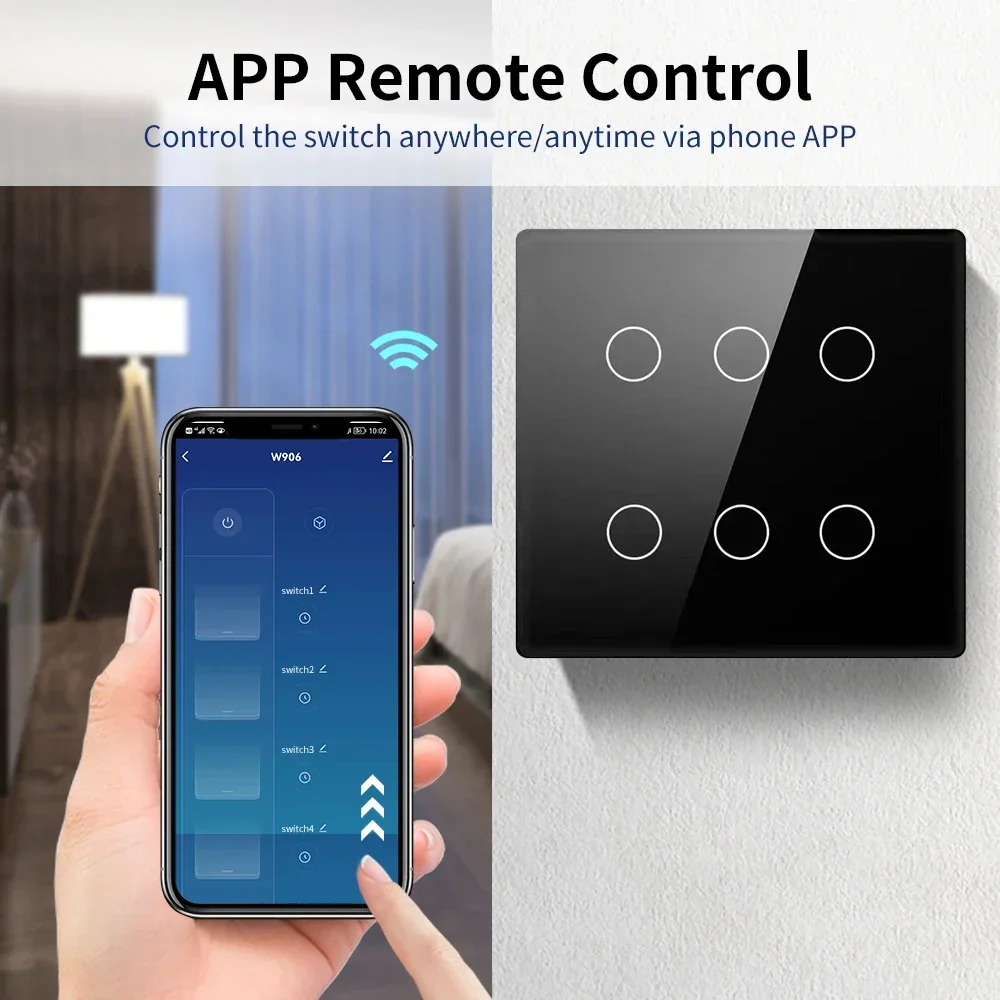
{APP Remote Control} Control the switch anywhere/anytime via phone APP
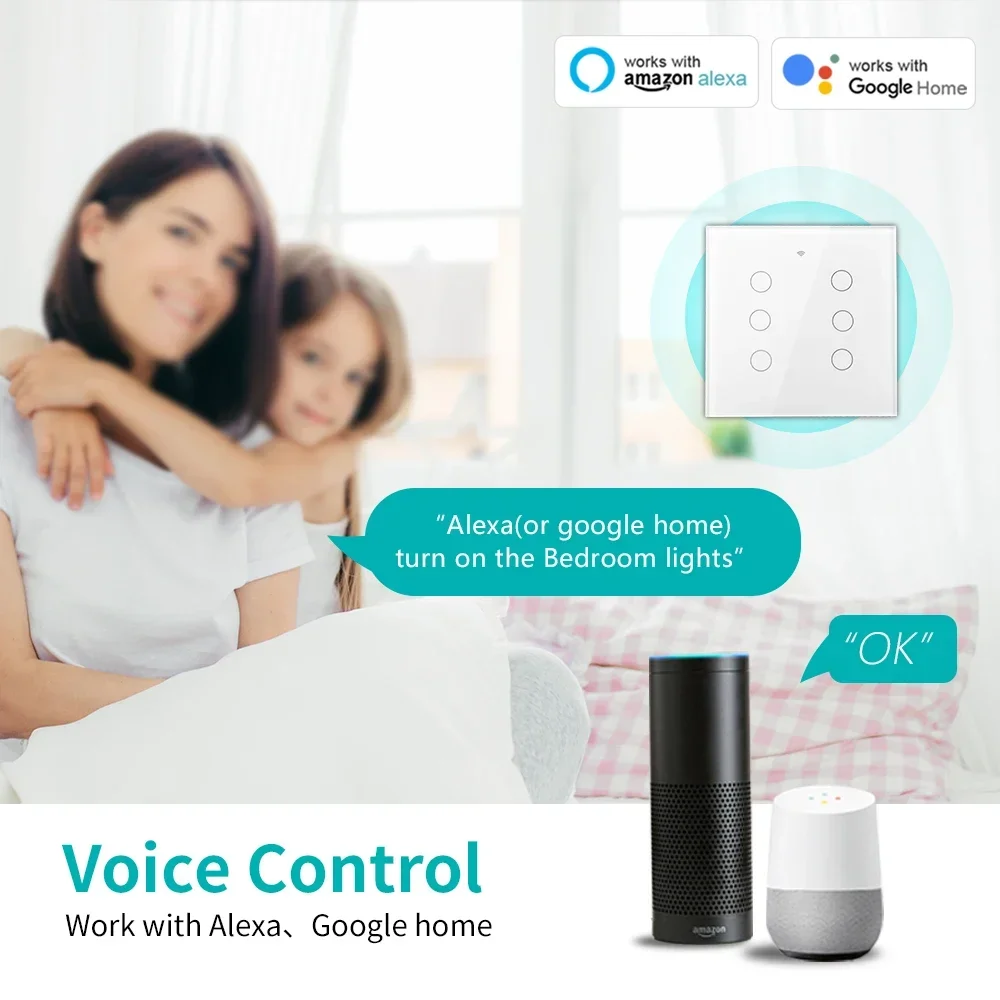
{Hand Free Voice Control} Work with Alexa,Google home
{Timer,Schedule&Count Down Function} Smart and DIY your daily life to maximum extend
{3 kinds of restart state} Don’t worry about switch still on when power come back
{Children Lock} Locking function is designed to prevent children from operating by mistake.
{Family Share Function} Create a smart home together with your family member
{Luxury Glass Panel} Resists deformation and fading,Easy maintenanceand cleaning

I. Preparations and Core Principle Explanation
Tuya Zigbee protocol switches rely on the Tuya Zigbee Gateway for network connection since Zigbee switches lack built – in WiFi modules and need the gateway for data relay.The gateway should first connect to the home 2.4GHz WiFi network (5GHz band is not supported), then pair with the switches via Zigbee 3.0 protocol, enabling control through the app and integration with voice assistants
Required Equipment : Tuya Zigbee Gateway (e.g., ZBS06 multi – mode gateway), Zigbee smart switch, smartphone (Android 4.4+/iOS 8.0+), 2.4GHz WiFi network.
Possible Link Failure Solution : If the gateway fails to connect to the 2.4GHz WiFi, check that the WiFi signal is strong, the password is correct, and the router settings allow new device connections.Try restarting the router and the gateway.
II.Tuya Zigbee Gateway WiFi Connection Process
1.Gateway Initialization and Setup Preparation
  • Power on the gateway with a Micro charging cable.Wait until the indicator light enters the setup mode: a slow – flashing red light means it’s ready for pairing.If there’s no response from the indicator, press and hold the reset button for 5 seconds until the red light starts flashing.

  • Connect your smartphone to the 2.4GHz home WiFi, download and log in to the “Smart Life” APP (registration requires a mobile phone number verification code).Enable Bluetooth and location services on your phone to improve the connection success rate.

Possible Link Failure Solution : If the Bluetooth connection fails during the setup, make sure the Bluetooth on your phone is not connected to other devices.Try restarting your phone’s Bluetooth and the APP, then retry the connection.
2.Gateway WiFi Connection Operations
Choose one of the following methods for connection:
  • Bluetooth Auto – connection (Recommended):

Open the APP’s home page, click the “+” icon in the upper – right corner → “Add Device”.The APP will automatically scan for nearby gateways.Select the gateway, enter the WiFi password, and wait for the connection to complete (when the indicator light changes from flashing to solid, it means “Addition Successful”).
  • AP Hotspot Connection (When Bluetooth connection fails):

In the APP, select “Gateway Control Center” → “Multi – mode Gateway (BLE + Zigbee)”.Enter the WiFi password, then connect your phone to the gateway’s hotspot “SmartLife – XXXX” as prompted.Return to the APP to complete the pairing.
Possible Link Failure Solution : If the AP hotspot connection fails, ensure that the WiFi password you entered is correct.Try forgetting the gateway’s hotspot on your phone and re – connecting.Also, check if there are too many devices connected to the gateway’s hotspot, and remove unnecessary connections.
III.Zigbee Switch and Gateway Pairing Process
1.Switch Entering Pairing Mode
  • Button Trigger: Press and hold the switch’s pairing button for 5 seconds, or quickly press it twice.When the LED indicator light flashes blue rapidly, the switch enters the pairing mode.

  • Power – on Trigger: Power on and off the switch 5 consecutive times (one on – off cycle counts as one time).When the output LED light flashes 10 times, it indicates successful entry into the pairing mode.

Possible Link Failure Solution : If the switch doesn’t enter the pairing mode, check if the switch is properly powered.Try resetting the switch by following the factory reset instructions (usually available in the user manual).
2. Gateway Adding Switch Devices
  • Open the APP, enter the interface of the paired gateway device, click “Sub – devices” → “Quick Add”.

  • The APP will automatically scan for the Zigbee switches waiting for pairing.Select the device to complete the pairing (when the indicator light stops flashing and “ZB – SWITCH” appears in the APP device list).You can long – press the device name to rename it (e.g., “Living Room Ceiling Light Switch”) for easier control.

Possible Link Failure Solution : If the gateway fails to detect the switch, reduce the distance between the gateway and the switch to within 20 meters (with no more than 2 walls in between).Avoid metal obstructions or interference from high – power electrical appliances.Try restarting both the gateway and the switch and re – initiate the pairing process.
IV.Connecting to Alexa and Google Home Voice Assistants
1.Preparations
  • Ensure that the gateway and switch are properly connected to the network, and the “Smart Life” APP can control the switch status.

  • For Alexa, prepare an Echo series device (e.g., Echo Dot 5th generation), and for Google Home, prepare a Nest series device (e.g., Nest Hub).Log in to the corresponding APPs (Alexa/Google Home).

Possible Link Failure Solution : If the APP cannot control the switch, check the network connection of the gateway and switch.Try logging out and logging back into the “Smart Life” APP.
2.Alexa Connection Process
  • Open the Alexa APP, click “More” → “Skills& Games”, search for “Tuya Smart” or “Smart Life” skills and enable them.

  • Enter the login account and password of the “Smart Life” APP to complete the account binding.Alexa will automatically synchronize the device list.Voice command example: “Alexa, turn on the living room light”.

Possible Link Failure Solution : If Alexa fails to synchronize the device list, check that the account information entered is correct.Try unlinking and relinking the “Smart Life” account in the Alexa APP.Also, make sure that the Alexa device has a stable network connection.
3.Google Home Connection Process
  • Open the Google Home APP, click “+” → “Set up device” → “Works with Google”, select “Tuya Smart”.

  • Log in to the “Smart Life” account for authorization.After synchronizing the switch devices, you can control them by voice.Example: “Hey Google, turn off the bedroom switch”.

Note: If prompted “Device not certified”, contact Tuya technical support to add the device PID to the whitelist (only required for beta – version devices).


Color

, , , , , , , ,

Brand Name

Melery

Voltage

Other

Origin

Mainland China

Model Number

WWS023-Zigbee

Certification

CE,RoHS

Standard

4*4 Touch Panel Switch Brazil

Suggested products

Wired Gaming Mouse with RGB Backlit, 7200 DPI Adjustable, Mouse with 10 Programmable Macro Buttons ,X9 Gaming Mouse

180 QAR

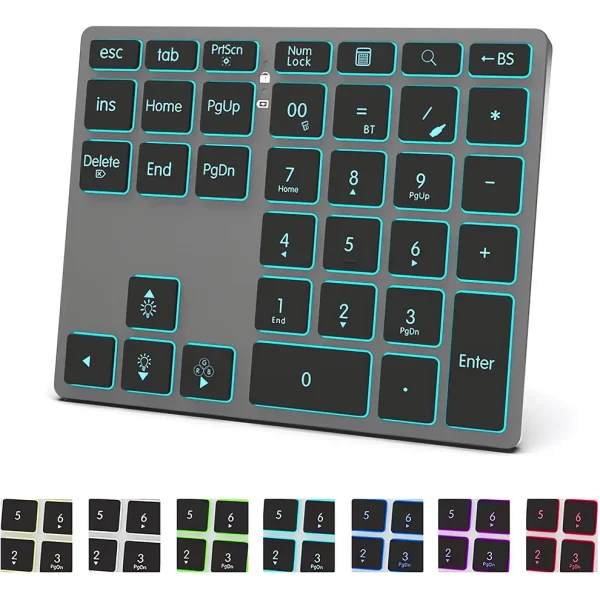
Tri-Mode Aluminum Numpad 7-Color LED Backlit, BT5.0/USB/2.4G Wireless Rechargeable Number Pad 35-Key Scissor Switches keyboard

Select options This product has multiple variants. The options may be chosen on the product page

Price range: 272 ر.ق through 273 ر.ق

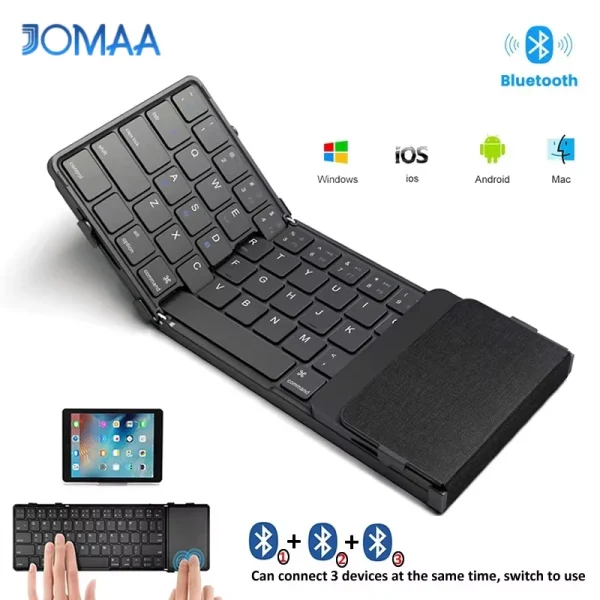
Jomaa Tri-Folding Wireless Keyboard with Touchpad Rechargeable Mini Keyboard Foldable Keyboard for Windows Phone PC Table

Select options This product has multiple variants. The options may be chosen on the product page

Price range: 345 ر.ق through 350 ر.ق

JOMAA Speed Roller Trackball Mouse Wireless Thumb-Control Mouse Slient Click Rechargeable Ergonomic Trackball Mouse

Select options This product has multiple variants. The options may be chosen on the product page

Price range: 264 ر.ق through 274 ر.ق

Jomaa 2.4G+Bluetooth Vertical Mouse Wireless for Apple Mac Laptop Notebook 9 Buttons Rechargeable Gaming Mouse for PC Ipad

Select options This product has multiple variants. The options may be chosen on the product page

Price range: 248 ر.ق through 262 ر.ق

7 Colors Backlit Keyboard With Slot and Wrist Rest Volume Knob Keyboard Jiggle Mouse Set,Full Size Rechargeable Keyboard Set

Select options This product has multiple variants. The options may be chosen on the product page

Price range: 345 ر.ق through 351 ر.ق

You can add

JOMAA Full Size Backlight Wireless Keyboard,2.4G & Dual Bluetooth,Ultra-Thin,Rechargeable Silent Keyboard for PC,Computer Laptop

Select options This product has multiple variants. The options may be chosen on the product page

Price range: 270 ر.ق through 282 ر.ق

Jomaa Tri-Folding Wireless Keyboard with Touchpad Rechargeable Mini Keyboard Foldable Keyboard for Windows Phone PC Table

Select options This product has multiple variants. The options may be chosen on the product page

Price range: 345 ر.ق through 350 ر.ق

Foldable Keyboard and Mouse,Bluetooth5.1 Dual Modes Wirless Transparent Keyboard Rechargeable Full-Size Portable Travel Keyboard

Select options This product has multiple variants. The options may be chosen on the product page

Price range: 320 ر.ق through 331 ر.ق

Jomaa 2.4G+Bluetooth Vertical Mouse Wireless for Apple Mac Laptop Notebook 9 Buttons Rechargeable Gaming Mouse for PC Ipad

Select options This product has multiple variants. The options may be chosen on the product page

Price range: 248 ر.ق through 262 ر.ق

JOMAA Wireless 2.4G Bluetooth Folding Keyboard with Trackpad, RGB Backlight, Silent Rechargeable, Full Size Travel Keyboard

Select options This product has multiple variants. The options may be chosen on the product page

Price range: 350 ر.ق through 355 ر.ق

7 Colors Backlit Keyboard With Slot and Wrist Rest Volume Knob Keyboard Jiggle Mouse Set,Full Size Rechargeable Keyboard Set

Select options This product has multiple variants. The options may be chosen on the product page

Price range: 345 ر.ق through 351 ر.ق

اختر المنتج
0
    0
    Basket
    The basket is emptyBack to the store