
 قسط على
4
دفعات
ر.ق6.25
مع خدمة
باي ليتر
قسط على
4
دفعات
ر.ق6.25
مع خدمة
باي ليتر 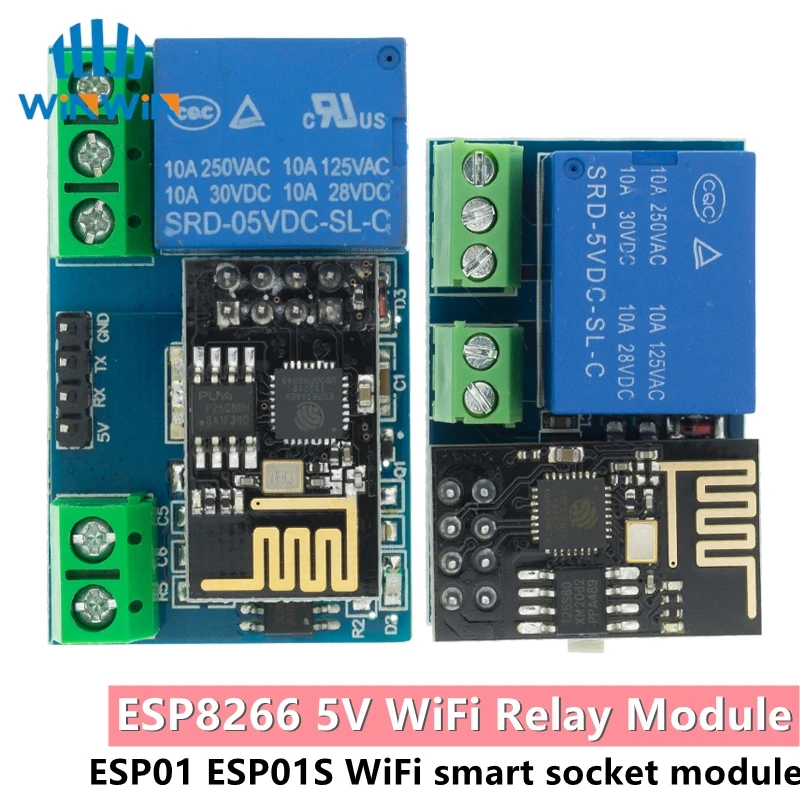
- Brand Name: AITEWIN ROBOT
- Origin: Mainland China
- High-concerned chemical: None
- Condition: New
- Type: Voltage Regulator
- Supply Voltage: 1
- Dissipation Power: 1
- is_customized: Yes
- Operating Temperature: 1
- Choice: yes
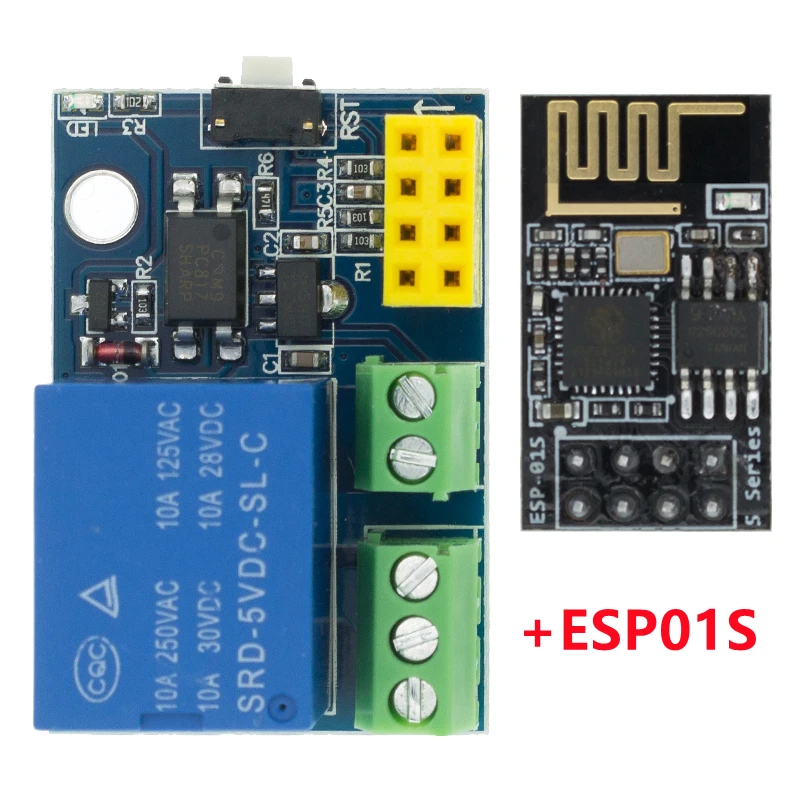
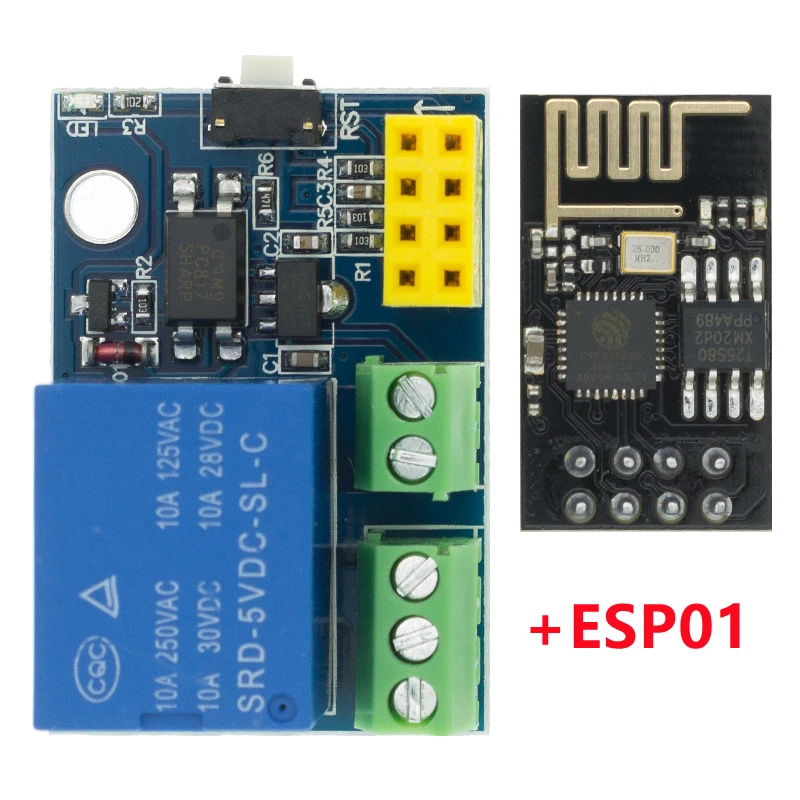
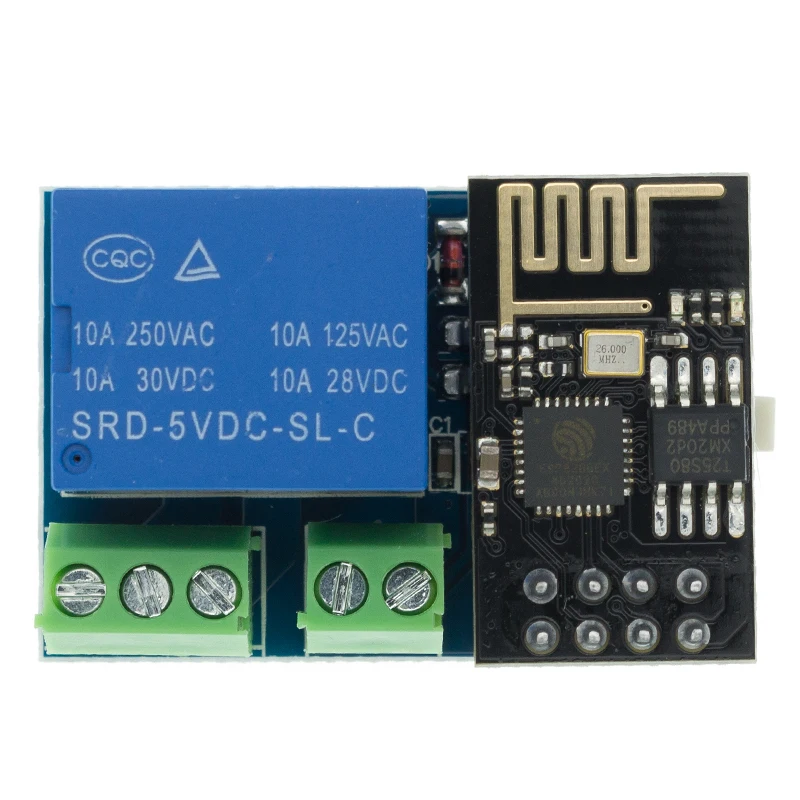
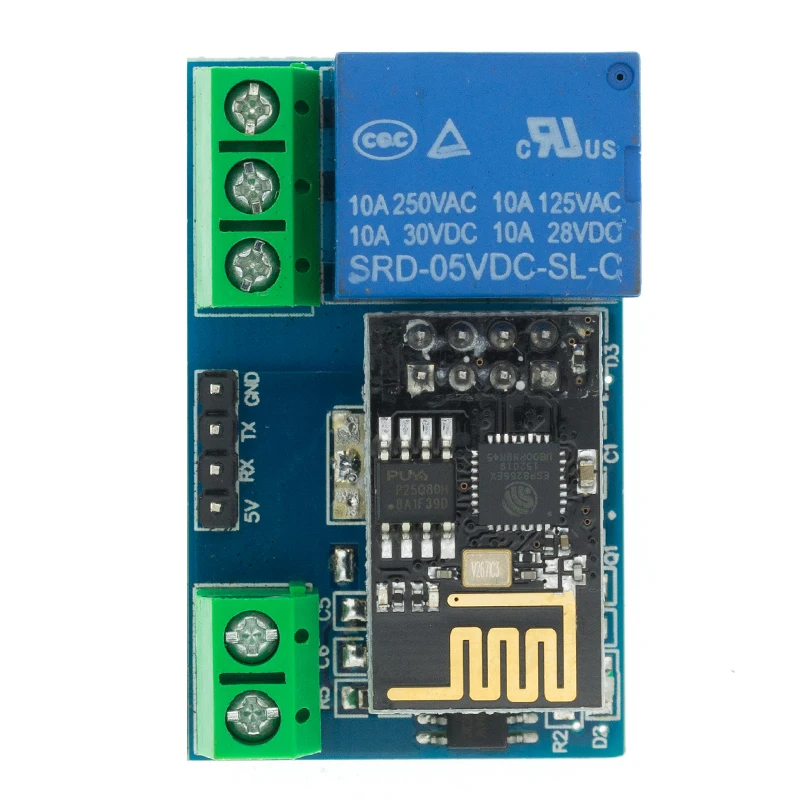
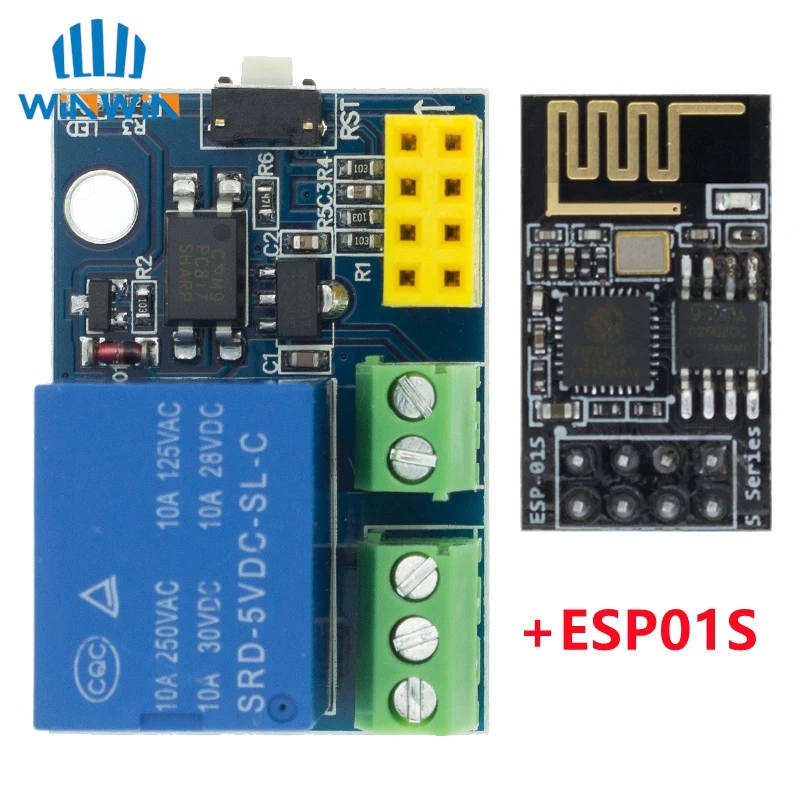
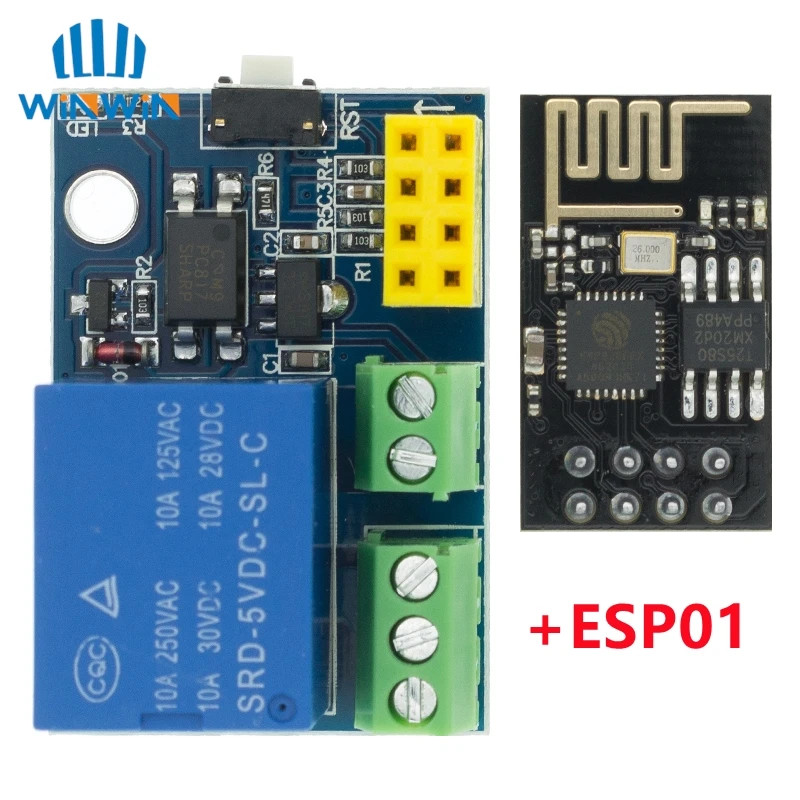
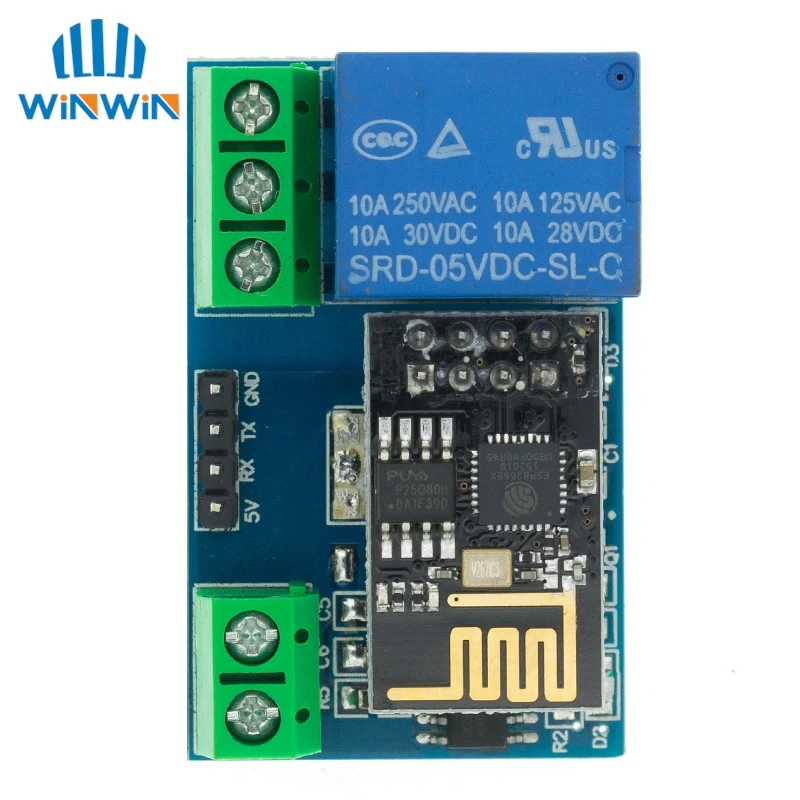
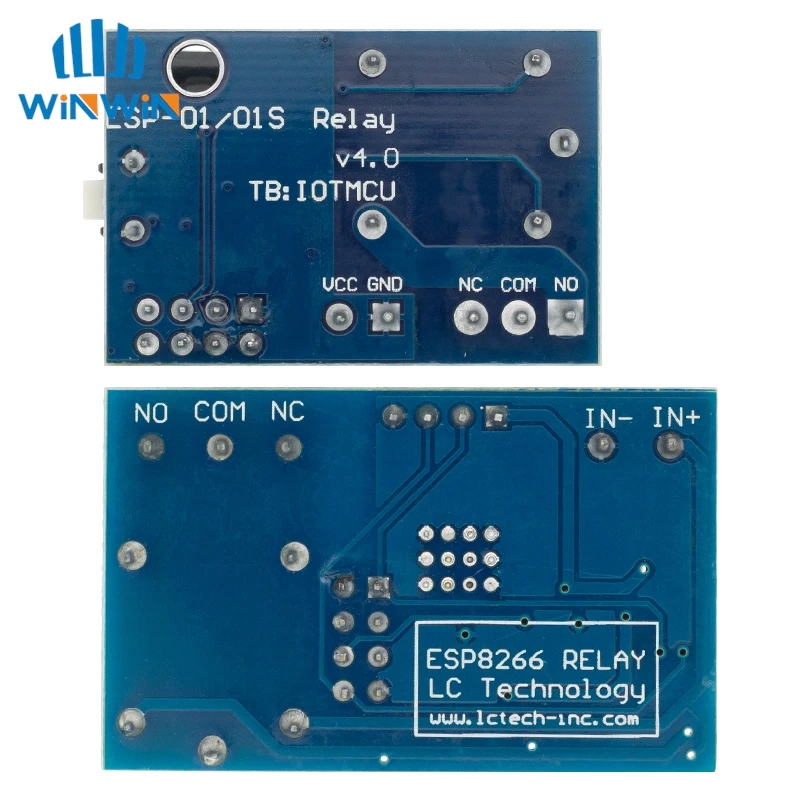
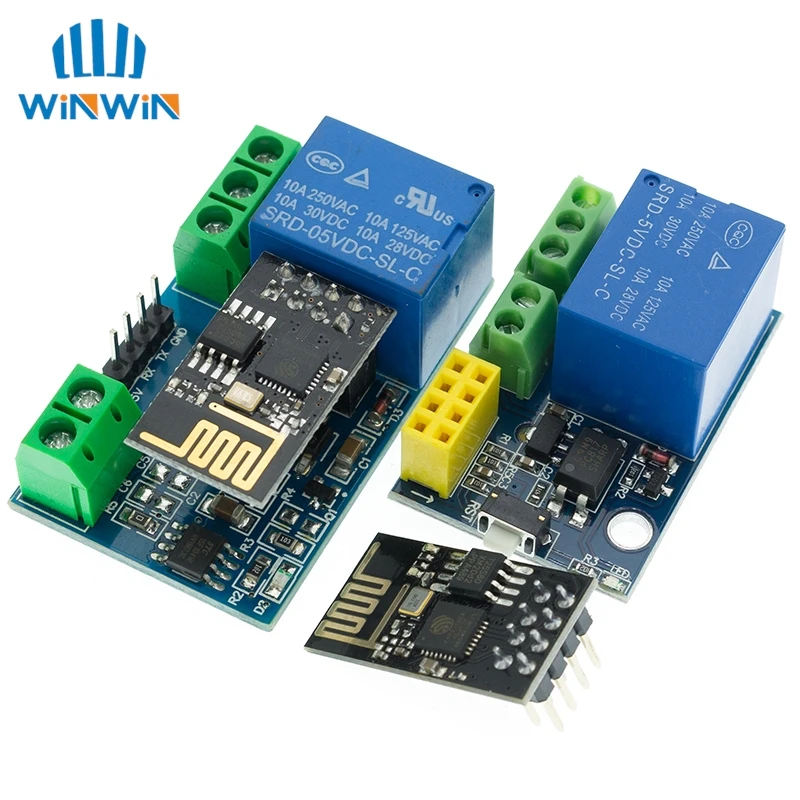
ESP8266 5V Wifi Relay Module
Product parameters:
Product size: 45*28mm
Working voltage: DC5V
Communication method: WIFI (ESP8266 module)
Serial communication parameters: 9600,8,1,0,0
Transmission distance: The maximum transmission distance is 400m (in an open environment, when the mobile phone is equipped with a WIFI module)
Load: 10A/250VAC 10A/30VDC, the relay pulls 100,000 times
Way of working:
1. The mobile phone is mounted on the WiFi module;
2. The mobile phone and WiFI module are mounted on the same router, and the relay is controlled through the mobile APP; the transmission distance in this mode depends on the signal of the router.
1. The onboard ESP8266 WIFI module has three working modes: STA (client), AP (hotspot), and STA+AP (client + hotspot). Choose the working mode of the WIFI module according to the working mode of the module. .
2. Before using the module, you need to use the serial port debugging software and the USB to TTL module to send serial commands to configure the WIFI module. The RX, TX, and GND pins of the USB to TTL module are connected to the TX, RX, and GND pins on the module (ESP8266 The default baud rate of the module is generally 115200 or 9600. When it is 115200, you need to send AT+CIOBAUD=9600 to set the baud rate to 9600, otherwise the relay cannot be controlled correctly), IN+, IN- connect to 5V power supply.
3. After the configuration is complete (note that the 5V power supply cannot be unplugged, because some parameters of the WIFI module cannot be saved after the power is off), install the “TCP connection” APP on the Android phone, open it and click “Connect”, enter the IP address and port number , Click “connect”, then click “switch” in the interface, long press the gray square in the interface to add a serial port command, enter the name and content of the command (when the command content is A00101A2, turn on the relay; when the command content is A00100A1, turn off the relay) And choose to send in hexadecimal format, and then click the corresponding box to control the switch of the relay. The specific configuration method of the WIFI module is as follows:
Working method 1: When the mobile phone is mounted on the WiFi module, the commands are sent in the following order:
1. AT+CWMODE=2, namely select AP mode;
2. AT+RST, reset;
3. AT+CIPMUX=1, open multiple connections;
4. AT+CIPSERVER=1,8080, configure the TCP server and set the port number;
5. AT+CIOBAUD=9600, set the baud rate to 9600. (Because the relay control chip works at the baud rate 9600)
6. AT+CIFSR, check the IP address in AP mode, for example: APIP, “192.168.4.1”;
7. The WIFI signal whose mobile phone connection name starts with AI-THINKER or ESP8266;
8. Enter the address and port in the “TCP connection” APP, such as 192.168.4.1 and 8080;
9. Click the corresponding gray square to control the relay.
Working mode 2: When the mobile phone and the WiFI module are simultaneously mounted on the same router, the commands are sent in the following order:
1. AT+CWMODE=1, that is, select STA mode;
2. AT+RST, reset;
3. AT+CWLAP, list available WIFI nearby;
4. AT+CWJAP=,, let the WiFi module connect to the router, where ssid
And password are the WIFI name and password, for example: AT+CWJAP=”TP-LINK”,”123456″;
5. AT+CIPMUX=1, open multiple connections;
6. AT+CIPSERVER=1,8080, configure the TCP server and set the port number;
7. AT+CIFSR, check the IP address in STA mode, for example: STAIP, “192.168.1.102”;
8. Connect the mobile phone to the router;
9. Enter the address and port in the “TCP connection” APP, for example: 192.168.1.102 and 8080;
10. Click the corresponding gray square to control the relay.
Tips:
1. The STA+AP mode of the WIFI module is applicable to the above two working methods.
2. The ESP8266 module has a timeout mechanism. When the phone does not send instructions to the module for a period of time (default 180S), the module will kick the phone off. You can send AT+CIPSTO= on the computer to modify this time ( The time range is 0-7200), such as: AT+CIPSTO=3600.
3. When the WIFI module on the module is unplugged, the RX, TX and GND pins of the USB to TTL module are connected to the RX, TX and GND pins on the module respectively, and IN+ and IN- are connected to the 5V power supply, and the module can be used as A USB relay is used, with strong scalability