
 قسط على
4
دفعات
ر.ق26.75
مع خدمة
باي ليتر
قسط على
4
دفعات
ر.ق26.75
مع خدمة
باي ليتر 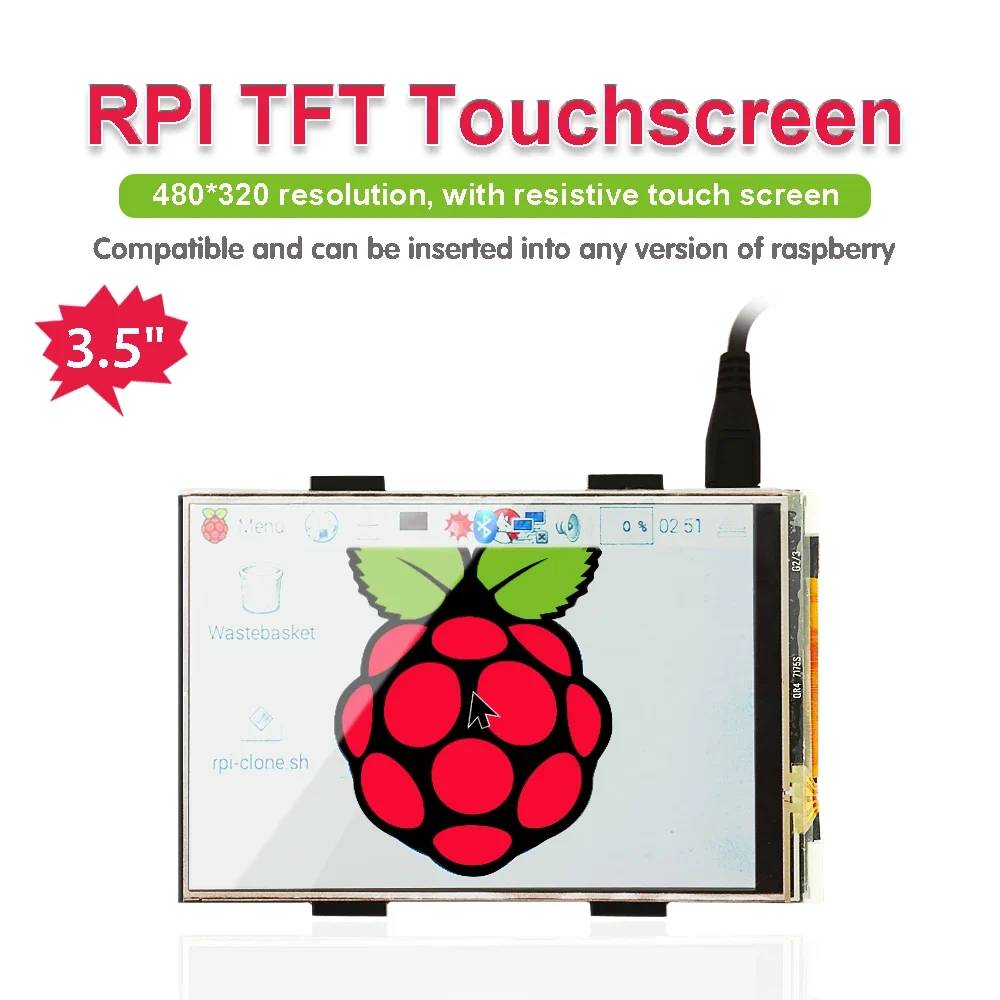
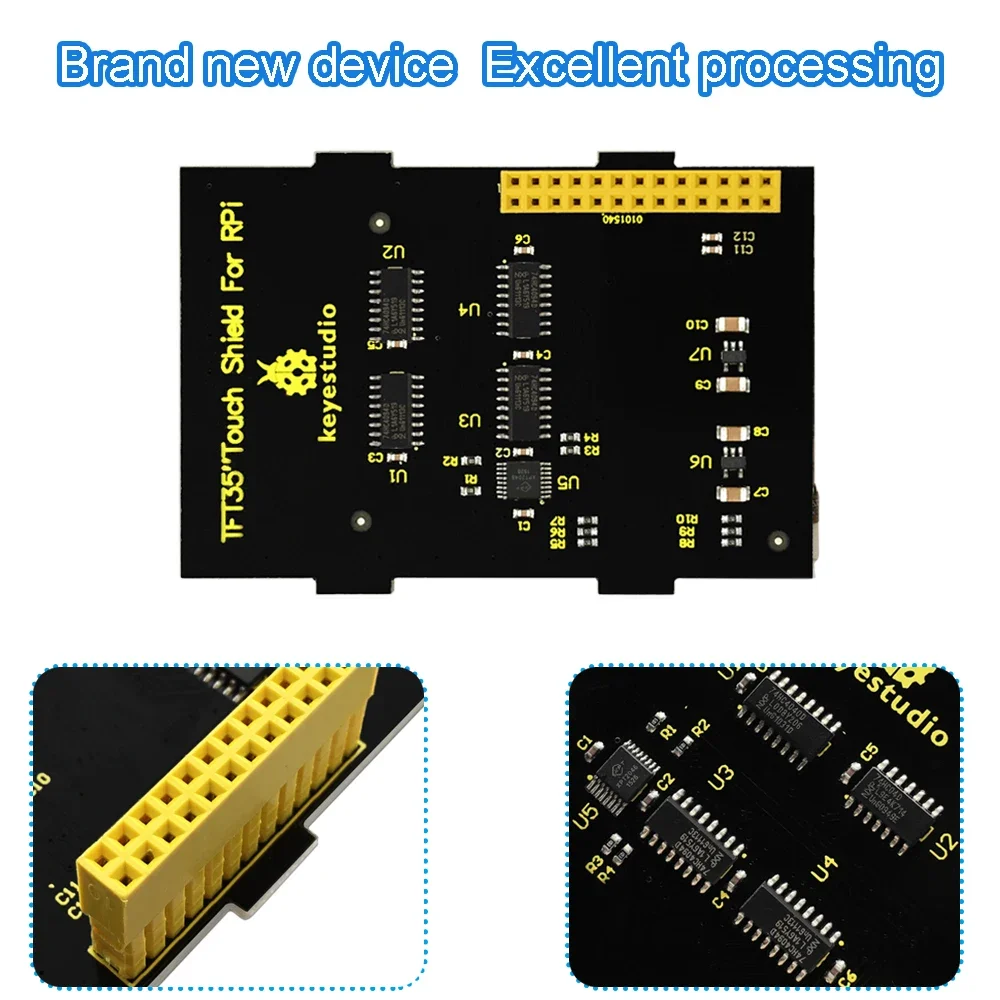
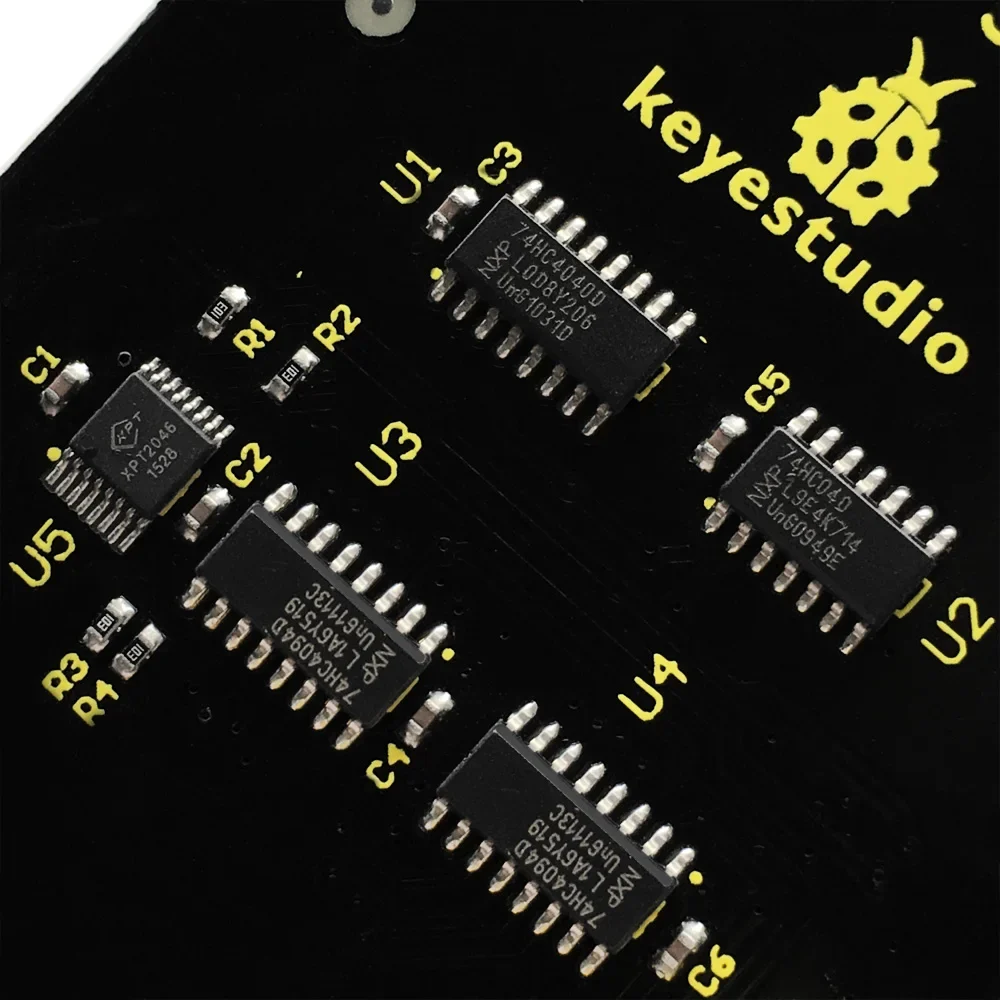
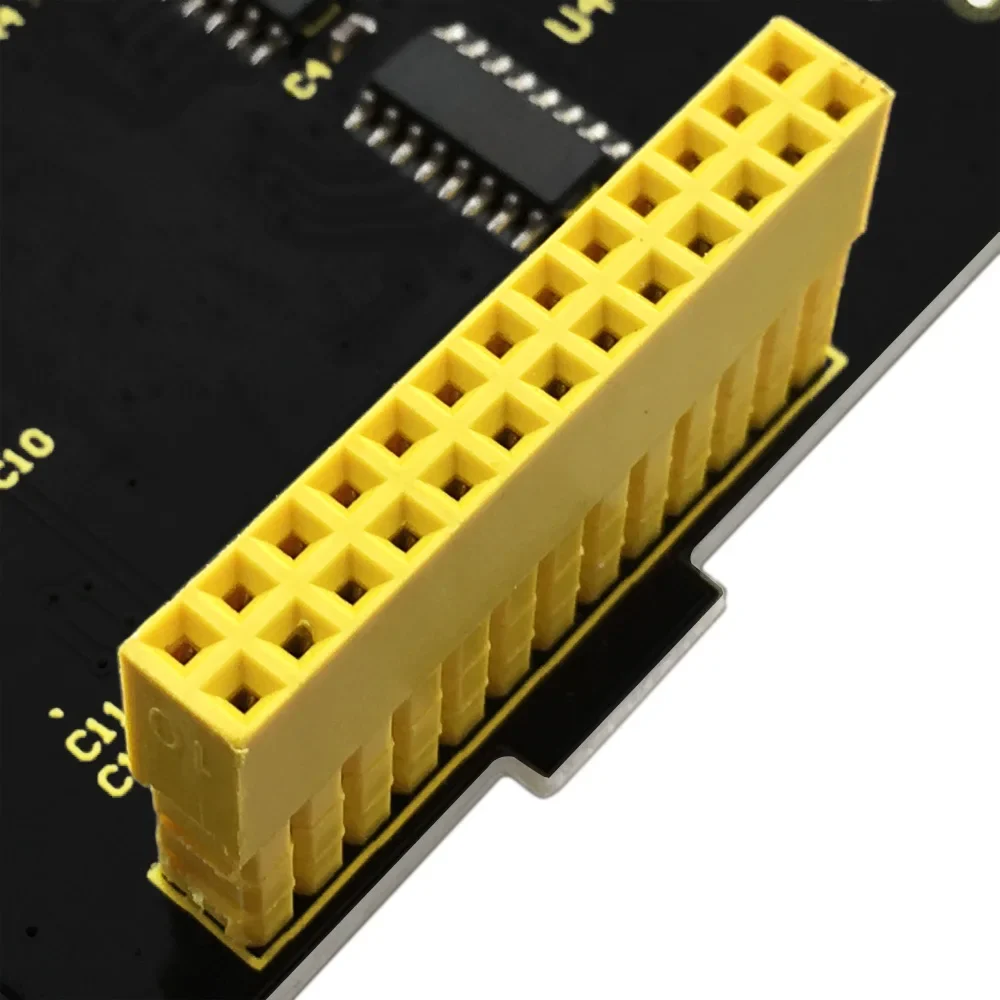

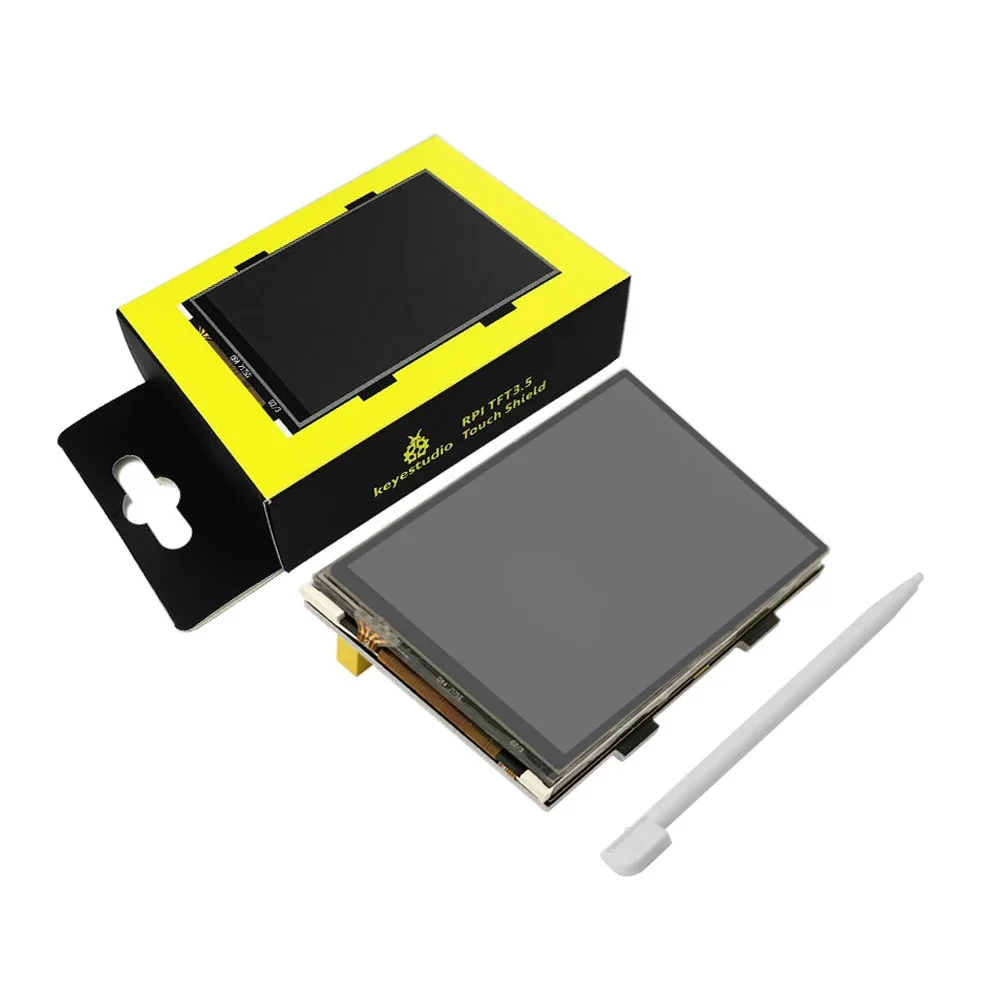
- High-concerned chemical: None
- Package: SOP
- is_customized: Yes
- Supply Voltage: 5V
- Application: Electric Toy
- Type: Voltage Regulator
- Brand Name: keyestudio
- Origin: Mainland China
- Condition: New
- Operating Temperature: 0-40
Introduction
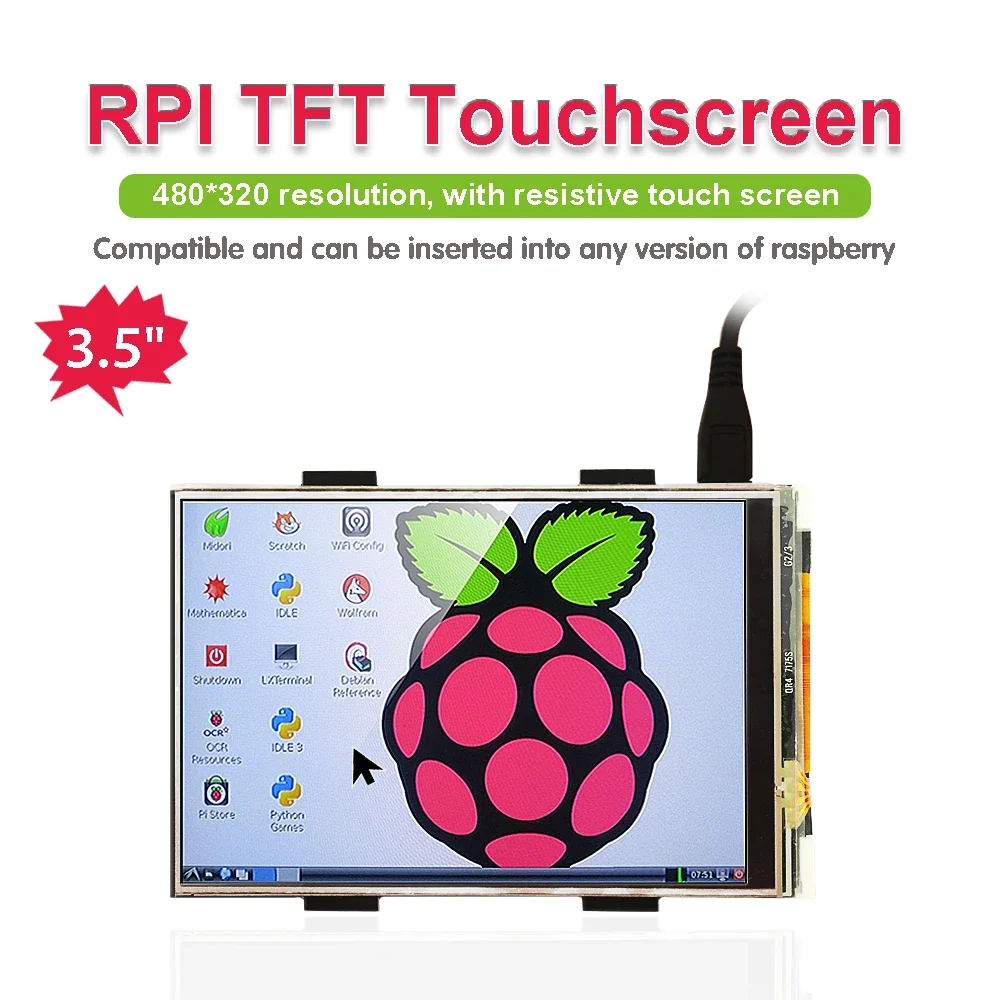
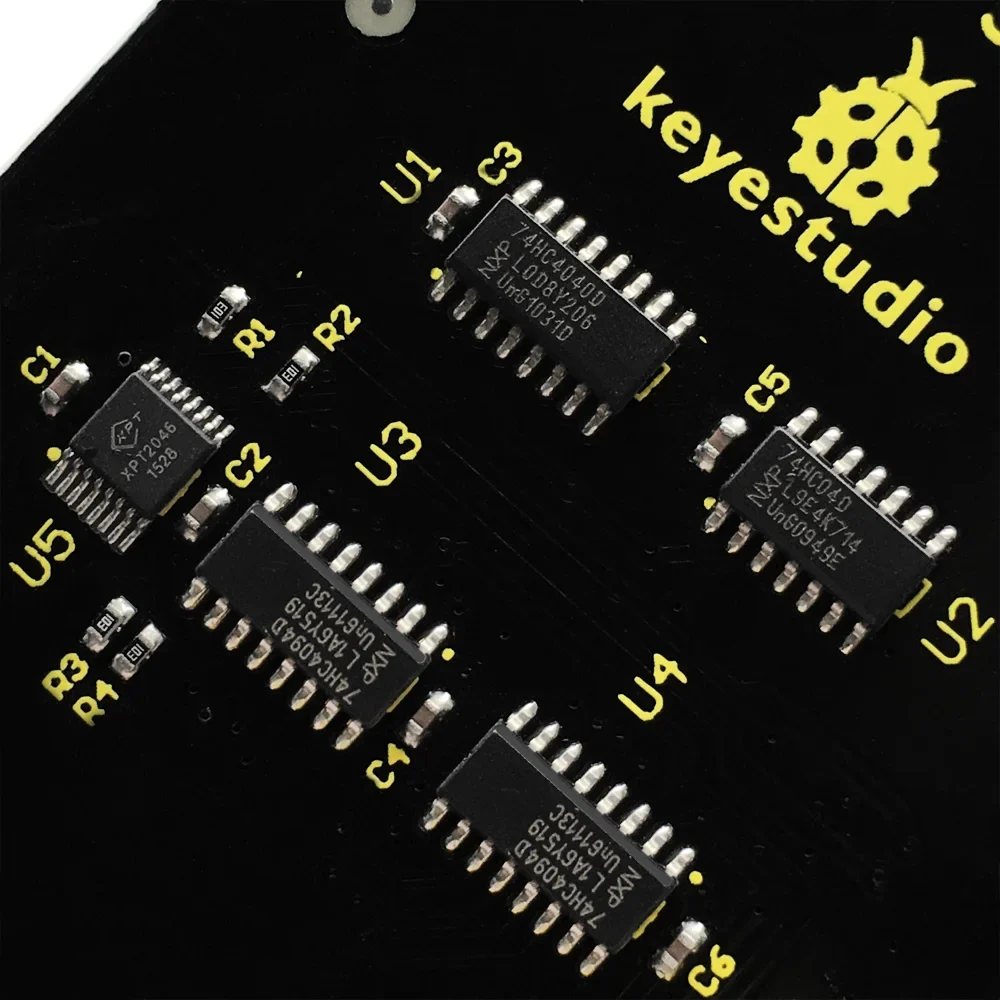
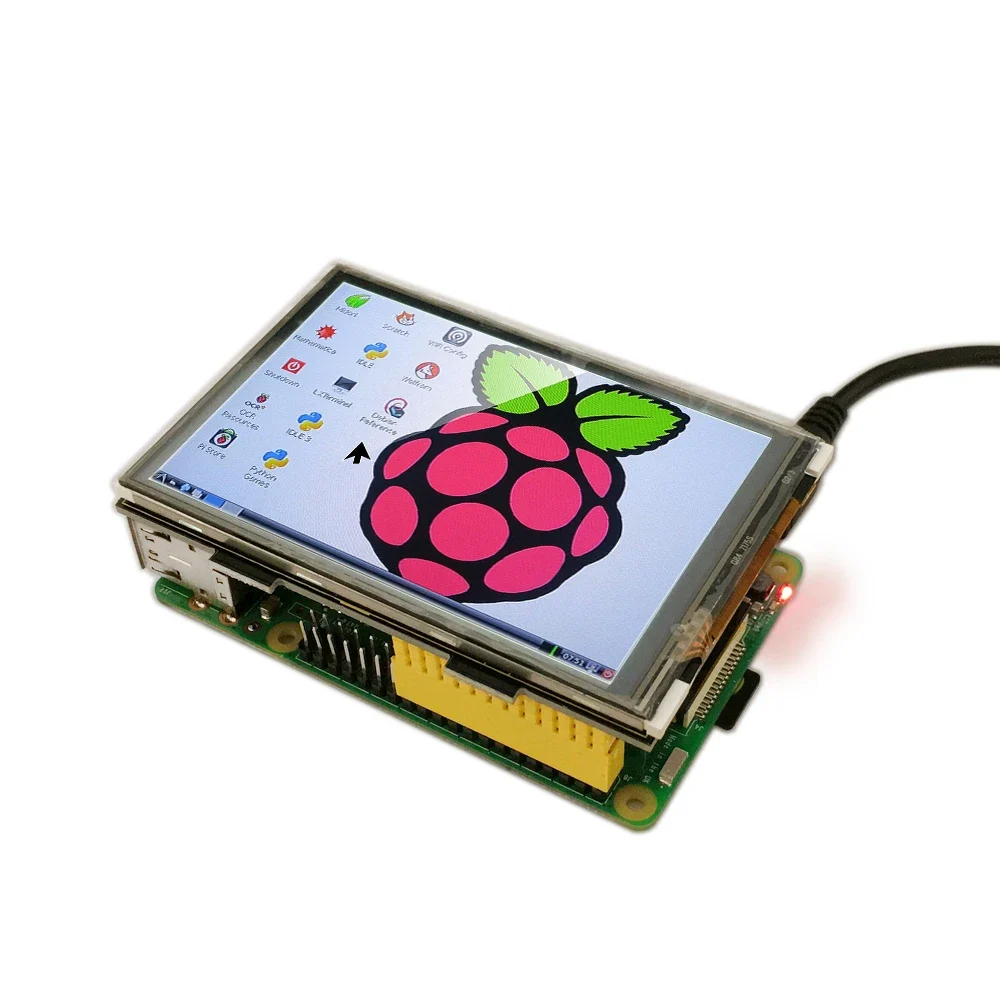
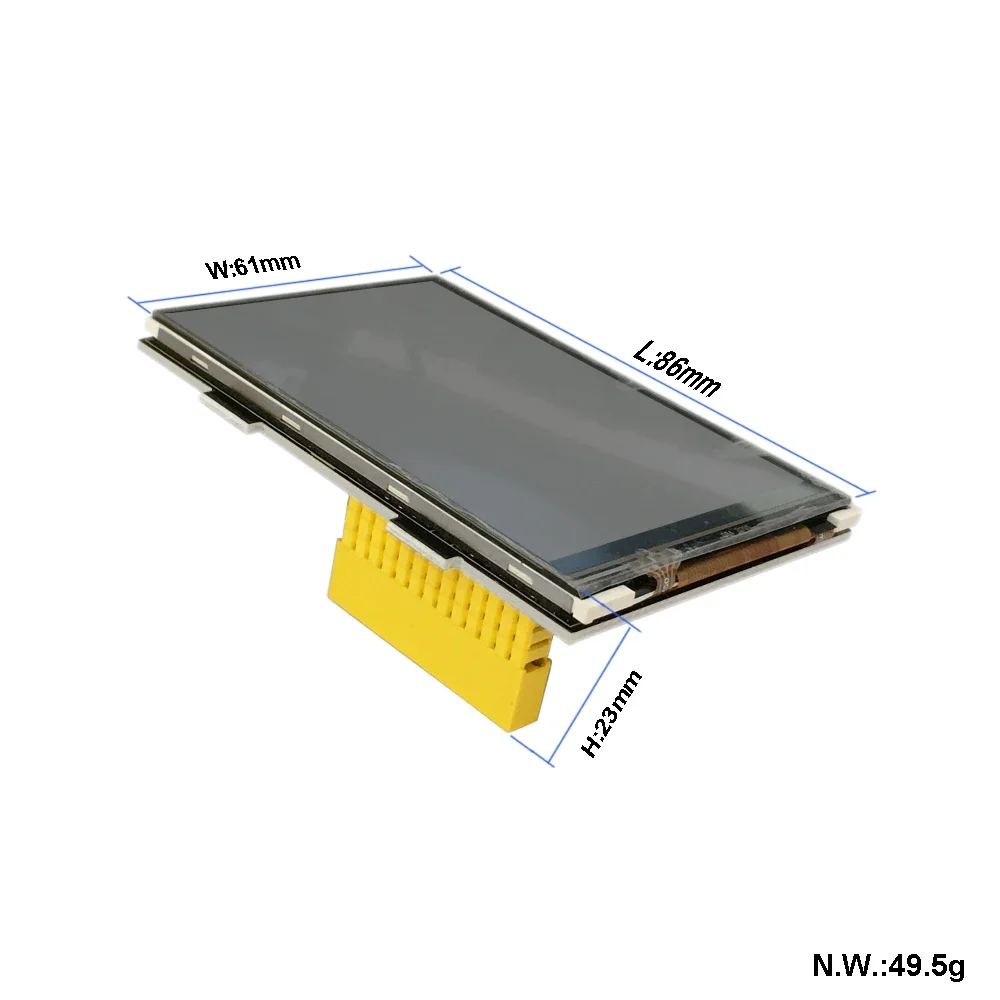
It is the cutest, little display for the Raspberry Pi. It features a 3.5″ display with 480×320 16-bit color pixels and a resistive touch overlay.
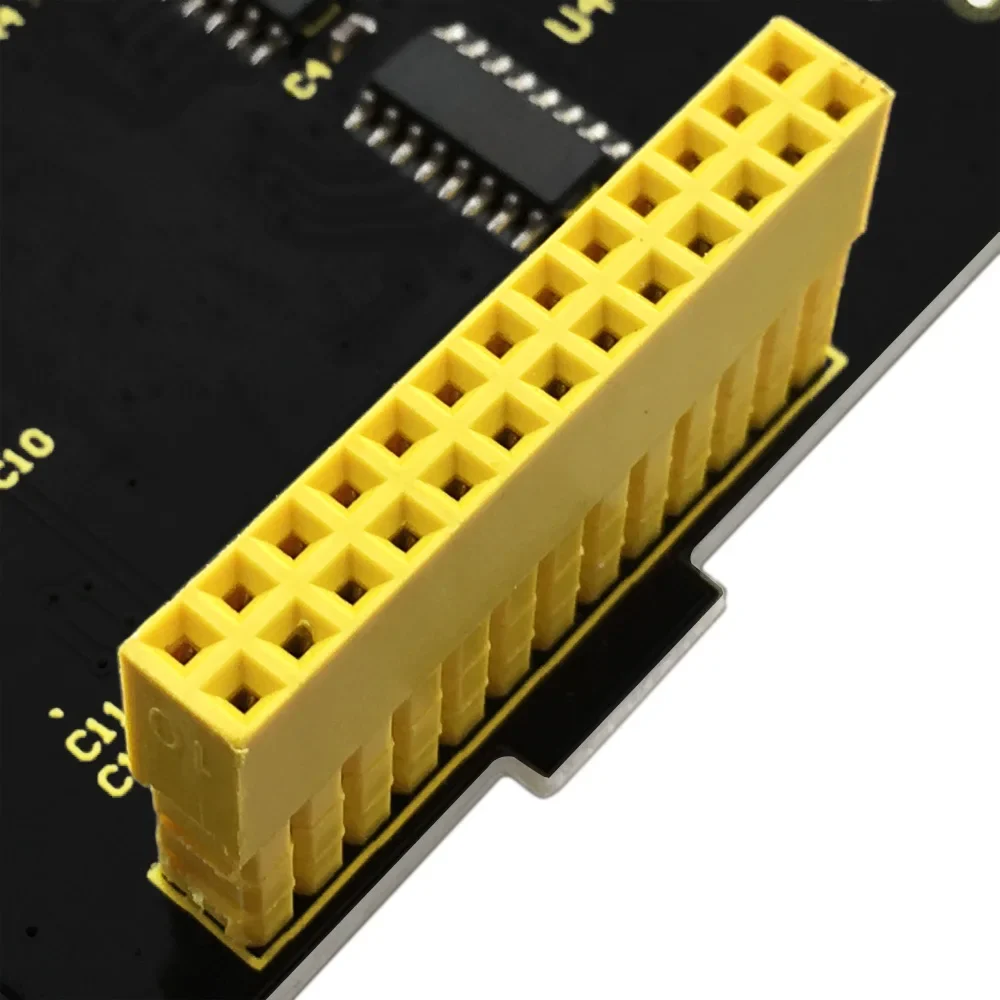
It supports any revision of Raspberry Pi (directly-pluggable).
Program Writing
1.Writing an image to the SD card
In our supporting files, you will find the image file “2016-05-27-raspbian-jessie” which is an operation system come with a Desktop Environment.
You need to use an image writing tool like Win32DiskImager to install it on your SD card. Then write the image into your SD card.
2.Log in the Pi
Insert the SD Card and finally attach the power supply.
The Raspberry Pi will boot immediately. This will take a little bit more than a minute. Once the Pi is booted it will ask you for the username and the password.
By default the following log-in credentials can be used:
Username: pi
Password: raspberry
3.Programming
How to connect Raspberry Pi 3B
Once this is done, your Raspberry Pi will reboot automatically:
3. Find out IP address via external screen and mouse
Source Code and Installation Package:
https://fs.keyestudio.com/KS0214