
- Brand Name: NVWU
- Battery Included: No
- Power Source: Other
- Power Source: Other
- Communication method: Wi-fi
- High-concerned chemical: None
- Does It Includes Wireless Communication: No
- Origin: Mainland China
- Inbox adaptor: No
- Wireless Communication: IR
- State of Assembly: Ready-to-Go
- Model Number: S09
- Certification: CE, FCC, RoHS
- Power Input: Micro USB 5V/1A (Adapter Not Include))
- Infrared Frequency: 38KHz
- IR Remote Control Range: ≤8m
- Wi-Fi Type: 2.4G IEEE 802.11 b/g/n
- Material: ABS
- Remote Control APP 1: Smart Life
- Remote Control APP 2: Tuya Smart
- Built-in Sensor 1: Temperature Sensor
- Built-in Sensor 2: Humidiyt Sensor
- Temperature Measuer Range: 0℃-80℃
- Temperature Accuracy: ±1℃
- Humidity Measure Range: 0%RH-99%RH
- Humidty Accuracy: ±5%RH
- Third party support: Amazon Alexa, Google Home
- Choice: yes
- semi_Choice: yes
Product Features:
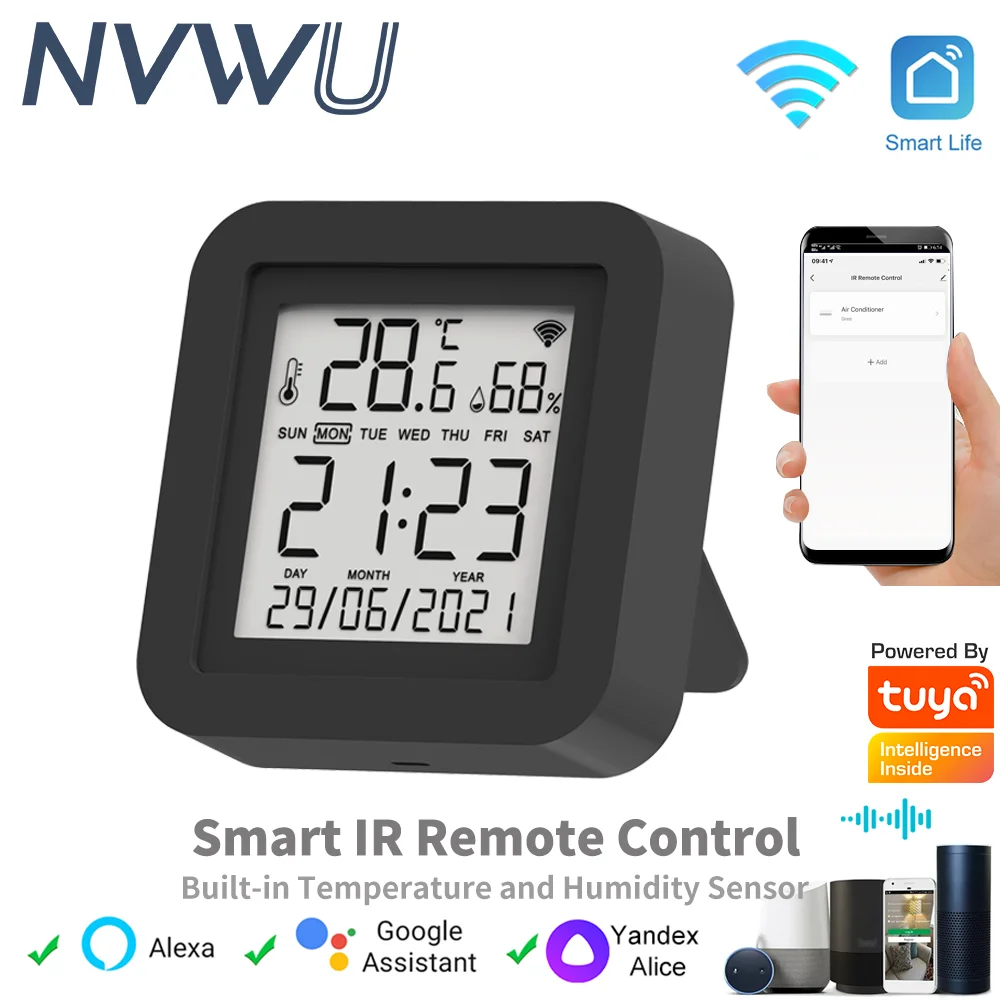
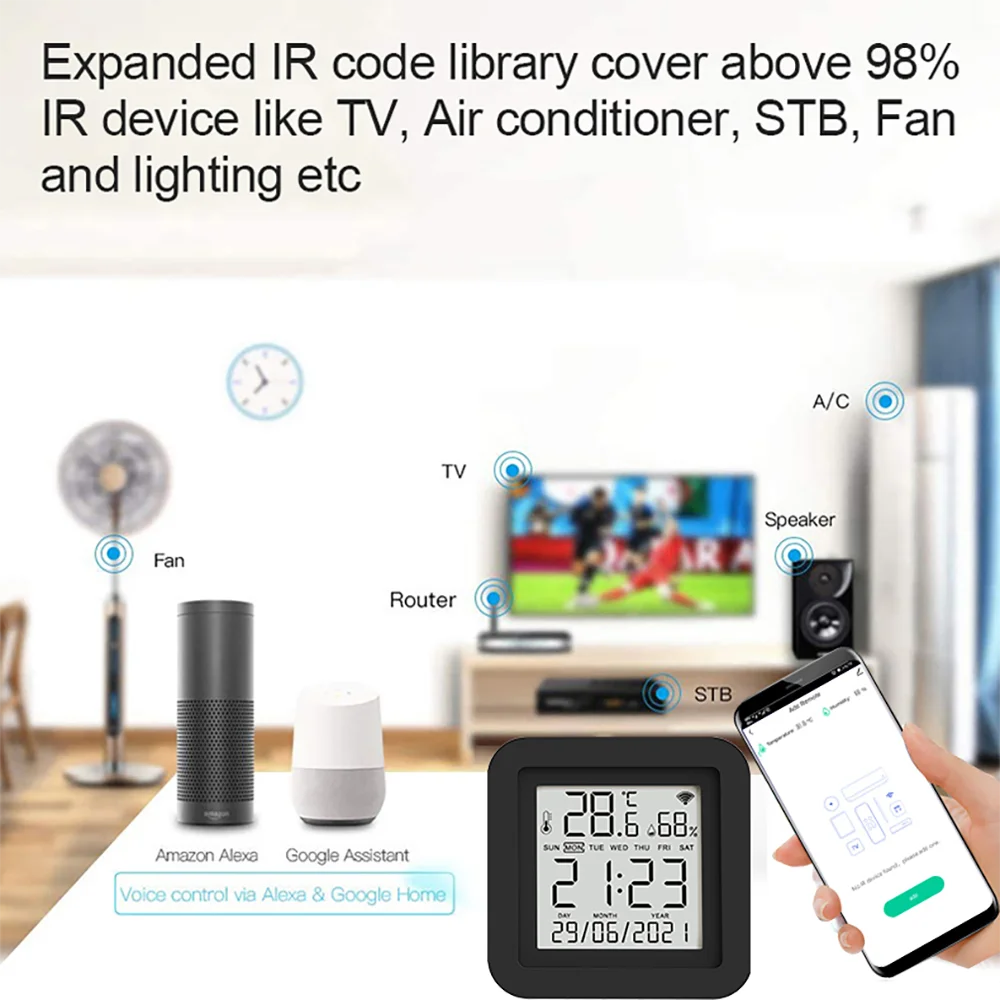
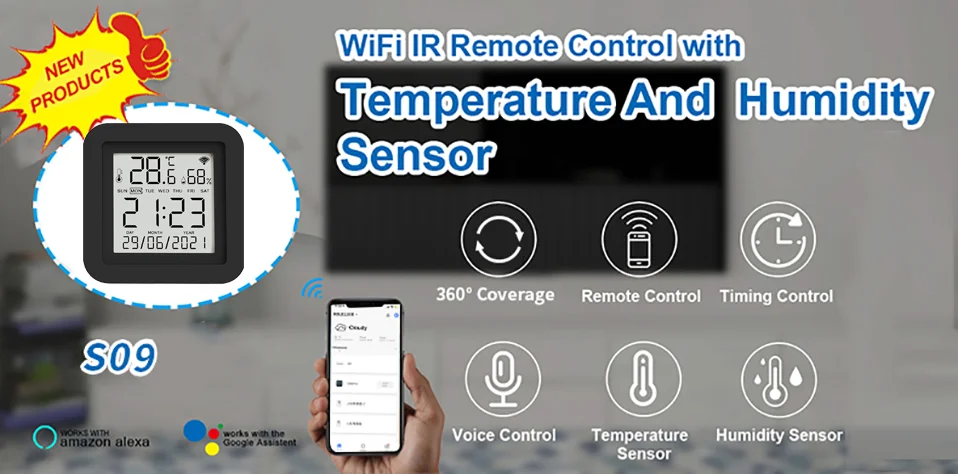
With this Universal IR Remote Control, you may use your smart phone to control home appliances, such as STB(Set-Top-Box), TV Box, TV, Air Conditioner, Fan, DVD, etc. Compatible with most of brands, for details, please refer to the supported brand list in App. Besides, it has LEARNING FUNCTON, allows you to copy the key function of original remote control to App.
Note: Not compatible with the home appliances which use RF or BLUETOOTH remote control.
1. Massive IR Code Database
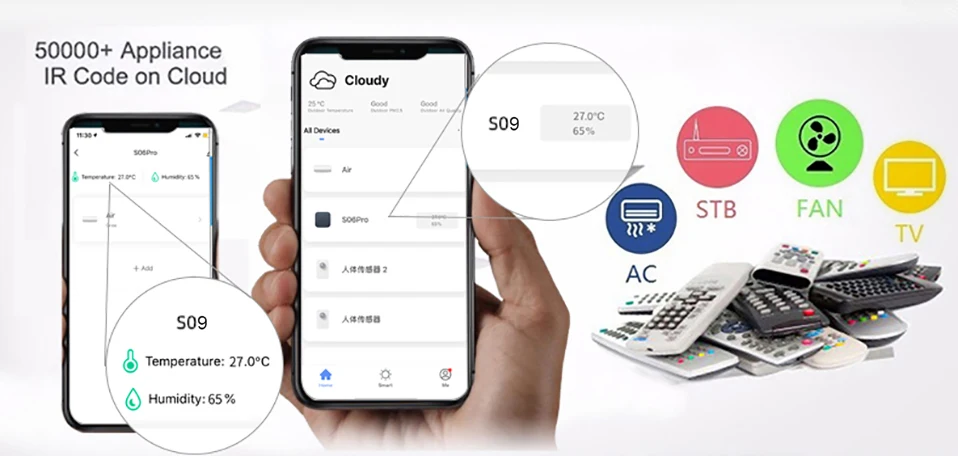
Support 4000+ brands, 50000+ IR Code on cloud, supported devices library is constantly being updated by the cloud.
2. Built-in Temperature & Humidity sensor and Built-in display screen
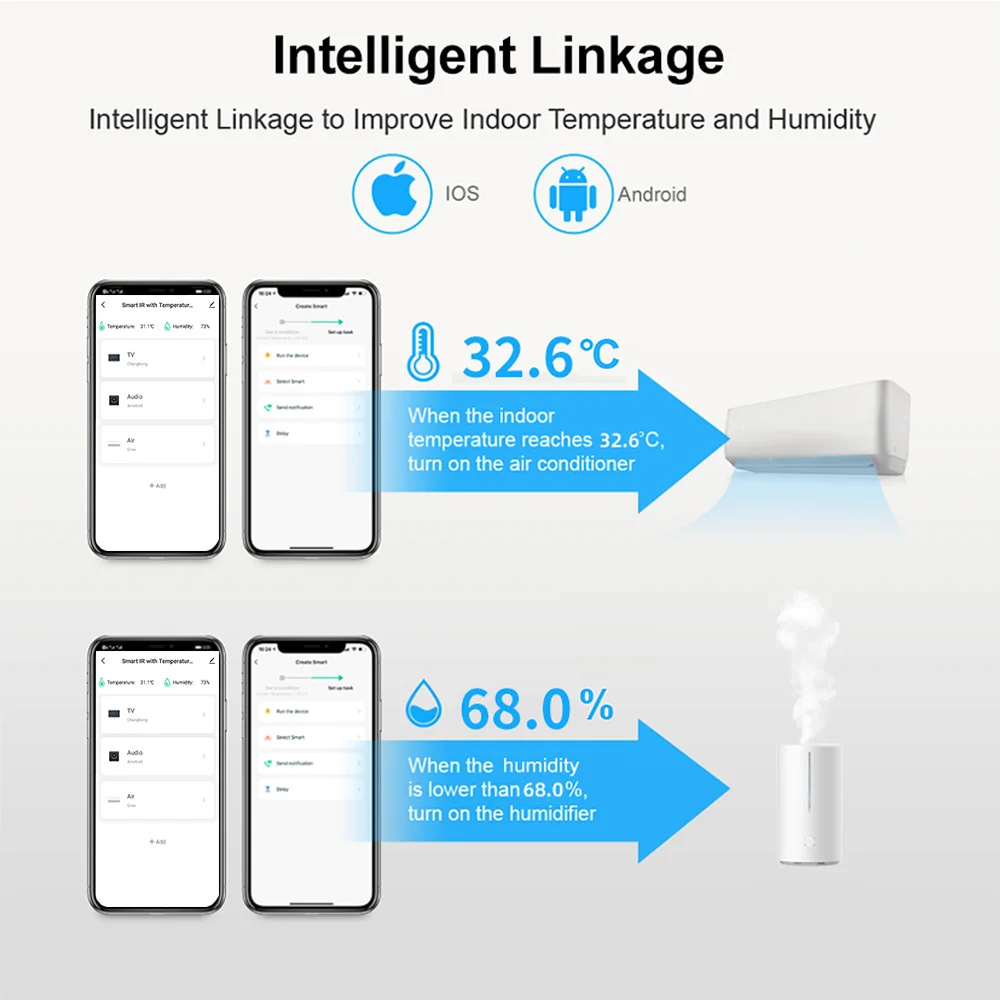
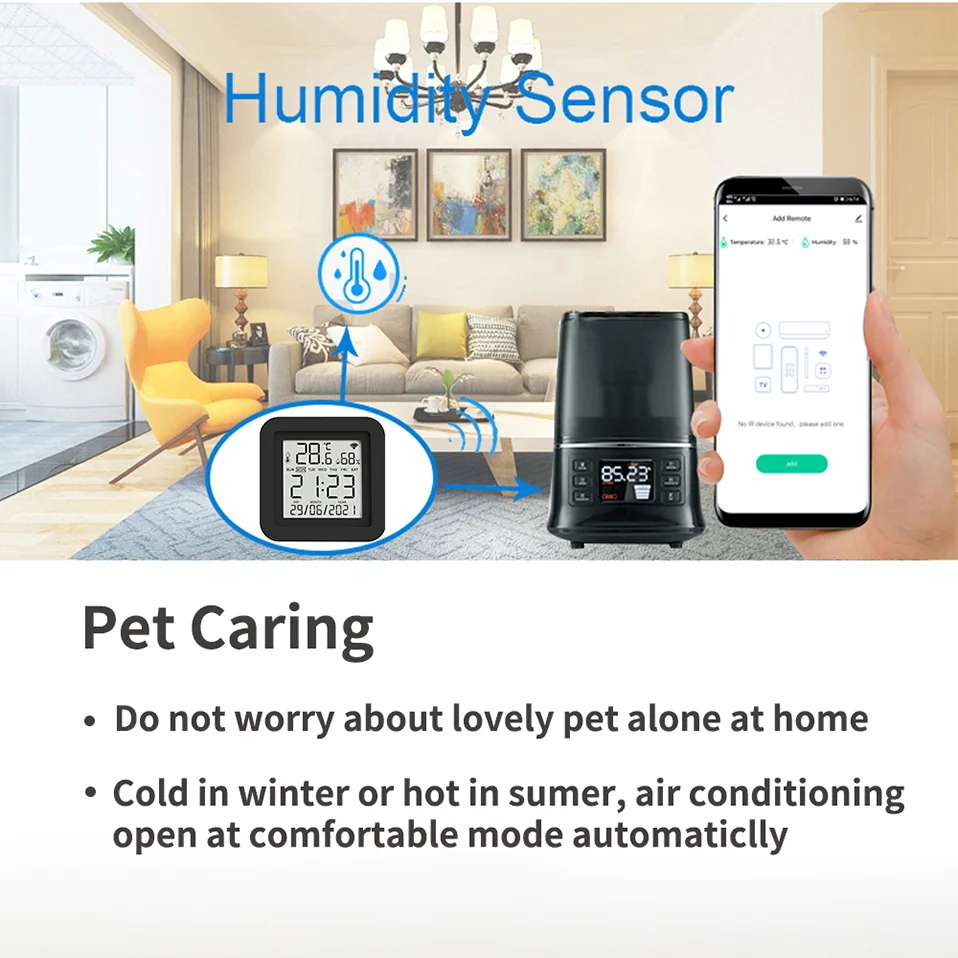
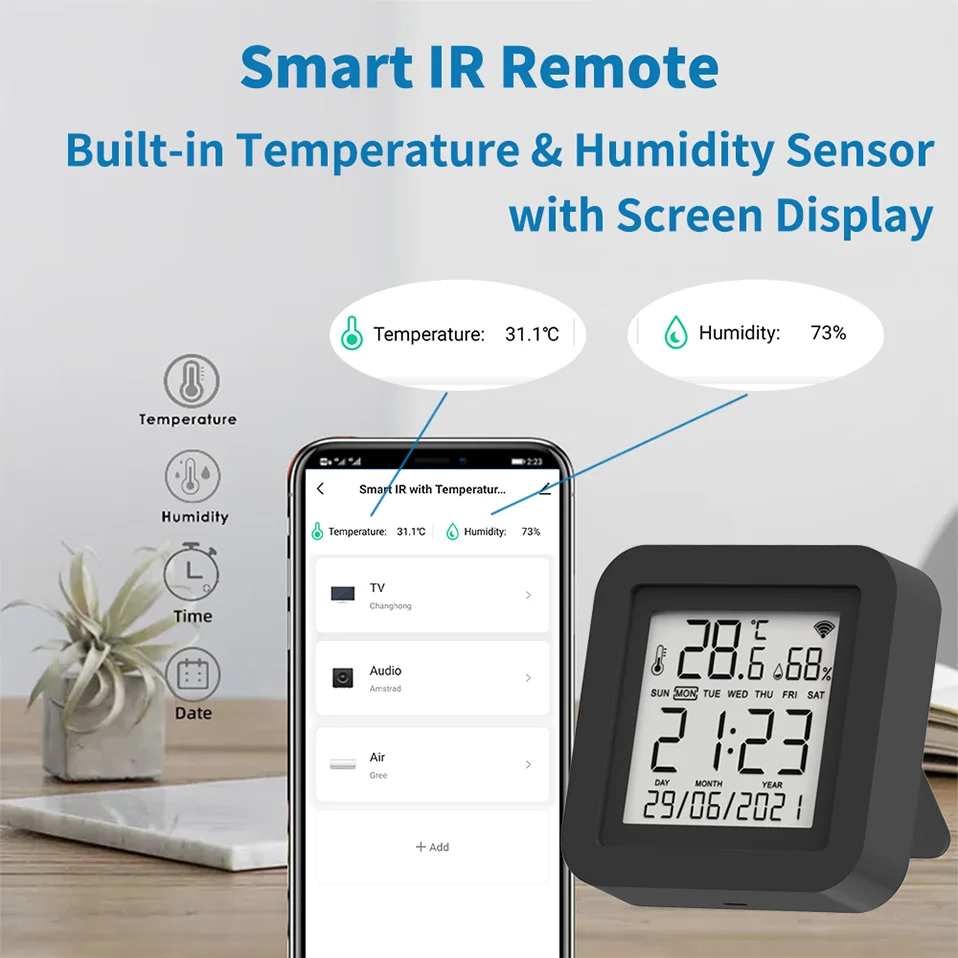
With the help of the built-in sensor, you can know the temperature and humidity in the room at any time. And according to their values, do subsequent automation. For example, turn on the air conditioner when the temperature is higher than 26 ℃, and turn on the humidifier when the humidity is less than 50%
3. App Remote Control
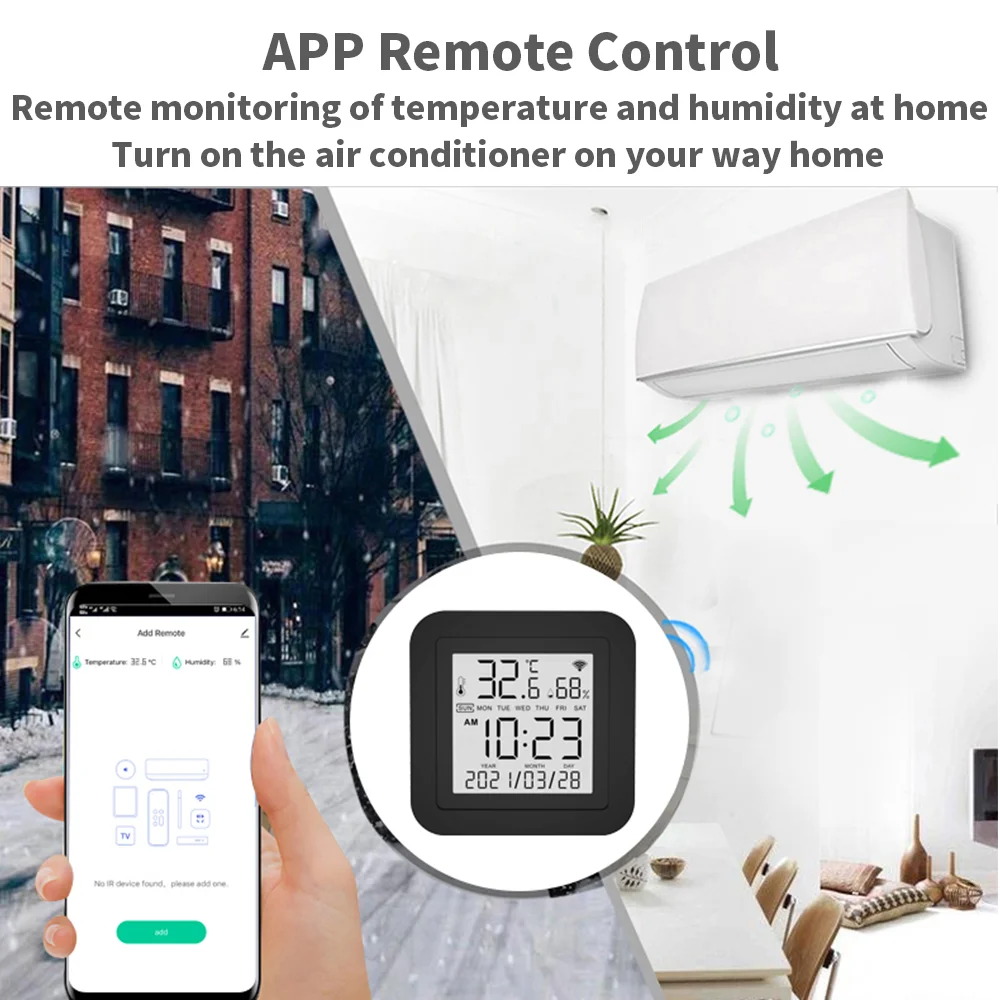
Remote Control your home appliances by using “Smart Life” App in your smart phone anywhere anytime. For example: Switch on home A/C in advance, enjoying the comfortable temperature once you get home.
4. Easy to install and add to app
Once you plug the cable line into the device, the device enters configuration mode, and then Then use Bluetooth configuration in APP. The whole process takes only a few minutes.
5. Voice Control
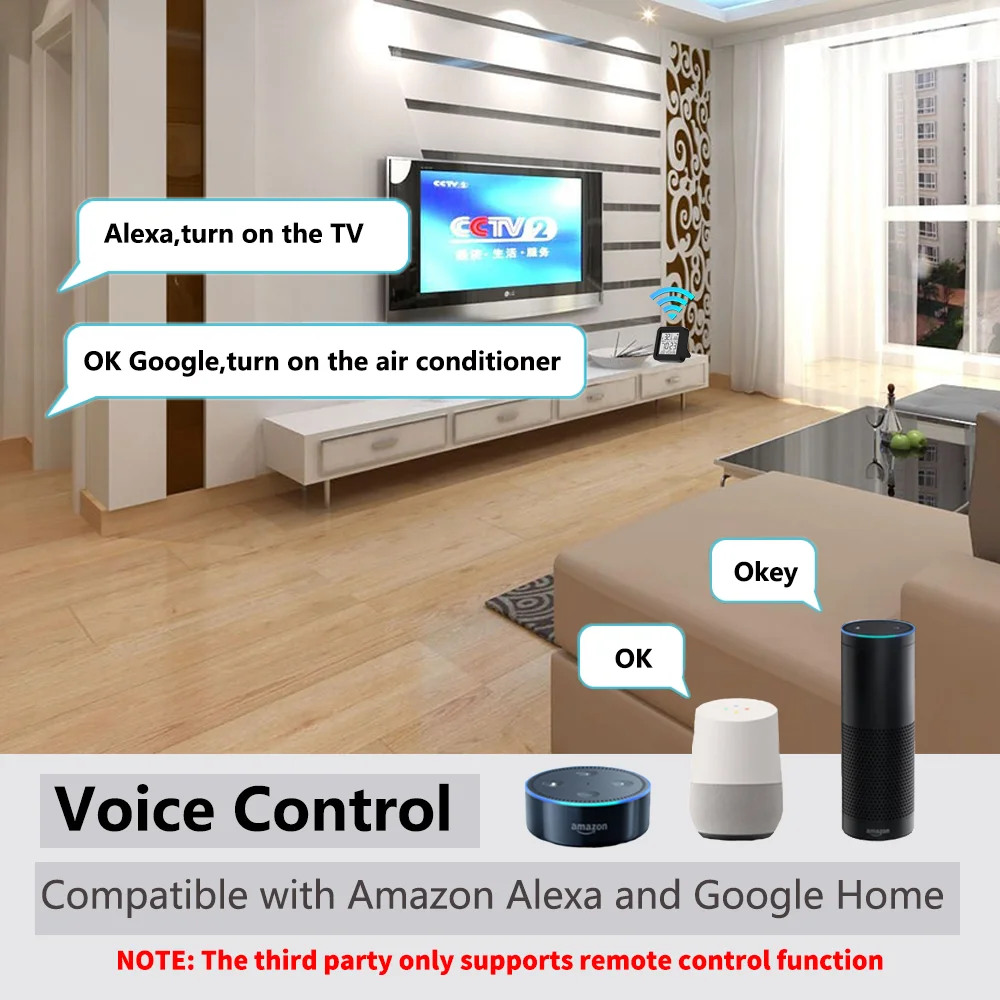
By connecting Intelligent speaker, such as Amazon Alexa, Google Home, you are able to control your home appliances by voice. For example: Alexa, turn on TV; OK Google, set air conditioning temperature to 25 degrees.
6. Scenario and Automation in App
A scenario consists of 1 or more actions. By creating an “Scenario”, you may control multiple devices with one tap; By adding an “Automation” and interworking with other smart home devices, Wi-Fi remote control is able to execute actions automatically according to conditions, such as device status, weather and time.
7. Timer and Automatic Trigger
According to your living habits, set time switches for your home appliances, such as turning on/off the air conditioner at regular intervals.
8. DIY
Customizing buttons in the Tuya Smart App if your home appliances brand is not in the list or not supported.
9. Third-Party Control
Works with Amazon Alexa, Google Assistant, Tmall Genie, Tecent Xiaowei, DingDong, Rokid, DuerOS, etc.
Product Parameter:
* Input: DC 5V/1A(Micro USB NO Adapter)
* Infrared Frequency: 38KHz
* IR Remote Control Distance: 10m
* Connection: Wi-Fi 2.4GHz
* App: TuyaSmart or Smart Life
* Temperature Measuer Range: 0℃-80℃
* Temperature Accuracy: ±1℃
* Humidity Measure Range: 0%RH-99%RH
* Humidty Accuracy: ±5%RH
* Material: ABS
* Size: 45mm*47mm
* Screen Size: 40mm*40mm
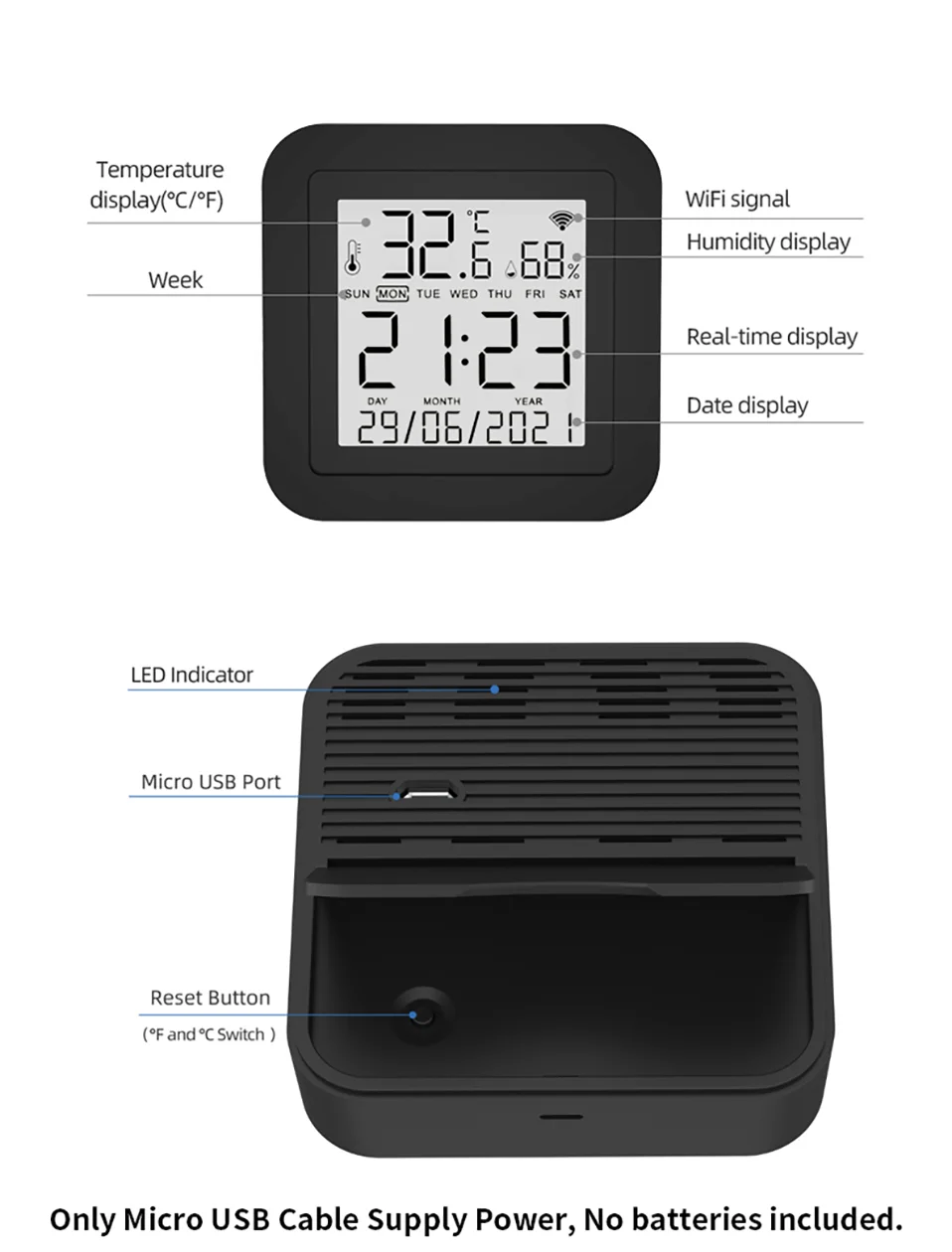
Why choose this product?
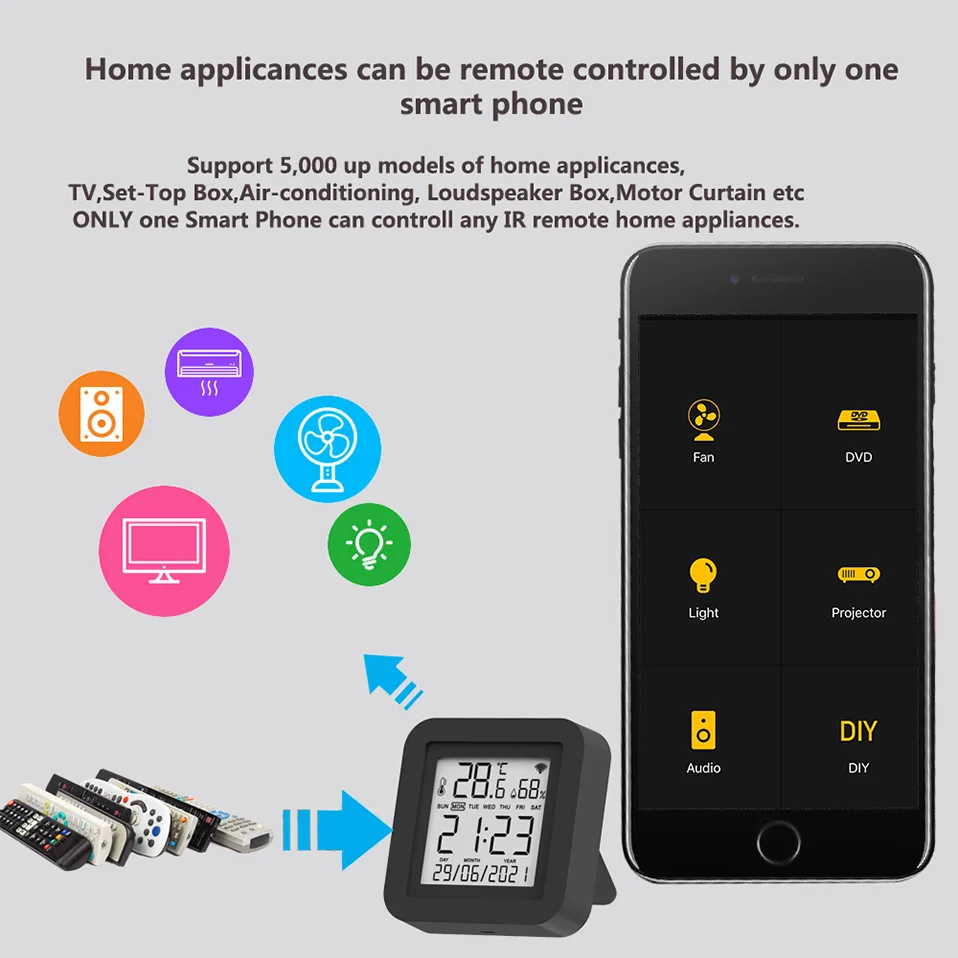
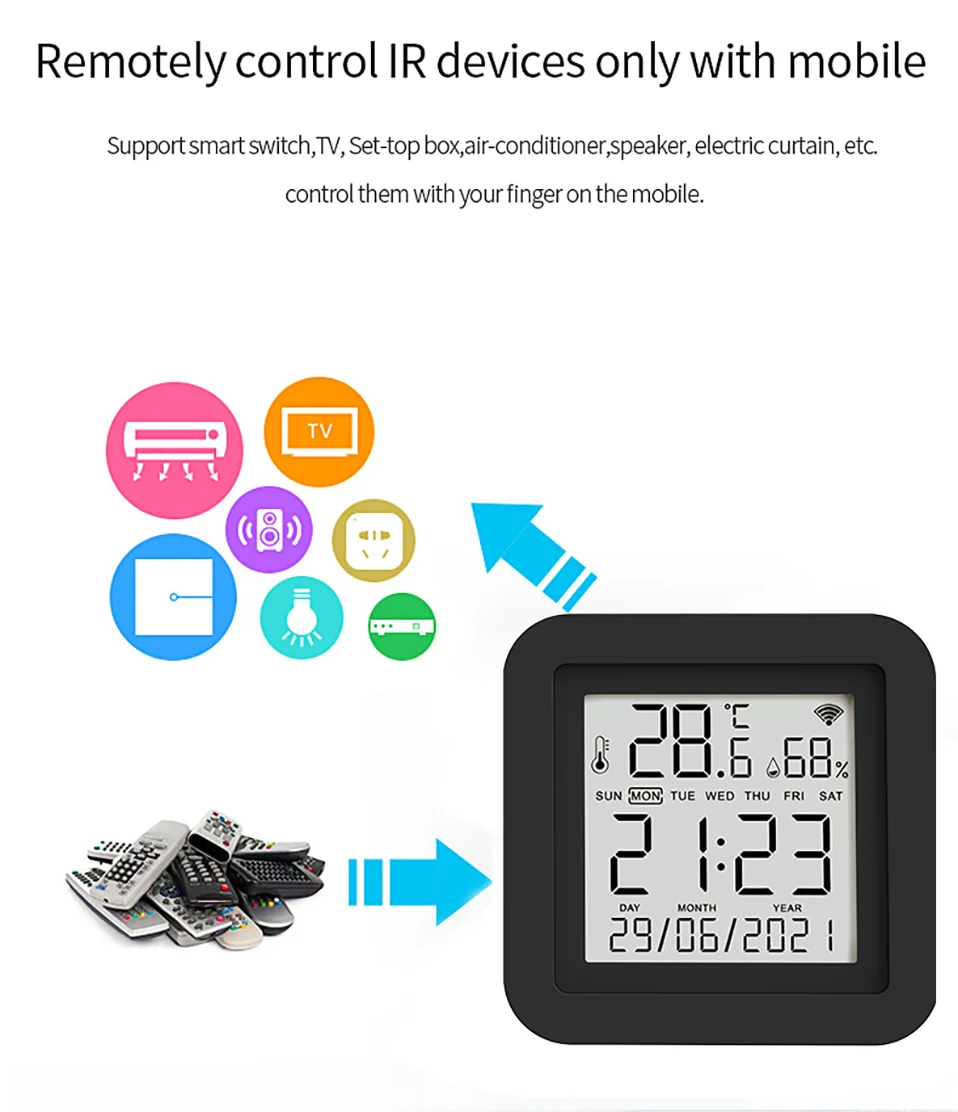
Say goodbye to use remote controls for each of the IR home appliances such as TV, Air-Conditioner , TV box, light, Fan, Audio, etc. You can remotely control these devices with the tap of your finger on the mobile App, Also you can real-time monitor the temperature and humidity on App at anytime and anywhere.
Please kindly read the user manual carefully before usage and keep it for future reference.
All in One Smart Remote Control
With this Universal IR Remote Control, you may use your smart phone to control home appliances, such as STB (Set-Top-Box), TV Box, TV, Air Conditioner, Fan, DVD, etc. It’s compatible with most of brands in the market.
Built in Temperature and Humidity Sensor
With the help of the built-in sensor, you can know the temperature and humidity in the room at any time. And according to their values, do subsequent automation. For example, turn on the air conditioner when the temperature is higher than 26 ℃, and turn on the humidifier when the humidity is less than 50%.
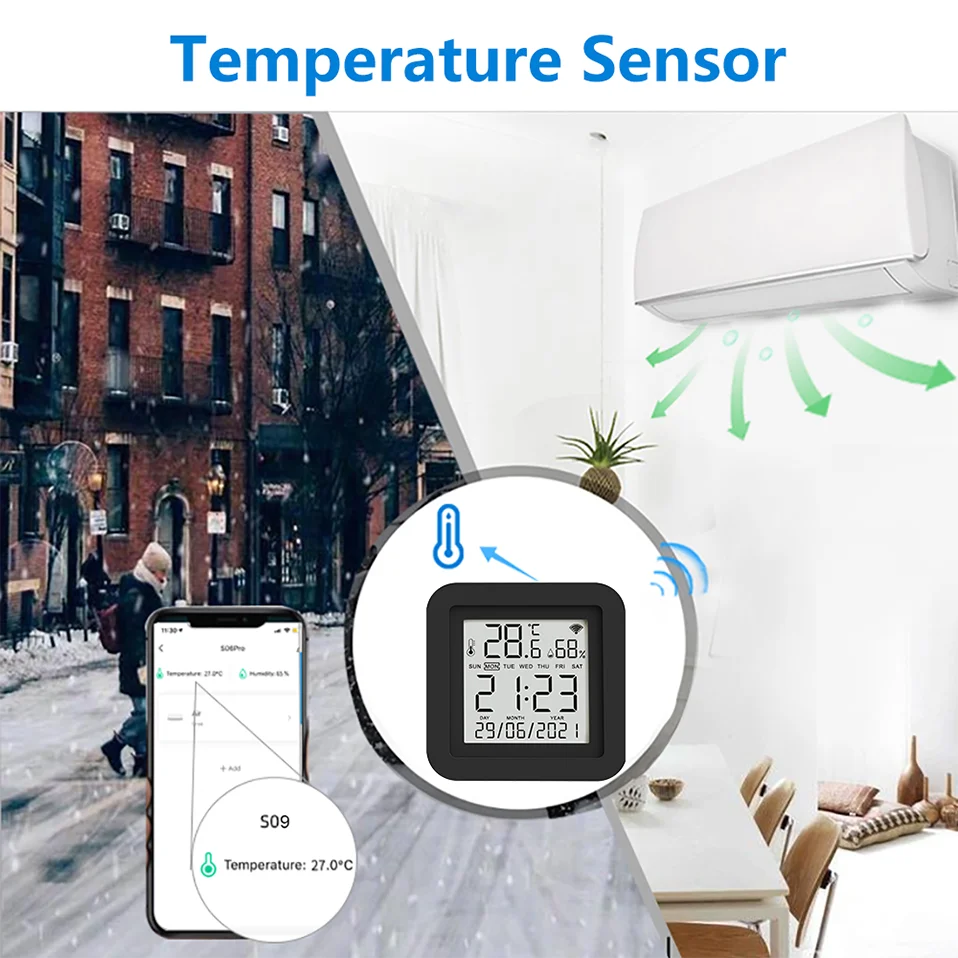
App Remote Control
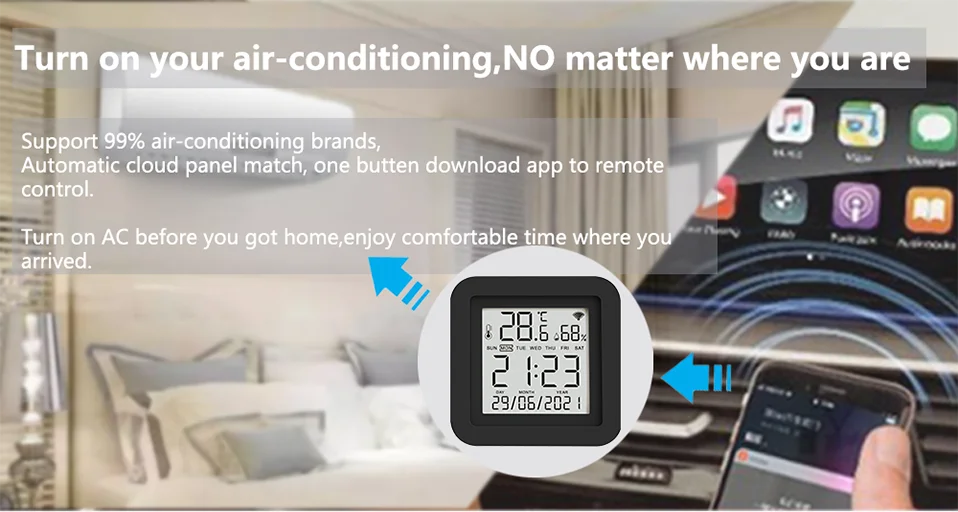
Turn on your air conditioner, no matter where you are.
-Support 99% air conditioner in the market,automatic cloud panel match,one button download App to remote control
-Turn on AC in advance, enjoy the warm time when you get home
Voice Control
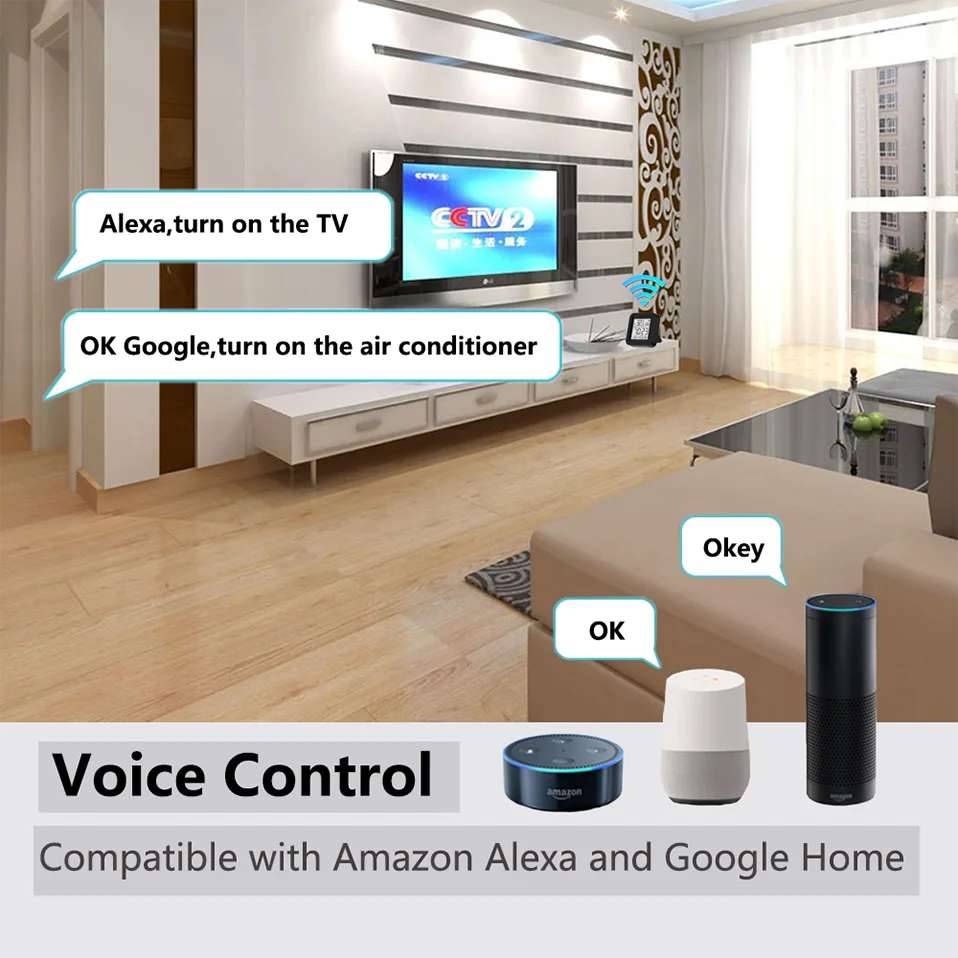
Works with Amazon Alexa, Google Assistant, Yandex Alice.
By connecting App to Amazon Alexa, Google Home, Yandex Alice you are able to control your home appliances by voice.
For example:
-Alexa, turn on the TV;
-OK Google, set air conditioning temperature to 25 degrees.
-Алиса, установи температуру кондиционера на 20 градусов.
NOTE:
1. This product is recognized as a universal remote control on Amazon Alexa and Google Home, and cannot be recognized as a temperature and humidity sensor.
2. Our products will not be displayed on Amazon Alexa and Google Home, only the appliances added to our products, and you can only control them by voice.
Timer and Automatic Trigger
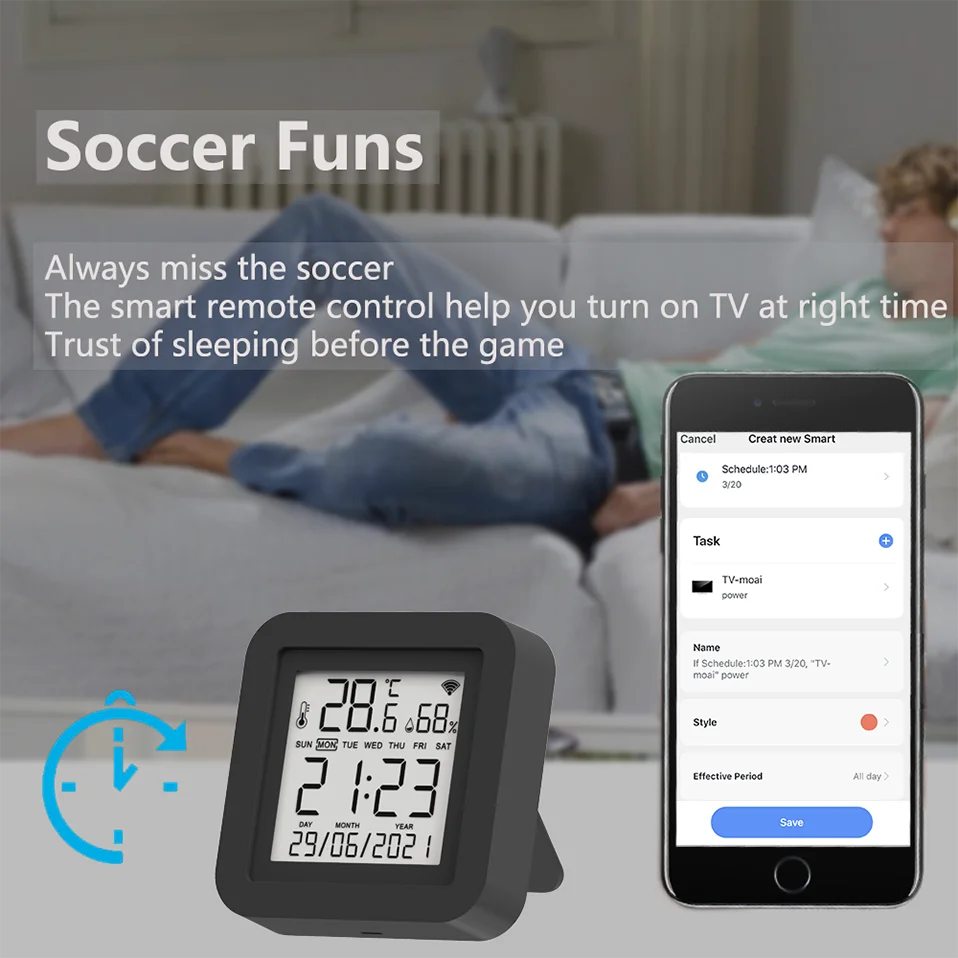
Never miss one second of excellent match
-Stay up late for the match,but always oversleep?
-The smart remote control helps you turn on TV at right time and right channel. Enjoy your match!
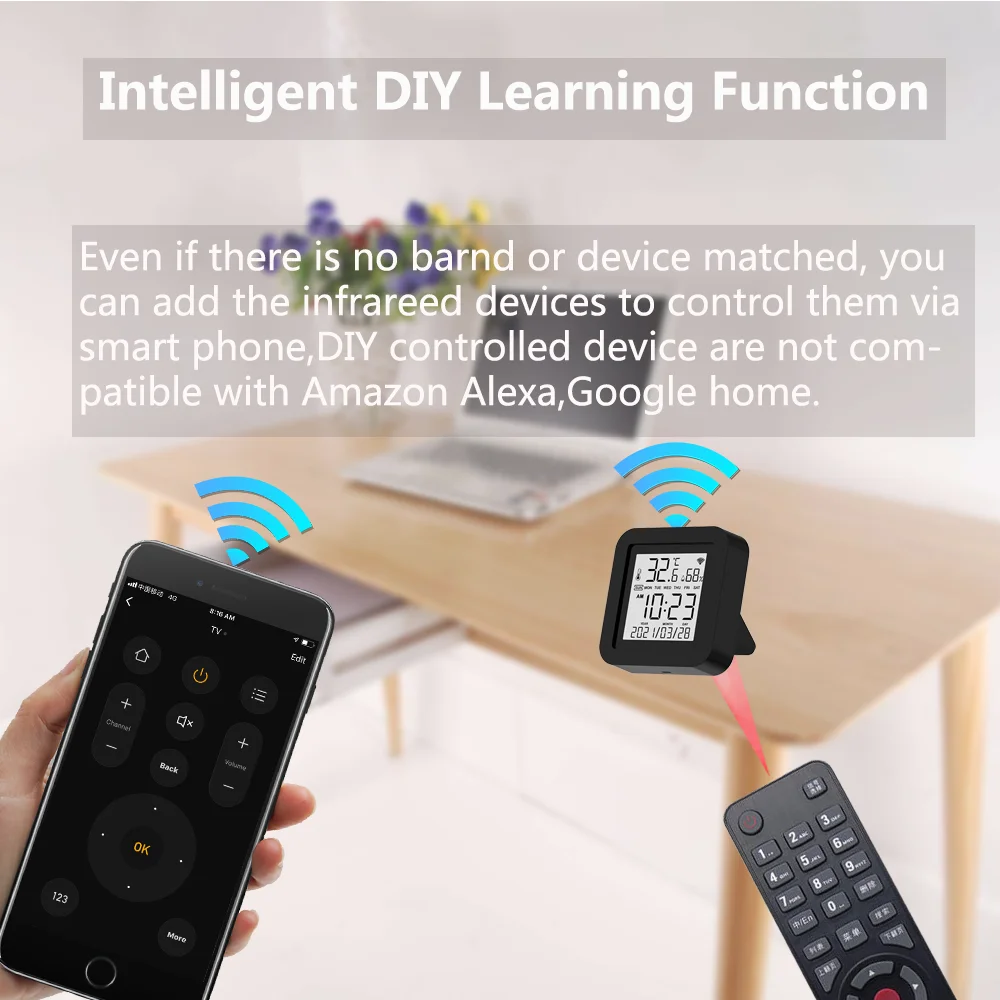
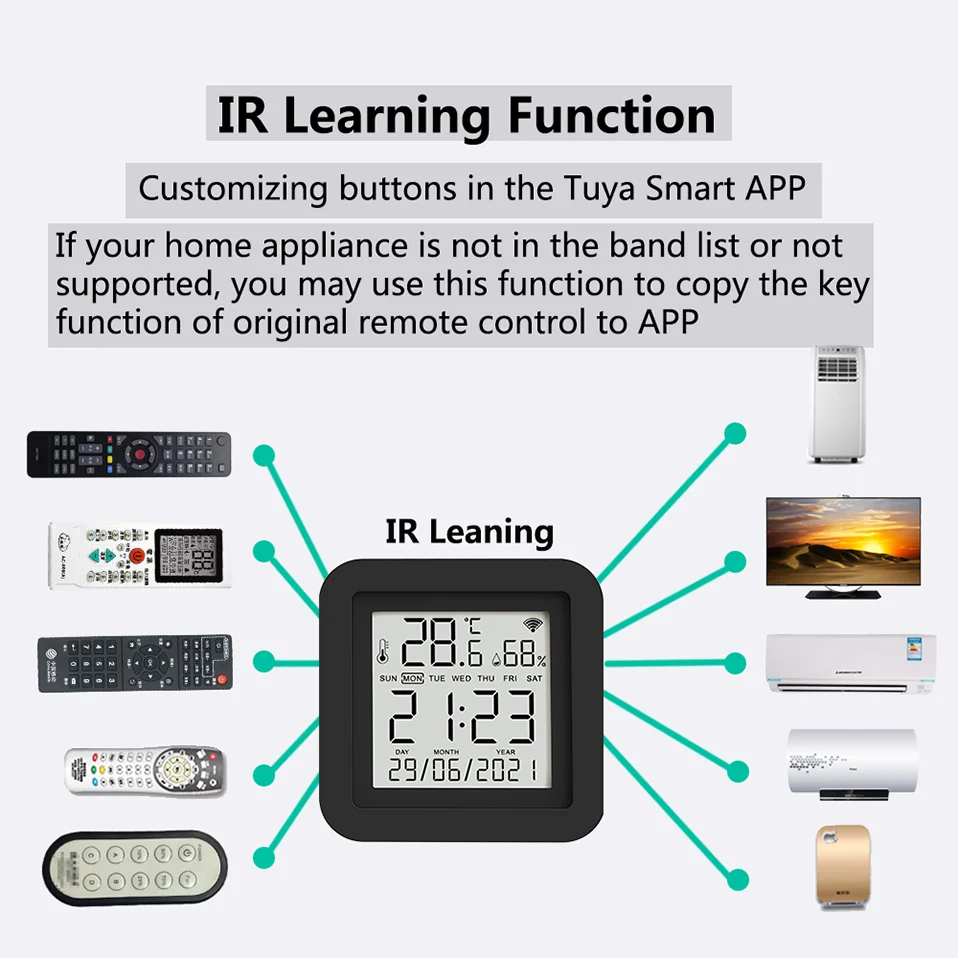
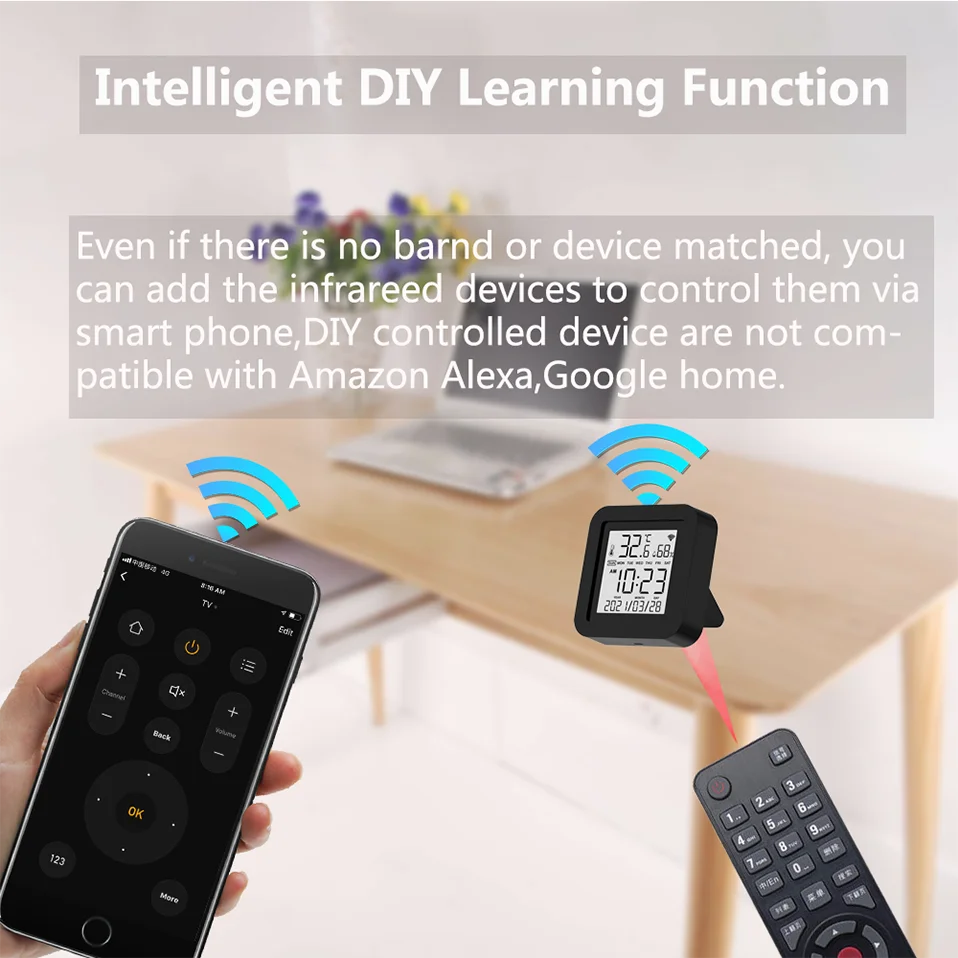
IR Learning Function:
-Customizing buttons in the Tuya Smart App
If your home appliances is not in the brand list or not supported, you may use this function to copy the key function of original remote control to App.
NOTE: DIY does not support voice control
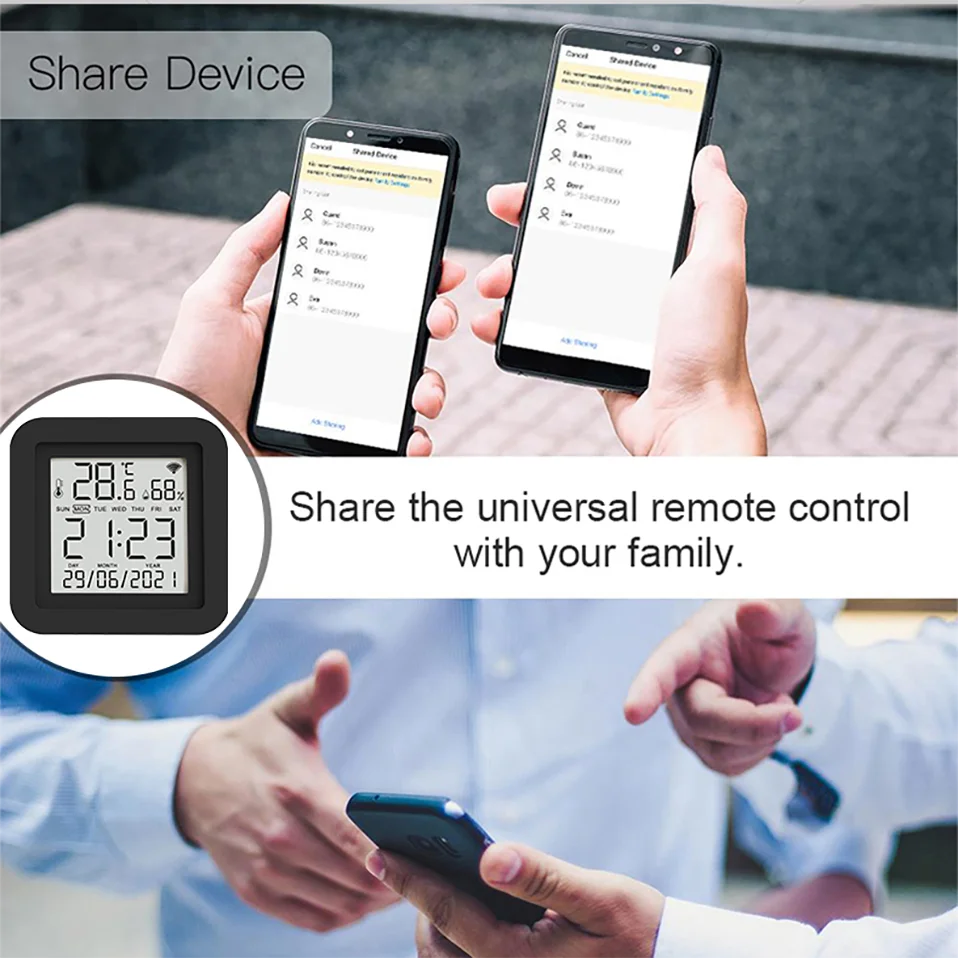
Control household appliances with your family
Control the infrared home appliances with your family together. Have fun to enjoy smart life.
There are two ways.
1. Share it to your family or friends.
2. Invite your family or friends to become your Home members.
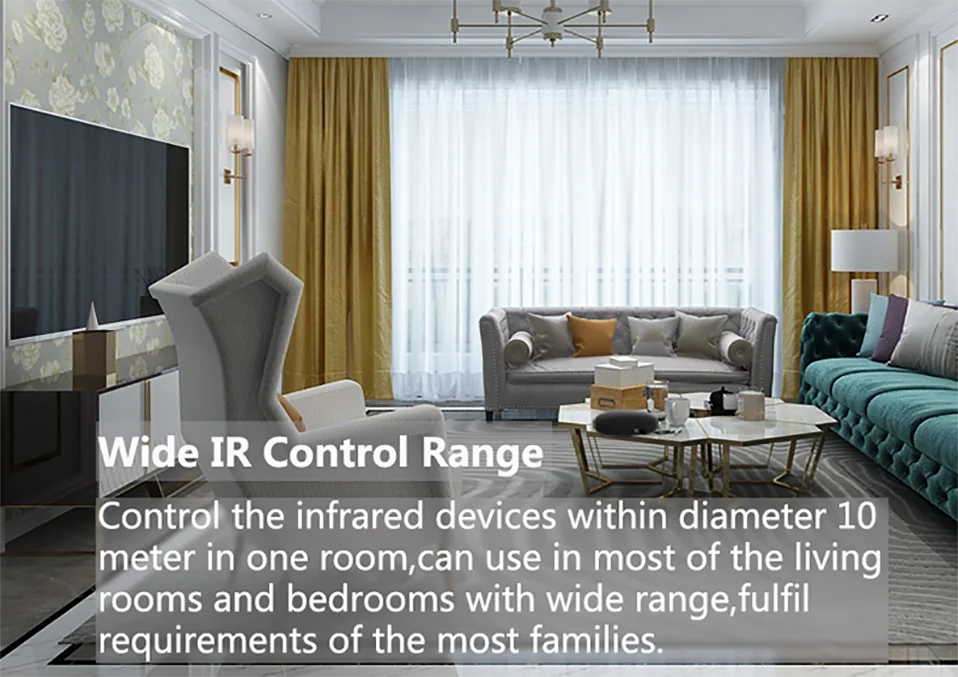
Wide IR Remote Control Range
Control the infrared home appliances within 10 Meters in one room, can be used in most of living rooms and bedrooms with wide range,fulfill requirements of most families.
NOTE:
IR can not penetrate walls, so make sure there is no obstacle between IR remote and the IR devices. So,If you want to control household appliances in different rooms, you need to install one in each room
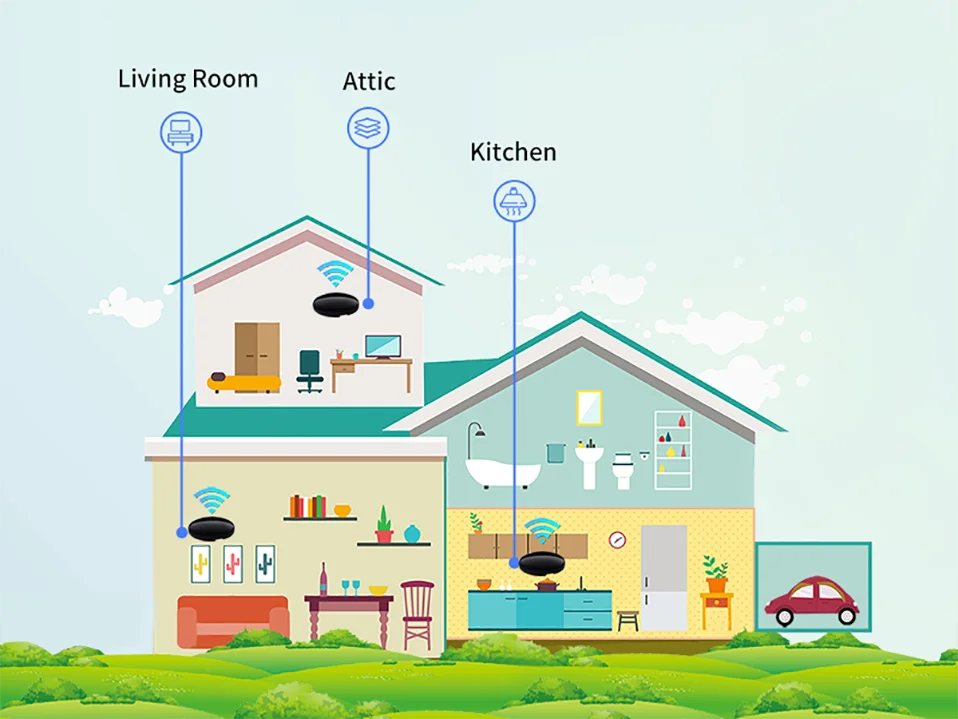
Maybe every room needs one
Infrared cannot penetrate the wall. So one of our products can only control the household appliances in one room. We recommend that each room install one of our products.
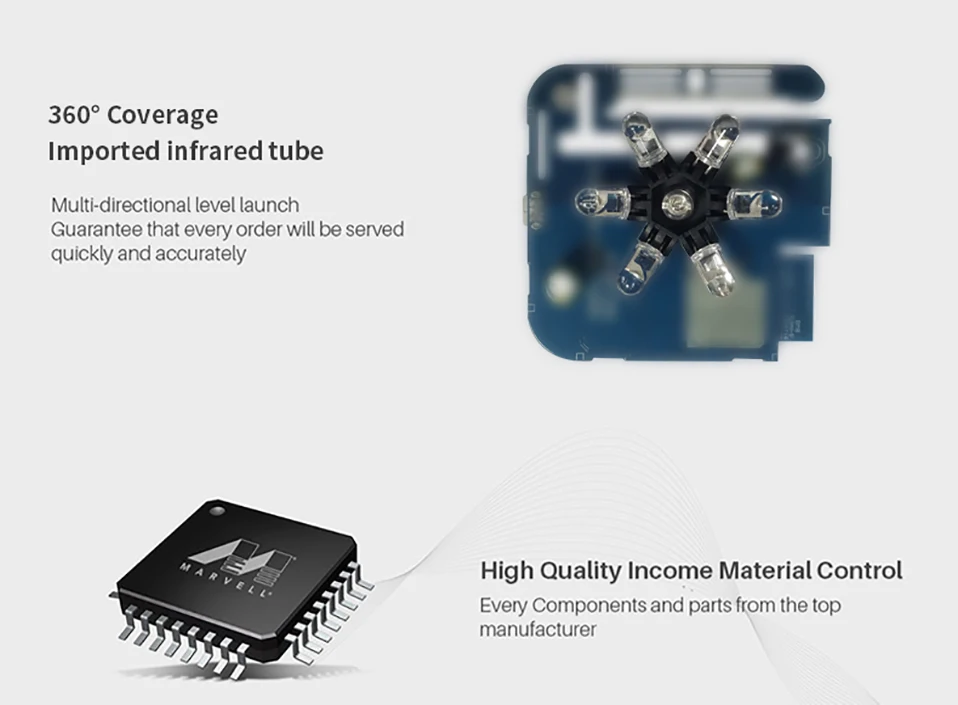
360° Petal Shape IR Emitting Lamp
Multi-directional launch, guarantee that every order will be served quickly and accurately.
Every components and parts are from the top manufacturer.
APP Pages
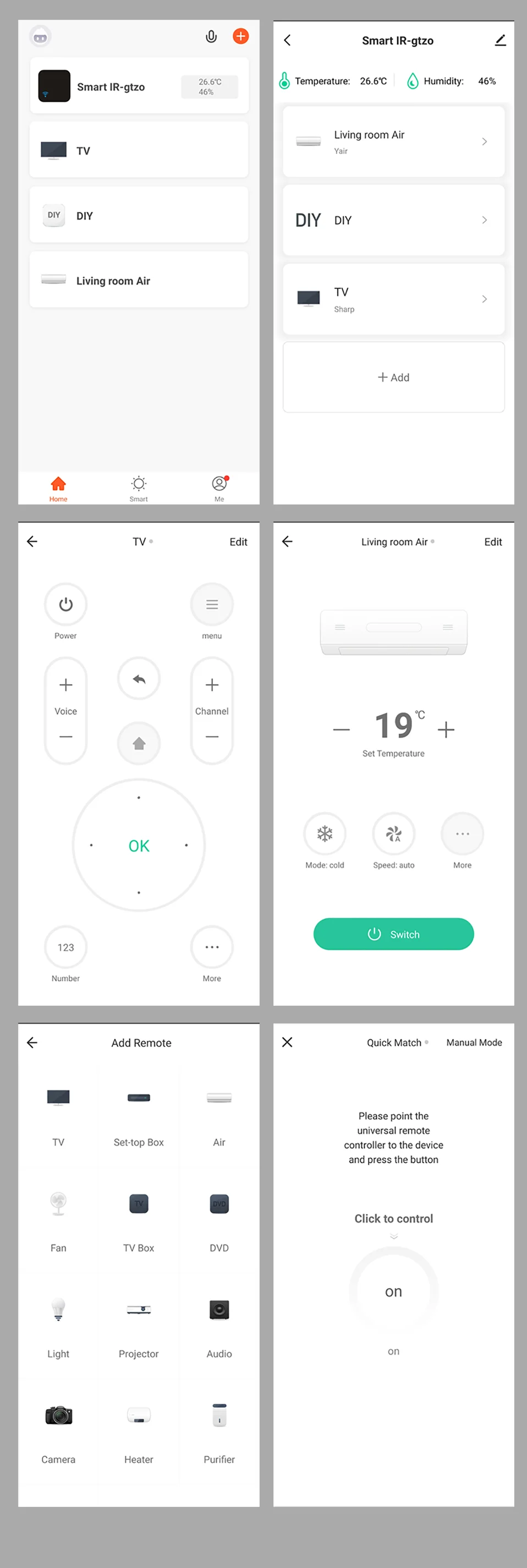
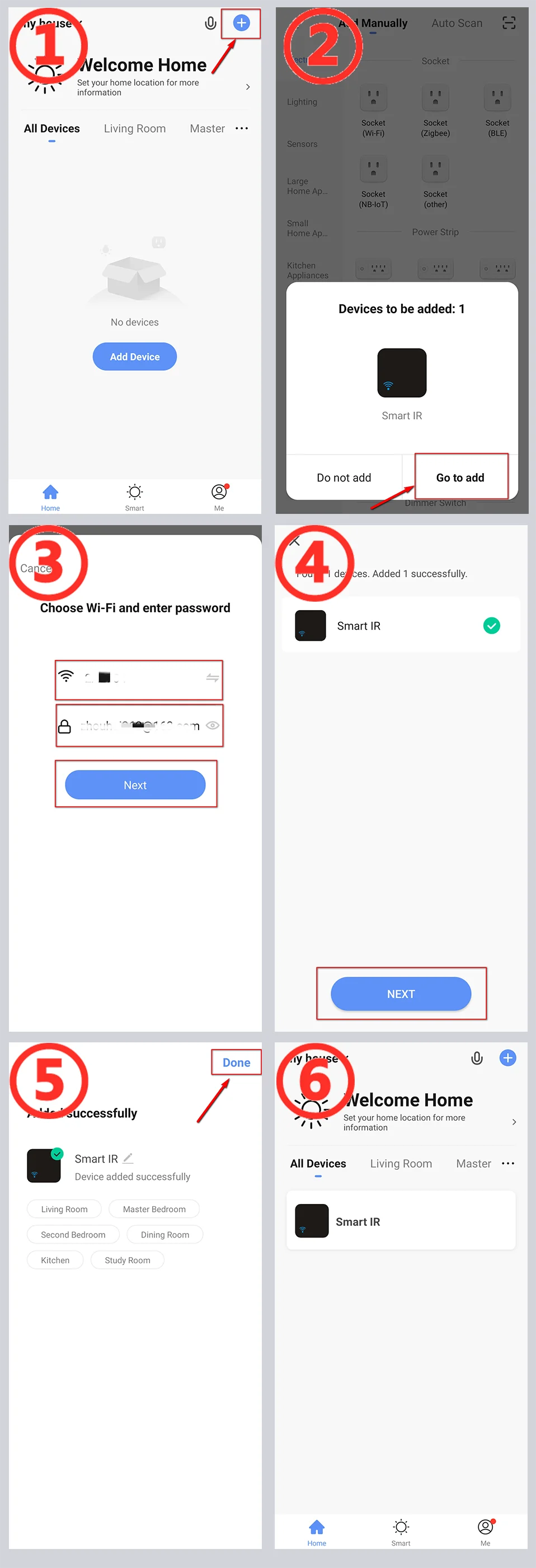
How to link APP
1. Open the APP, use “+” to add a device.
2. The APP automatically discovers our device (via Bluetooth).
3. Switch to the WiFI router you need to connect to, and enter the SSID password.
4. Wait for the APP to configure the device to complete.
5. Add our product to your room and give him a name.
6. The addition is complete.
NOTE:
1. If there are multiple WiFi routers, I recommend choosing a router with strong WiFi signal.
2. You need to give APP Bluetooth operation permissions
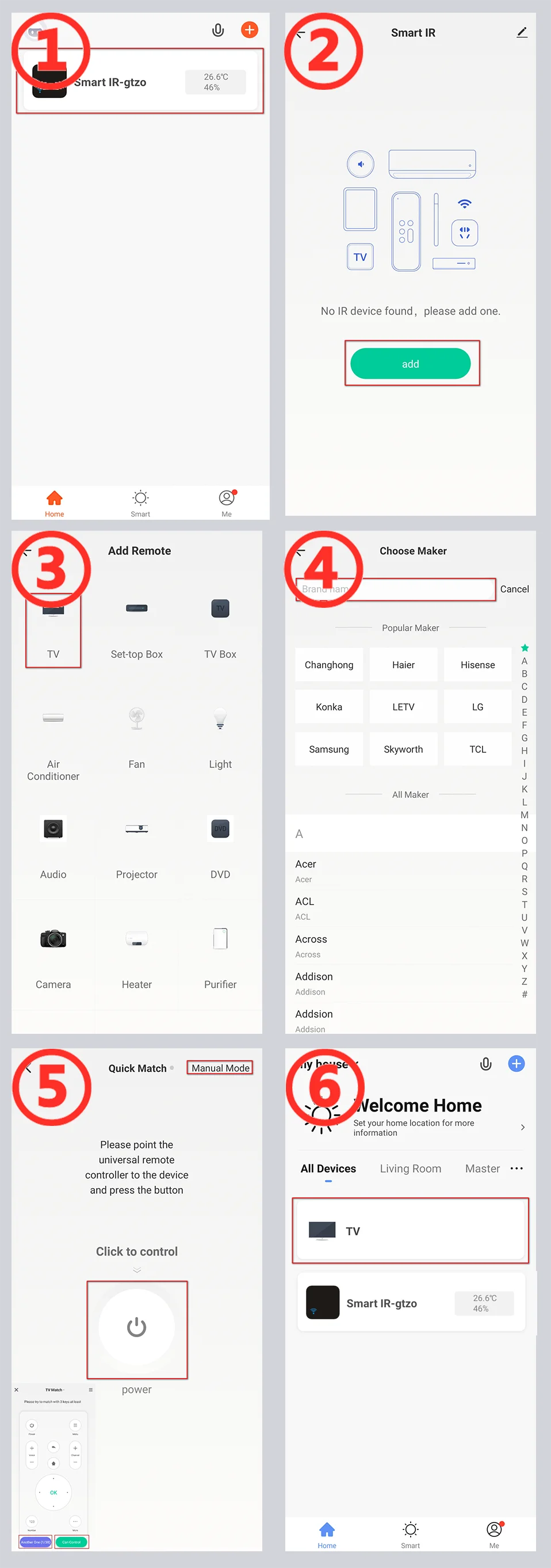
How to Add Remote Control (Take TV as an example)
Take the addition of TV as an example. The remote control of other household appliances is similar.
1. Click on our product on the main page of the app.
2. Use the “Add” button on the control page of our product.
3. Select “TV” as the type of remote control.
4. Find the brand of your TV.
5. [Automatic mode] According to the prompt, use the original remote control to transmit the signal, our product automatically recognizes the remote control type. [Manual mode] Switch to manual mode on the page, and select the control panel that can control the TV.
6. The addition is complete. You can see the added remote control for household appliances on the main page. Enjoy your smart life.
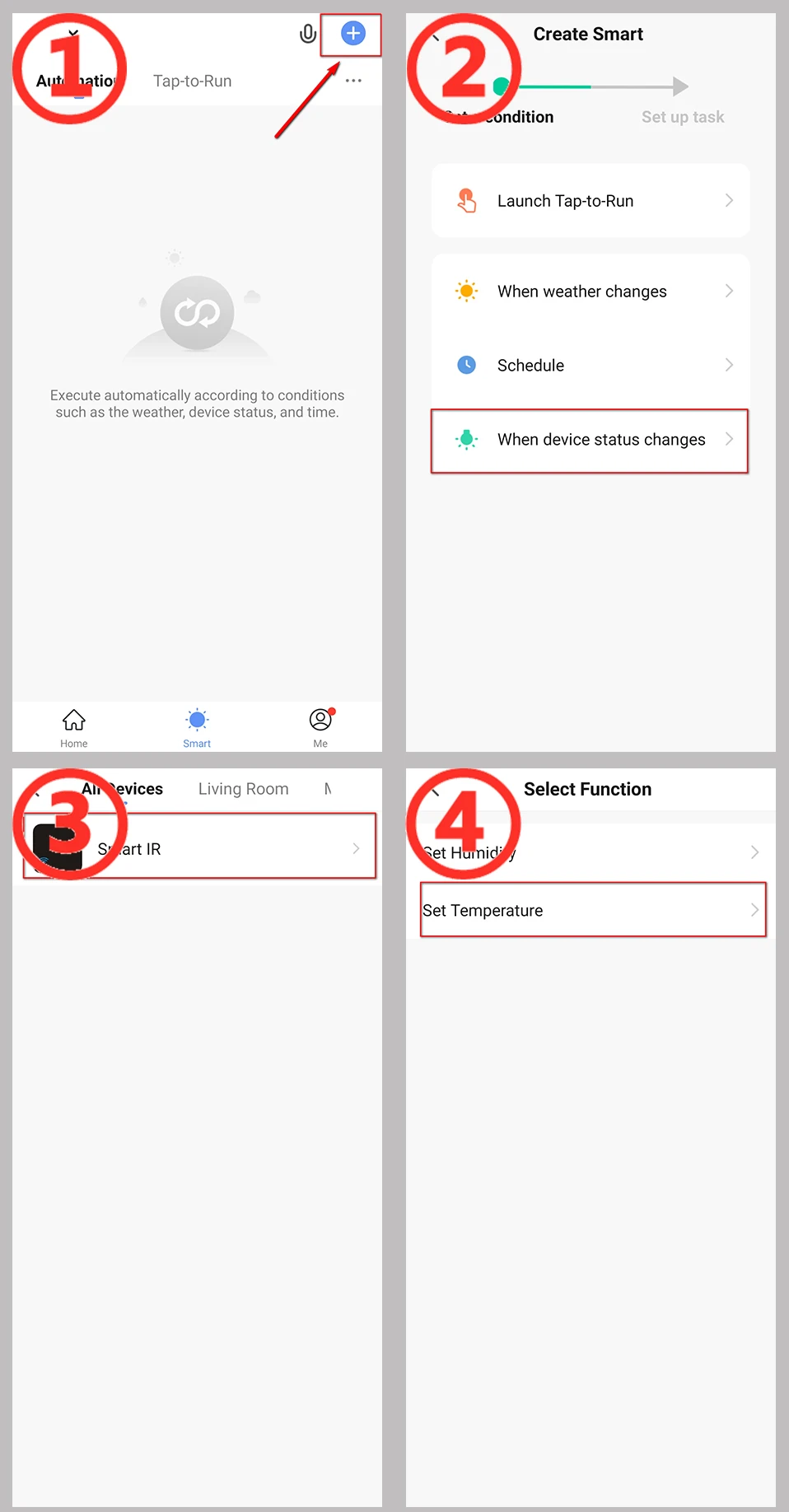
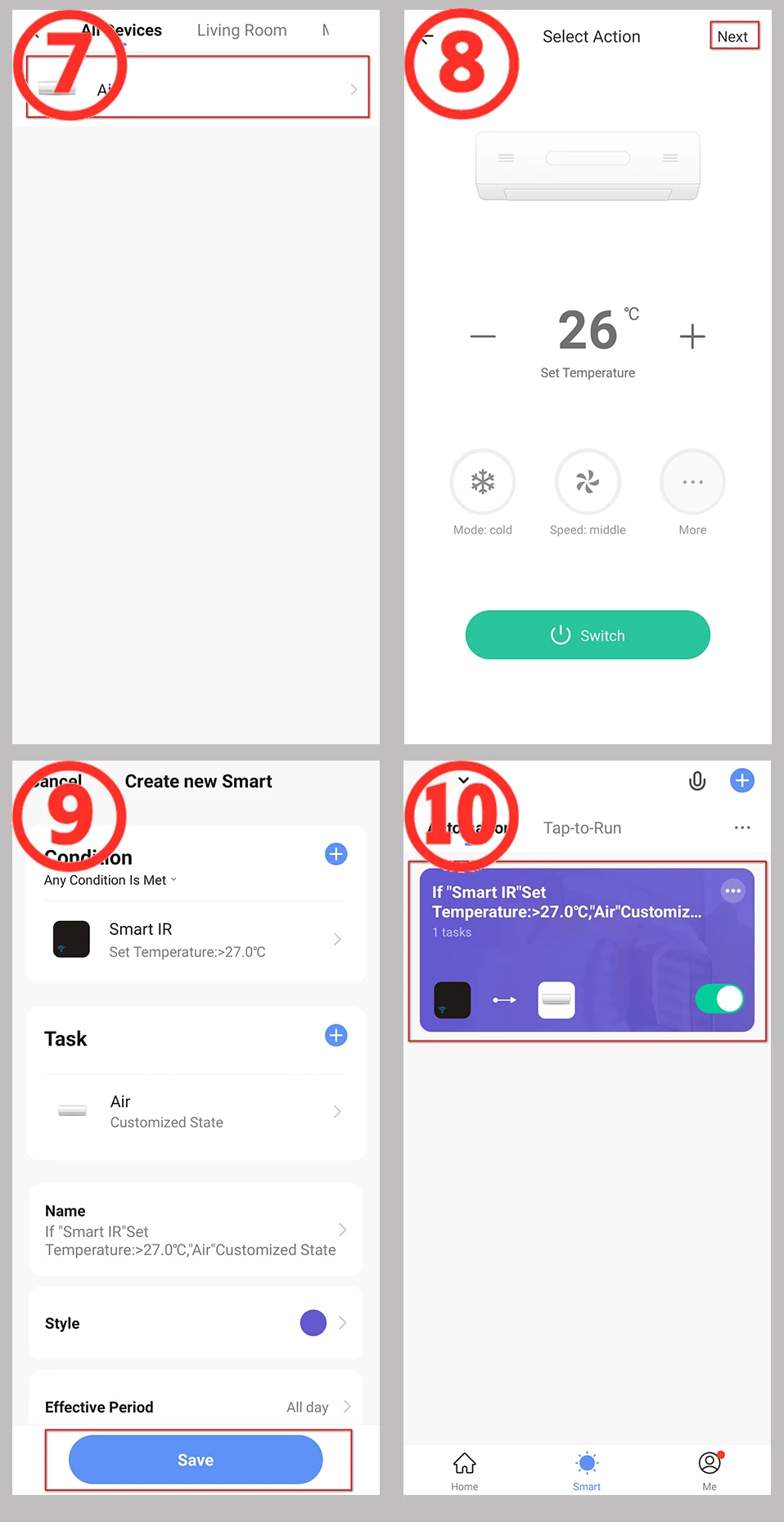
How to build an automated process
Take the temperature adjustment air conditioning setting as an example.
1. Select the “+” button on the “Smart” page to establish an automated process.
2, Select “when device status changes”. (You can also choose other conditions according to your actual needs).
3. Select the devices as the condition. (Here takes the temperature and humidity remote control equipment as an example).
4. Select the state condition of the device, and choose the temperature as the input condition.
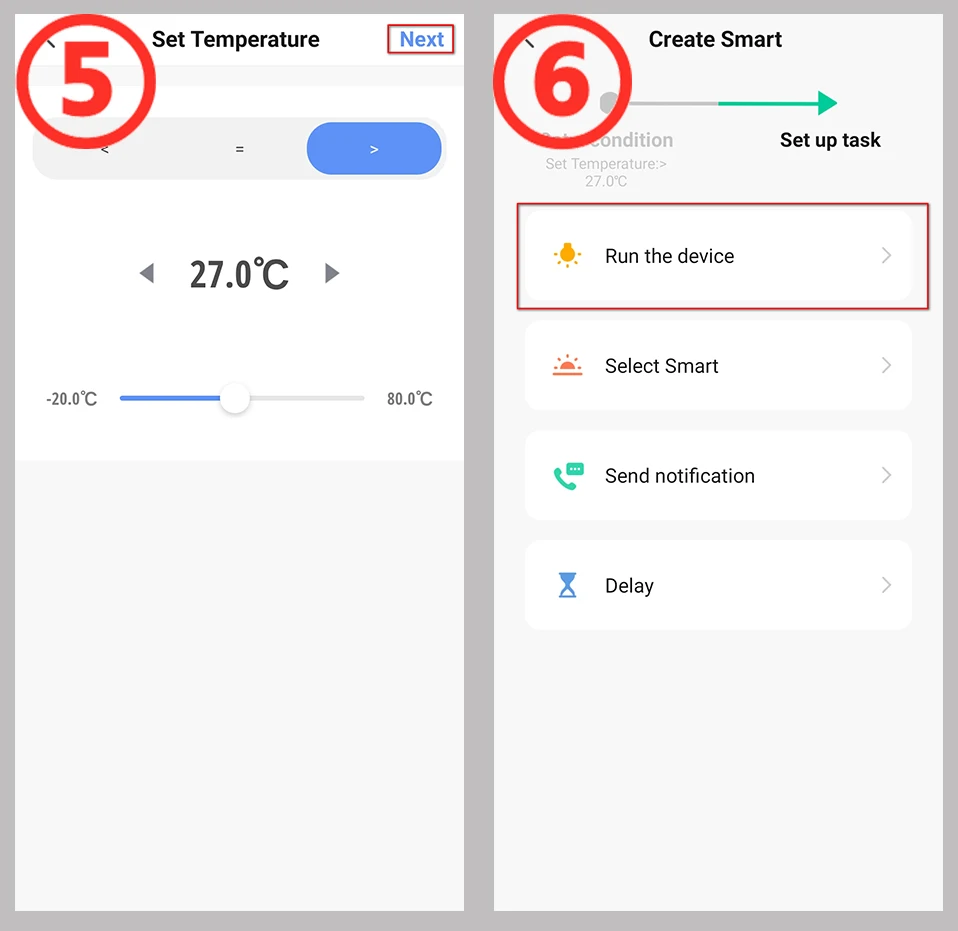
5. Set the temperature conditions. There can be “greater than”/”less than”/”equal to”, set the temperature value below. Then select the “Next” button.
6, Set the task to run after the conditions are met. Here, select the device that needs to be run.
7, Choose to run the air conditioner. You can choose the devices you want to run according to the actual situation.
8, Set the command when operating the air conditioner. NOTE: This page needs to set the operation status of the remote control.
9, “Smart” condition and operation summary page, select “Save”.
10. The establishment of the automation process is complete. You can quickly close and open the automation on this page.
If you need help in setting up this process, please contact me, we are professional
What is Included?
* Universal IR Remote Control x1
* Micro Charging Cable x1 (NO ADAPTER)
* User Manual x1
How to get technical support quickly
You can contact us through Samama message immediately. We will reply to you after receiving the message.
It’s better to include some information in the message to help us identify your problem quickly:
1. For the problem of adding product to APP, please describe the status of indicator light and the screenshot of APP page.
2. For the problem of adding the remote control device, please describe the device type and submit the photo of the remote control.
3. For To set up an automated process, please tell me what functions you need to implement, and if possible, provide a screenshot of the automated process you set up.
4. Because of the translation problem, please try to use complete sentences when contacting us. This will help us understand your meaning correctly.
If necessary, I will ask for a video
FQA
1.What devices can control with WiFi IR Remote control?
You can control TV, Fan, Air conditioner and other IR enabled appliances.
2. What should I do when I cannot control the devices with this remote control?
Firstly, make sure your mobile device and the WiFi IR Remote control are adjacent and connected to the same network,Assure the WiFi infrared remote control is always power on.
3. Can I control devices through 2G/3G/4G network?
The WiFi IR Remote control and mobile device are required to share the same WiFi network when adding WiFi IR Remote Control the first time. After device configuration succeed,you can remotely control devices through 2G/3G/4G/5G cellular network.
4.What should I do when device configuration process has failed ?
you can:
Check whether the remote control is powered on or not.
1).Check whether your mobile device is connected to2.4GHz WiFi network.
2).Check your network connectivity, make sure the router is working properly.
3).Make sure the WiFi password entered is correct when adding remote control.
5. Can it go through walls or be used to control IR devices in upstairs/downstairs rooms?
IR can not go through walls, so make sure there are no obstacles between IR remote and IR enabled devices.
6. We have Huawei/Xiaomi set-top box, why is it not connecting?
There are two types of set-top boxes, OTT and IPTV,the most obvious difference is that IPTV supports living streaming while OTT does not. please make sure you have matching TV box before setup.
7.What we should do when we are unable to use IR remote to control an electric device?
Please check the following:
1).IR remote network in good condition(click any key on the remote control panel in the app and see whether the indicator light starts flashing. if it flashes, it indicates to work properly.
2).There is no object blocking between IR remote and electric device
3).The factory remote control of electric device is IR enabled.(cover the top of the remote control with hand or any object, then press any keys. if the device does not respond, it is IR based, otherwise, it is Bluetooth or RF based remote control.)