
Home

Entering

Order tracking

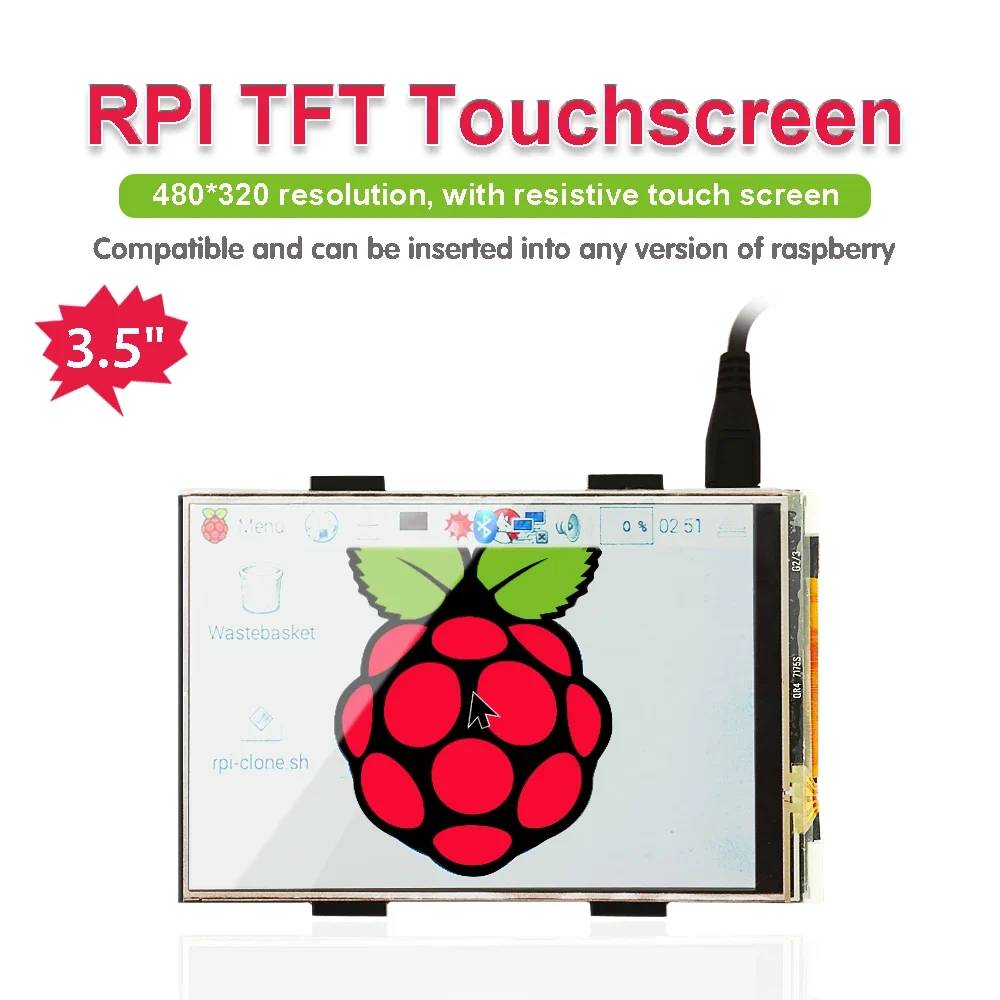
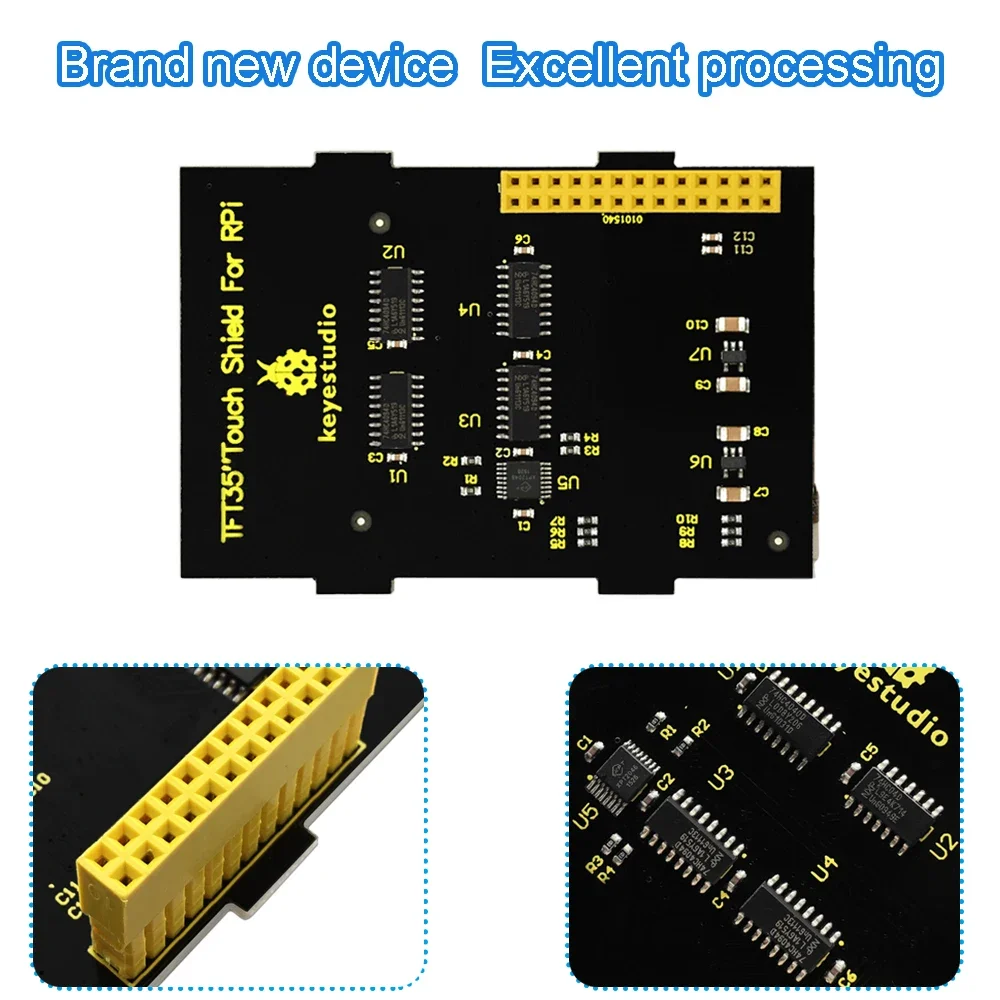
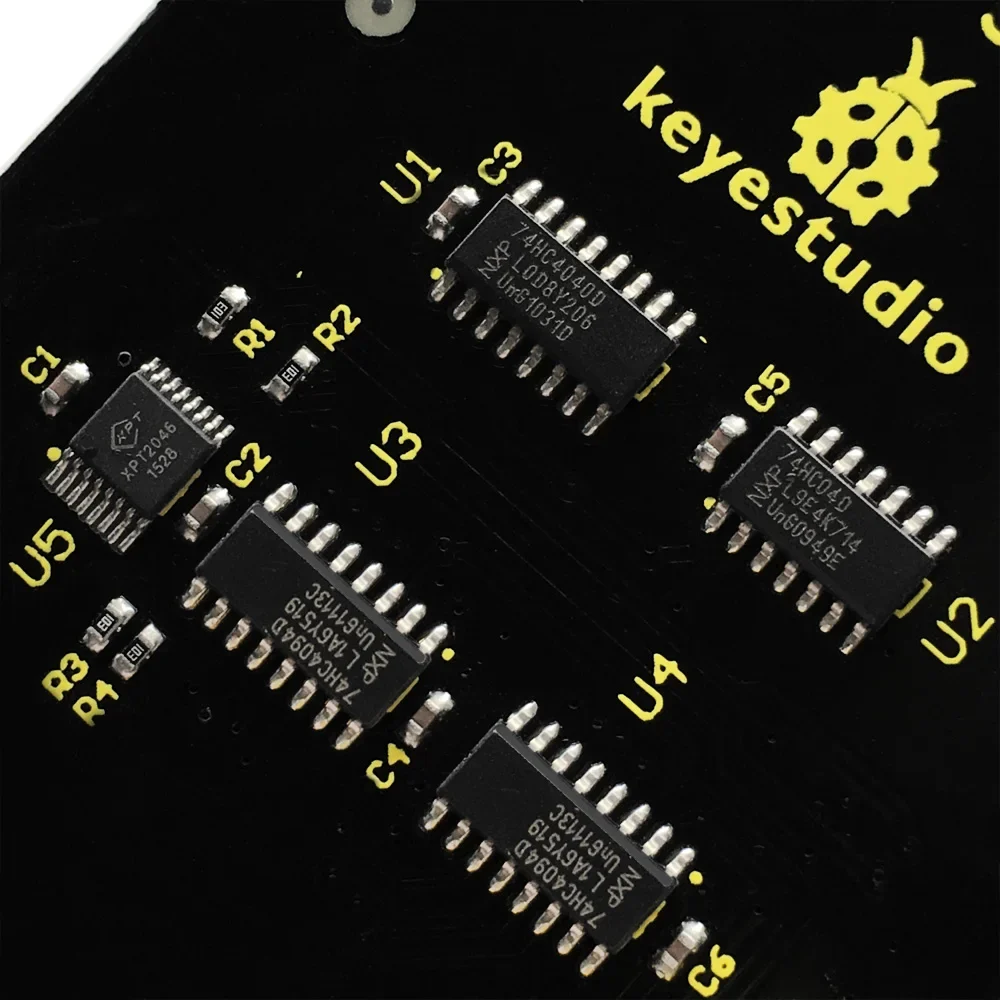
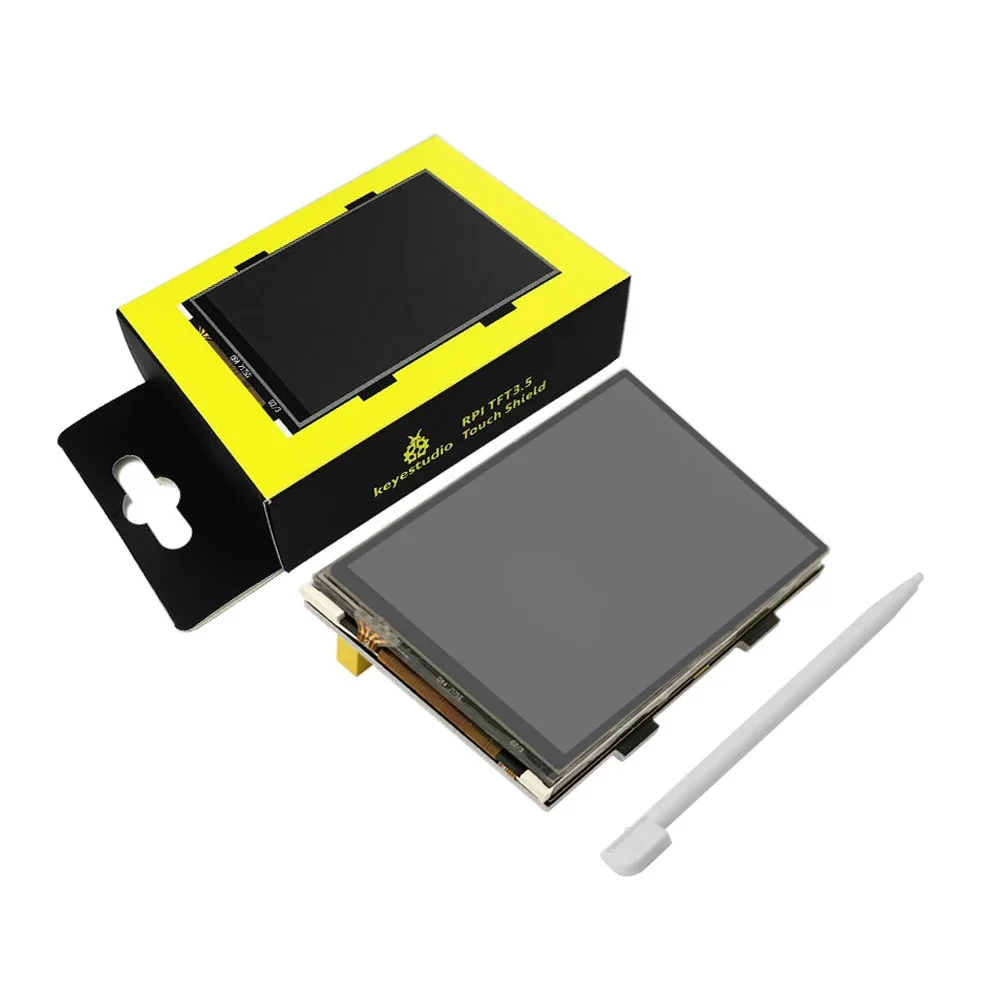
Keyestudio RPI TFT 3.5 Inch LCD Touch screen Shield for Raspberry Pi 3B/4B 480×320 16-Bit Pixels CE Certification

Availability: In stock

79 متبقي
مدة الوصل المتوقعة إلى Qatar:
[12 QAR] (29 days)
Please select a shipping method
Estimated Delivery
Cost
Carrier
Tracking
29 days
12 QAR
Direct shipping
No

شحن دولي

يرجى معاينة تفاصيل المنتج لمعرفة بلد المنشأ والشحن

Product sharing

  • High-concerned chemical: None
  • Package: SOP
  • is_customized: Yes
  • Supply Voltage: 5V
  • Application: Electric Toy
  • Type: Voltage Regulator
  • Brand Name: keyestudio
  • Origin: Mainland China
  • Condition: New
  • Operating Temperature: 0-40


Introduction

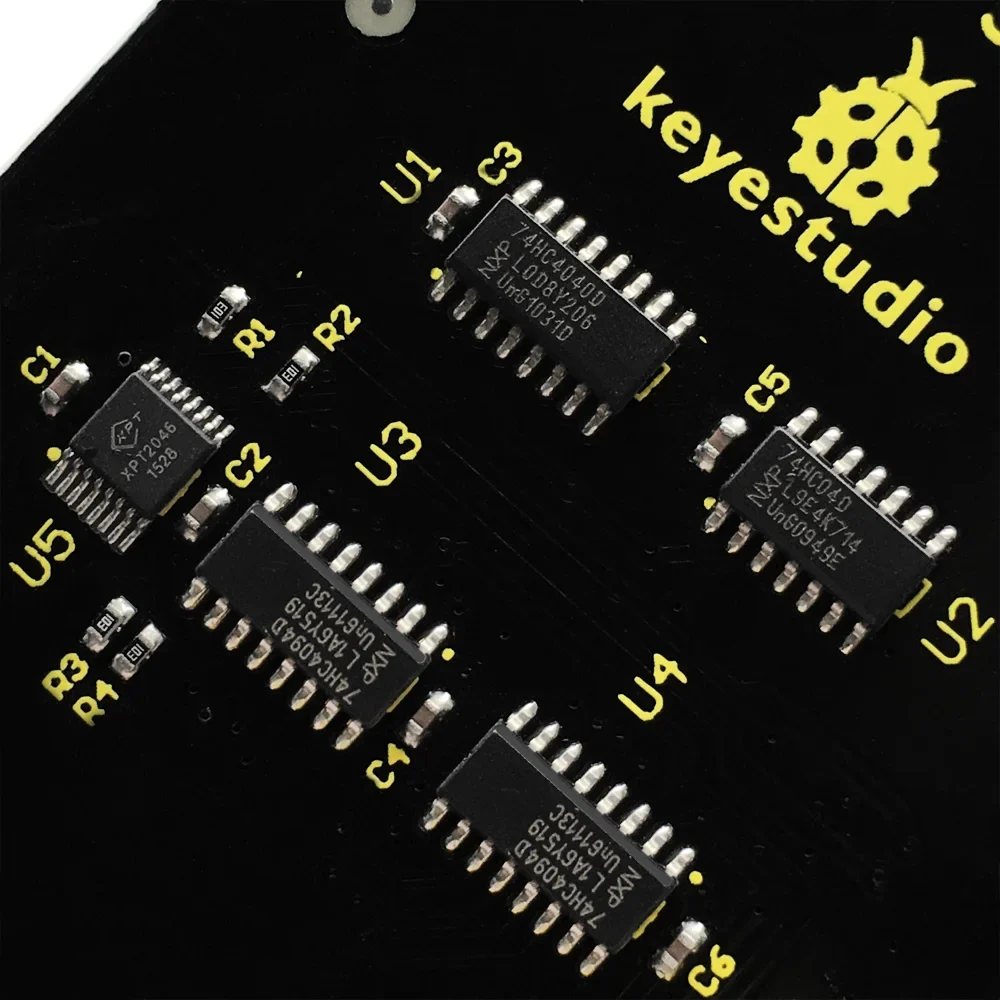
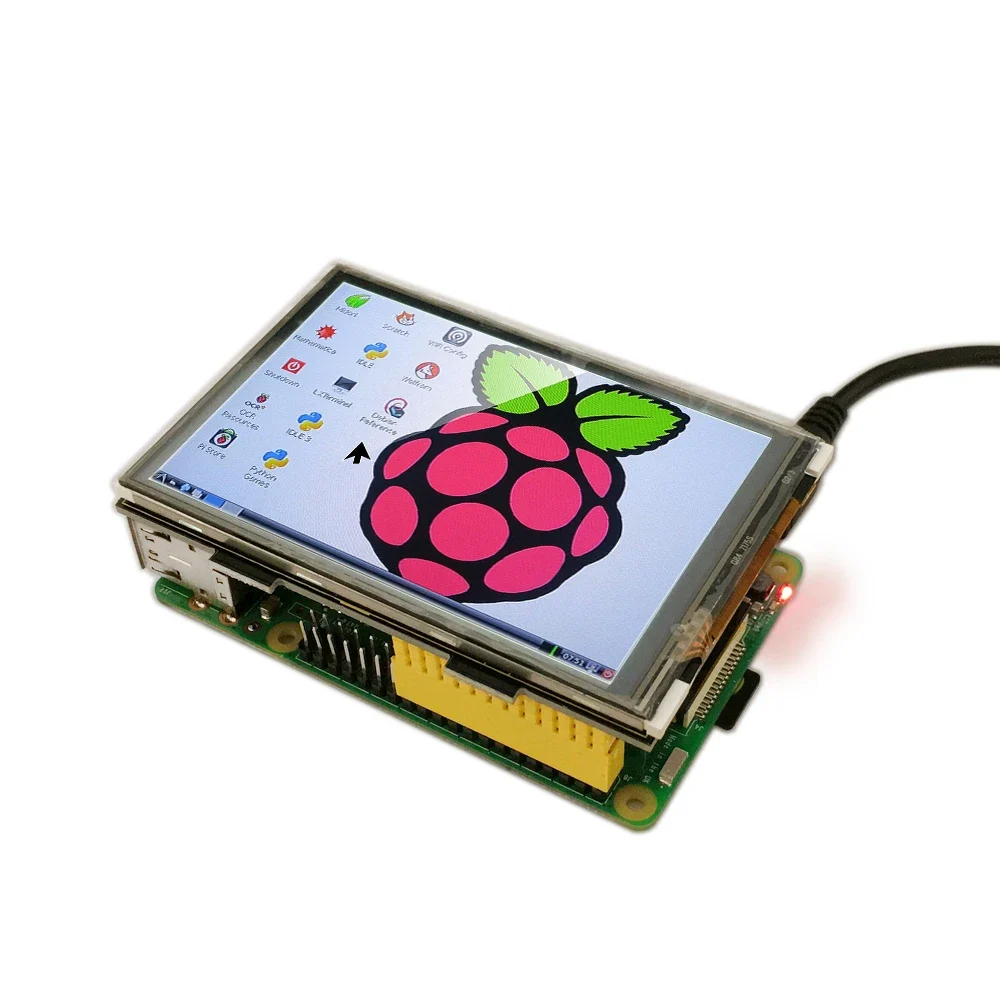
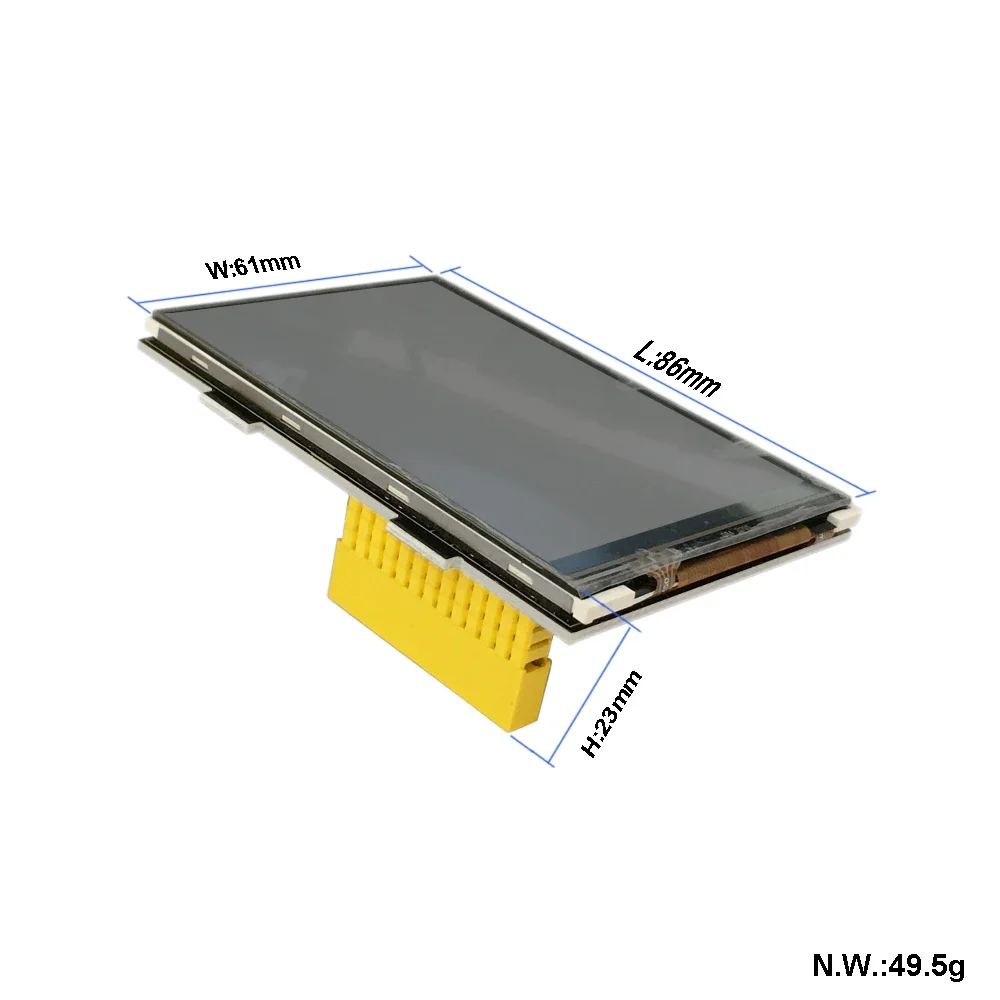
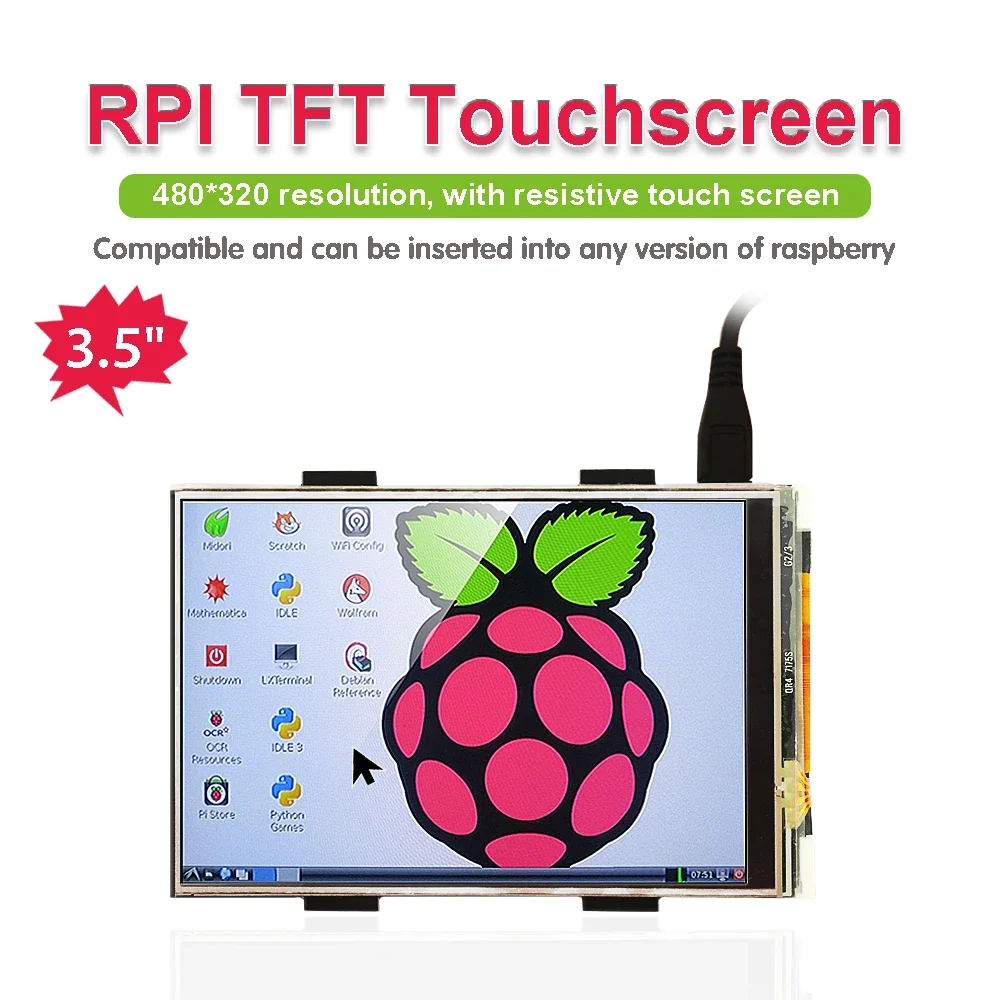
It is the cutest, little display for the Raspberry Pi. It features a 3.5″ display with 480×320 16-bit color pixels and a resistive touch overlay.

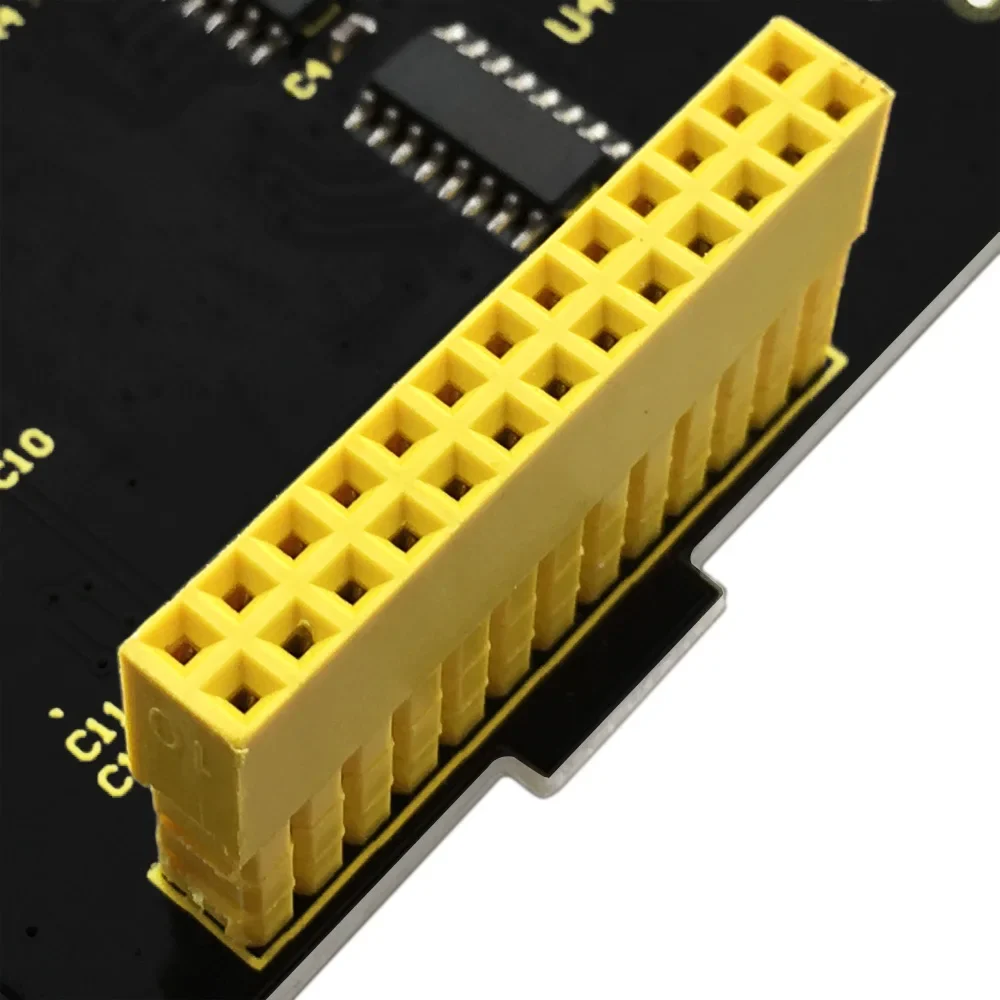
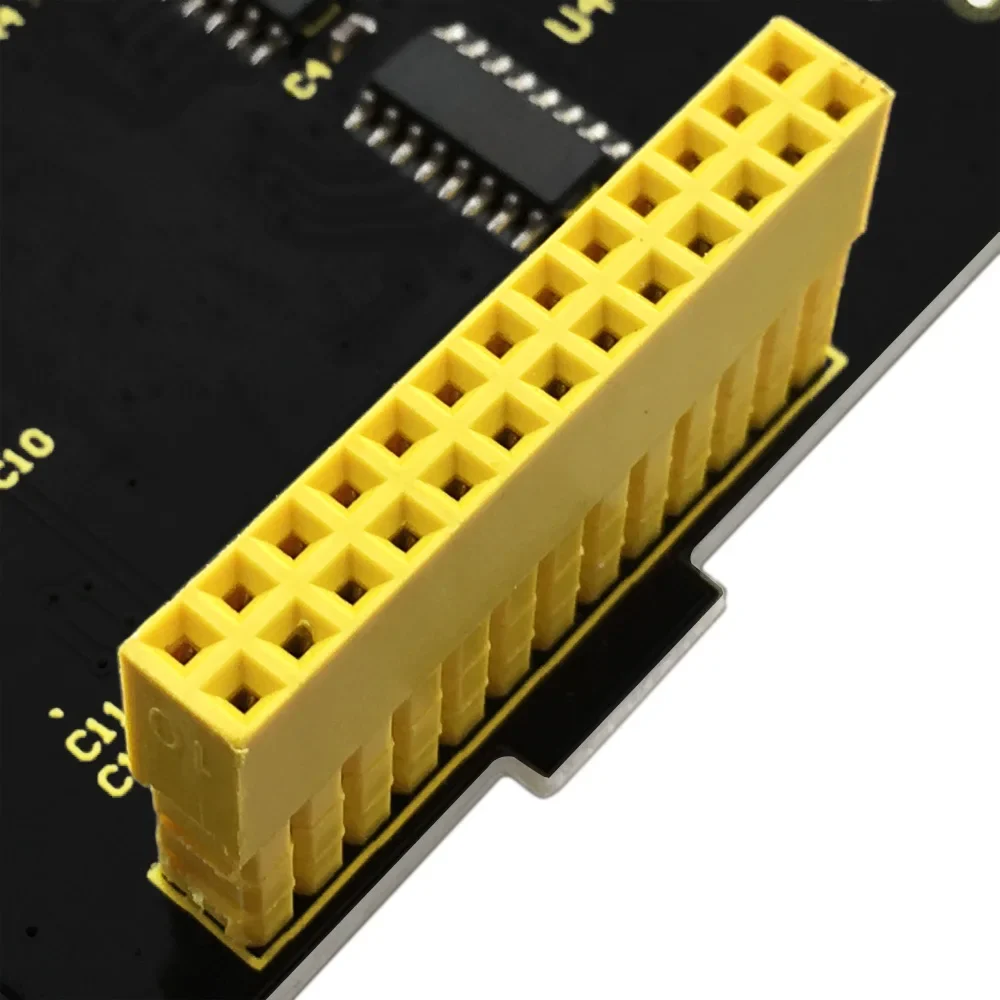
It supports any revision of Raspberry Pi (directly-pluggable).

Program Writing

1.Writing an image to the SD card

In our supporting files, you will find the image file “2016-05-27-raspbian-jessie” which is an operation system come with a Desktop Environment.

You need to use an image writing tool like Win32DiskImager to install it on your SD card. Then write the image into your SD card.

2.Log in the Pi

Insert the SD Card and finally attach the power supply.

The Raspberry Pi will boot immediately. This will take a little bit more than a minute. Once the Pi is booted it will ask you for the username and the password.

By default the following log-in credentials can be used:

  • Username: pi

  • Password: raspberry

3.Programming


How to connect Raspberry Pi 3B

1.Burn the image file “2016-05-27-raspbian-jessie” in the storage card of Raspberry Pi.
2.Log in Raspberry Pi with desktop display system, place LCD-show-160813.tar file in the Pi folder on Raspberry Pi system through WinSCP.
3.Execute tar xzvf LCD-show-160813.tar in the terminal. unzip LCD-show-160813.tar to get LCD-show folder.
4.Input cd LCD-show in the terminal to enter folder and type sudo ./LCD-show to run program.

Once this is done, your Raspberry Pi will reboot automatically:

How to Connect to Raspberry Pi 4B
1.Burn the system image file“RPi-35inch-LCD-(A)-Raspbian-190722”in the storage card of Raspberry Pi.
2. Copy ssh file to the root directory of system

3. Find out IP address via external screen and mouse

4. External screen displays the corresponding pictures after connecting, click LCD and set
5. Type cd LCD-show in the terminal and enter the folder. We could change the rotation direction of screen through the below commands, rotate 0°

Source Code and Installation Package:
https://fs.keyestudio.com/KS0214


Suggested products

Keyestudio Kidsbits Coding Robot for Arduino Stem Programming Kit Compatible With Lego 5+ Years Old Study Toy’s Gift Full Guide

392 QAR

Keyestudio Complete IOT Starter Kit For Arduino DIY Seratch Graphieal DIY STEM Education Electronic Learning Kit+32 Projects

Select options This product has multiple variants. The options may be chosen on the product page

Price range: 293 ر.ق through 353 ر.ق

Keyestudio Ultimate Starter Kit For Raspberry Pi Electronic Learning Kit For DIY Projects Programming Learning

Select options This product has multiple variants. The options may be chosen on the product page

Price range: 103 ر.ق through 489 ر.ق

keyestudio I2C Interface Conversion Shield V1 For Arduino

36 QAR

Keyestudio Passive Buzzer Sensor For Arduino Sensor Module Compatible Lego Blocks High Quality Programming DIY Parts

Select options This product has multiple variants. The options may be chosen on the product page

Price range: 34 ر.ق through 35 ر.ق

Raspberry Pi 5B Radiator Heat Sink Blower Fan Aluminium-Sheet For Raspberry Pi 5B Cooling Fan Strong Cooling Capacity

Select options This product has multiple variants. The options may be chosen on the product page

Price range: 82 ر.ق through 131 ر.ق

You can add

Keyestudio Updated Version L298P Shield With Power Switch For Arduino UNO R3 Programming Projects For DIY Smart Robot

106 QAR

Keyestudio EASY PLUG Microbit V2 Board Super Starter Kit for BBC Micro:Bit Kit STEM EDU Graphic Programming Electronic Kit

413 QAR

Keyestudio DIY Electronic Building Blocks Infrared Emission Module For Arduino & Raspberry Pi Copmatible With LEGO

Select options This product has multiple variants. The options may be chosen on the product page

Price range: 34 ر.ق through 114 ر.ق

Keyestudio STEM Electronic Building Blocks Smart Fan Programmable Starter Kit Compatible With Lego For Arduino UNO&ESP32 Project

Select options This product has multiple variants. The options may be chosen on the product page

Price range: 347 ر.ق through 355 ر.ق

Keyestudio Ultimate Starter Kit For Raspberry Pi Electronic Learning Kit For DIY Projects Programming Learning

Select options This product has multiple variants. The options may be chosen on the product page

Price range: 103 ر.ق through 489 ر.ق

Keyestudio Passive Buzzer Sensor For Arduino Sensor Module Compatible Lego Blocks High Quality Programming DIY Parts

Select options This product has multiple variants. The options may be chosen on the product page

Price range: 34 ر.ق through 35 ر.ق

اختر المنتج
0
    0
    Basket
    The basket is emptyBack to the store