
Home

Entering

Order tracking

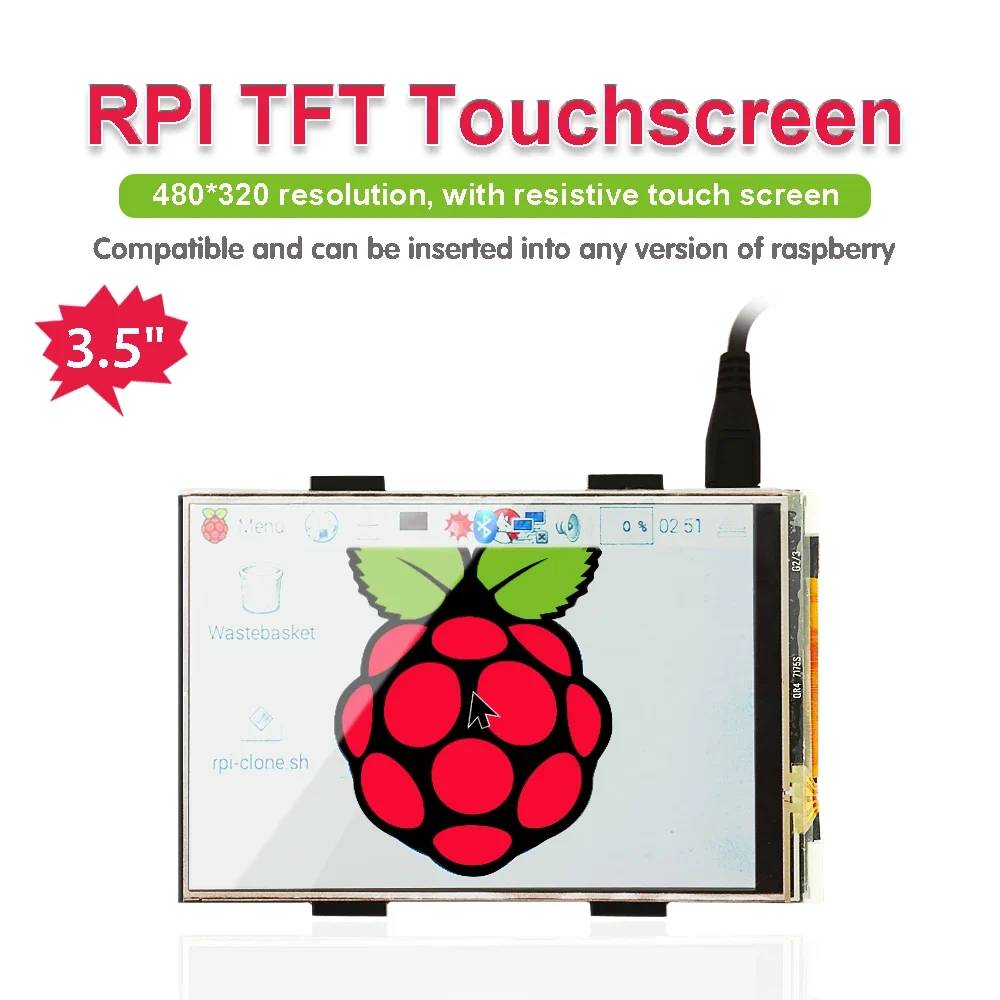
شاشة لمس LCD Keyestudio 3.5 بوصة

القسم:

107 QAR

Availability: In stock

76 متبقي
مدة الوصل المتوقعة إلى Qatar:
[Free] (7-14 days)
Please select a shipping method
Estimated Delivery
Cost
Carrier
Tracking
7-14 days
Free
Normal shipping
Yes
7-15 days
232 QAR
Fedex IP
Yes
paylater قسط على 4 دفعات ر.ق26.75 مع خدمة باي ليتر
شحن دولي

يرجى معاينة تفاصيل المنتج لمعرفة بلد المنشأ والشحن

Product sharing

  • High-concerned chemical: None
  • Package: SOP
  • is_customized: Yes
  • Supply Voltage: 5V
  • Application: Electric Toy
  • Type: Voltage Regulator
  • Brand Name: keyestudio
  • Origin: Mainland China
  • Condition: New
  • Operating Temperature: 0-40


Introduction

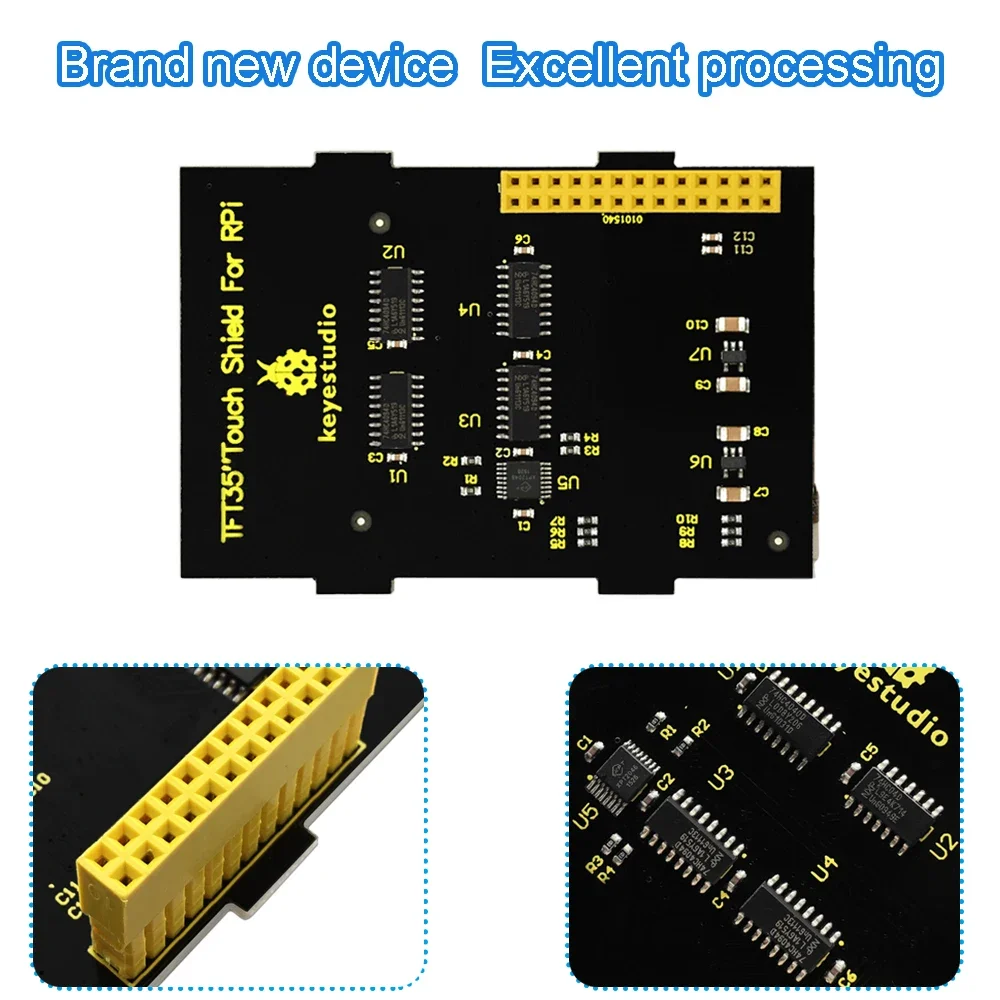
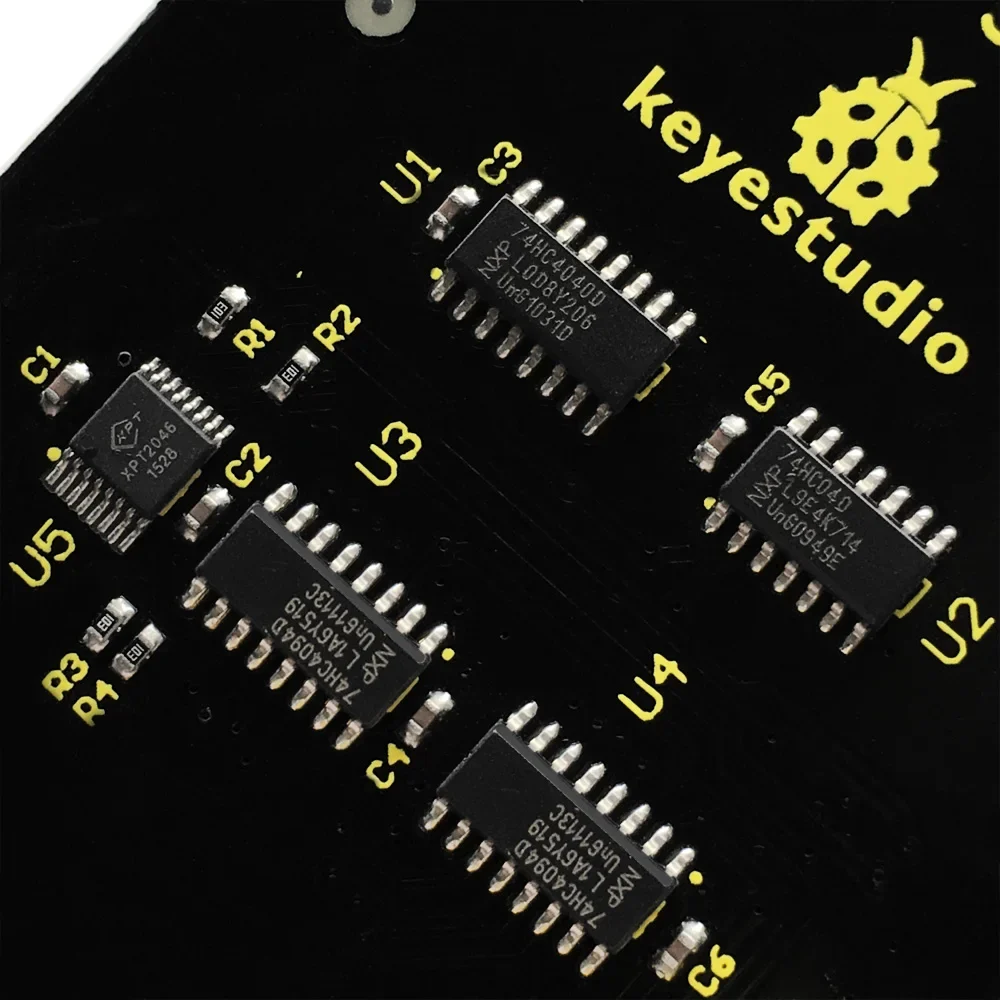
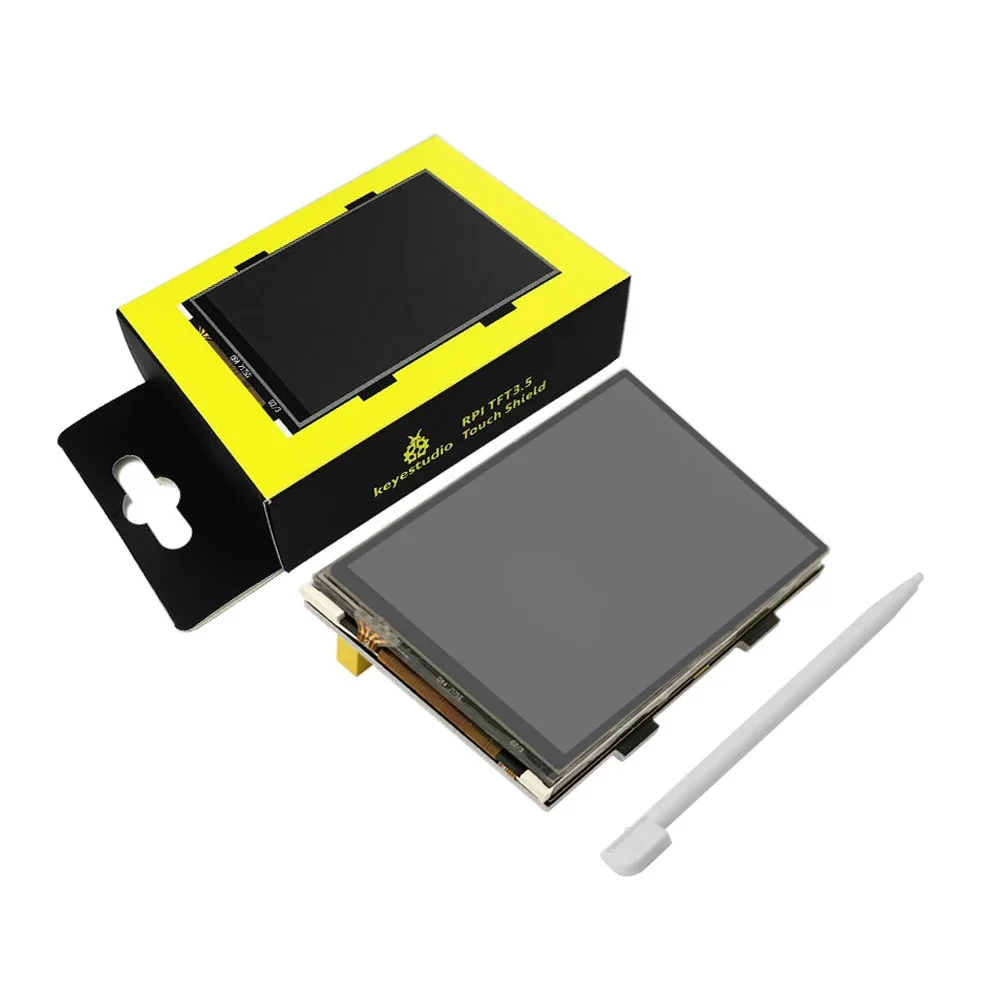
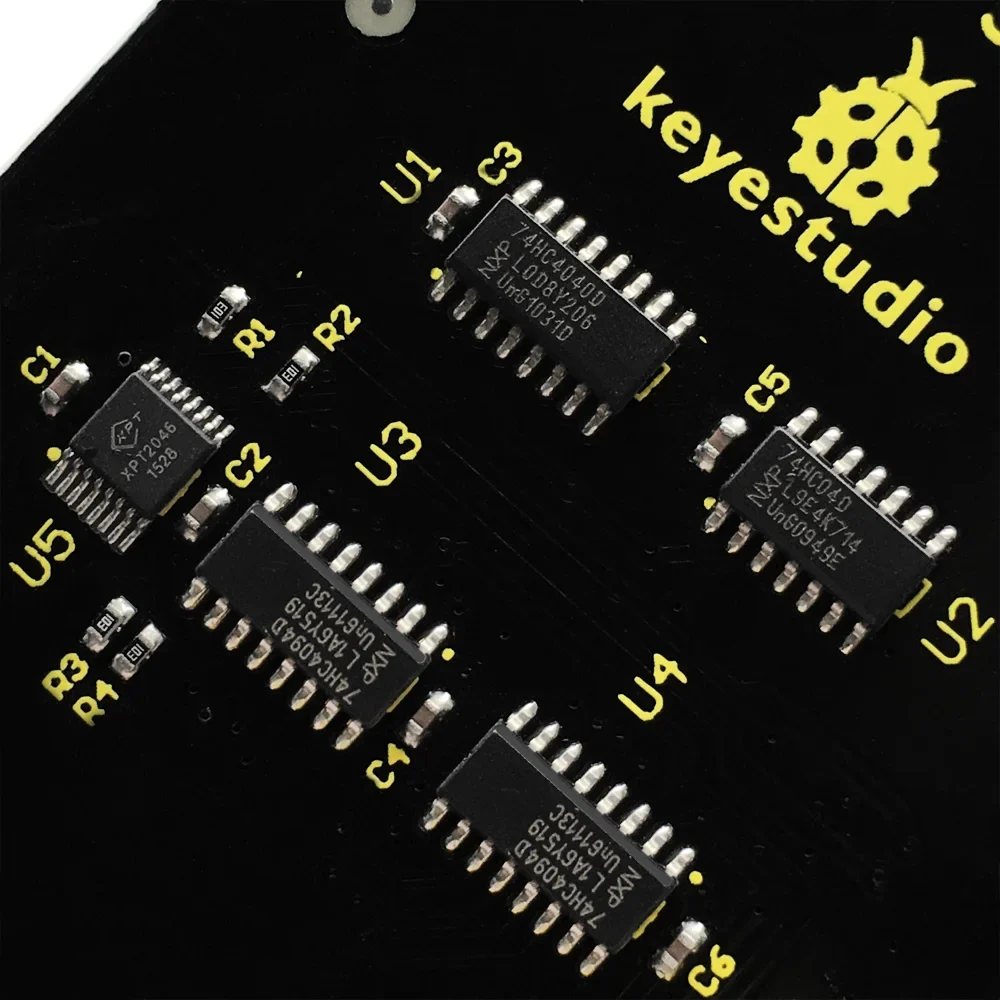
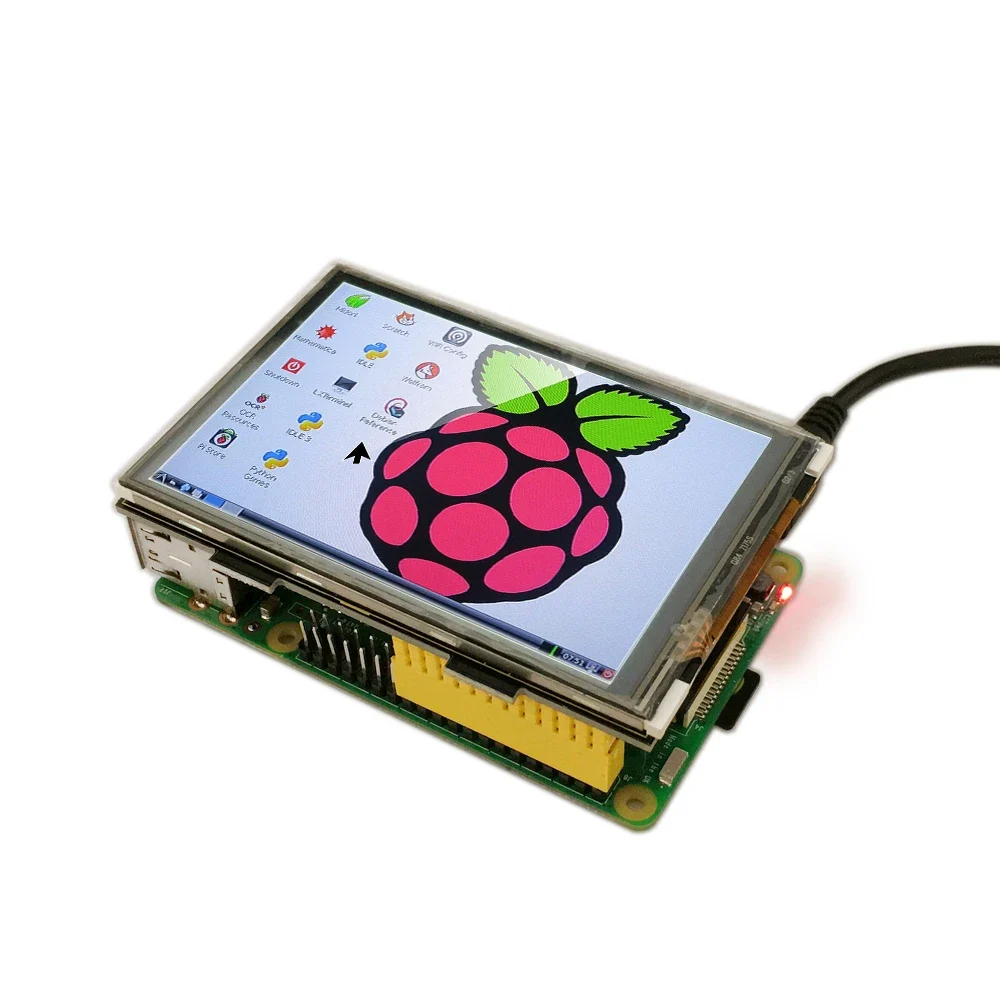
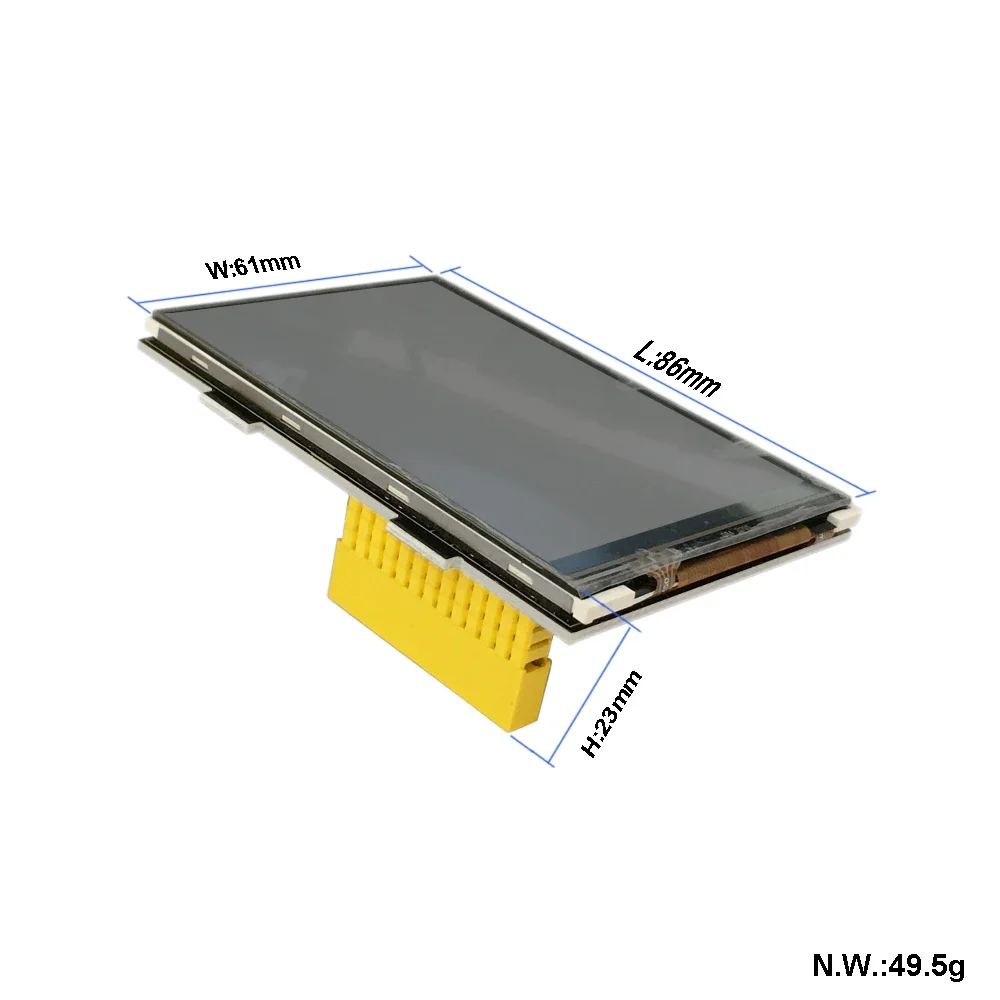
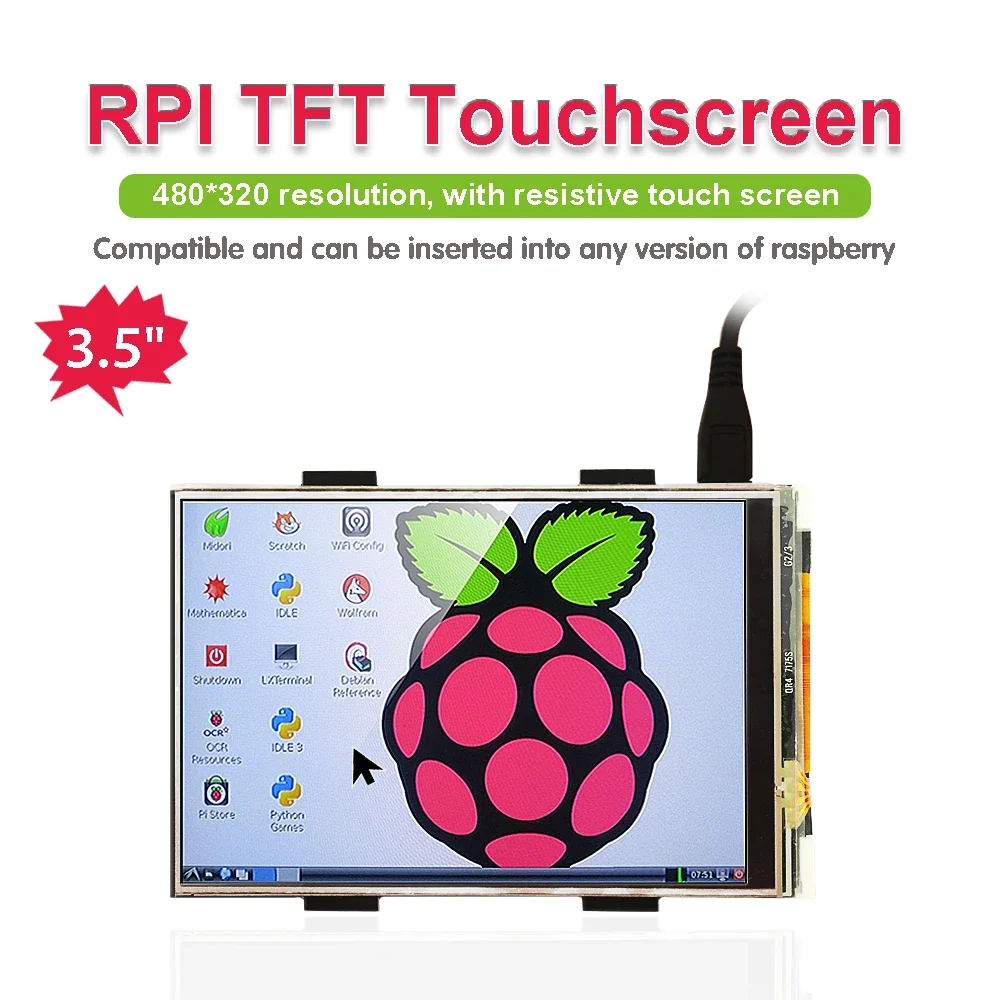
It is the cutest, little display for the Raspberry Pi. It features a 3.5″ display with 480×320 16-bit color pixels and a resistive touch overlay.

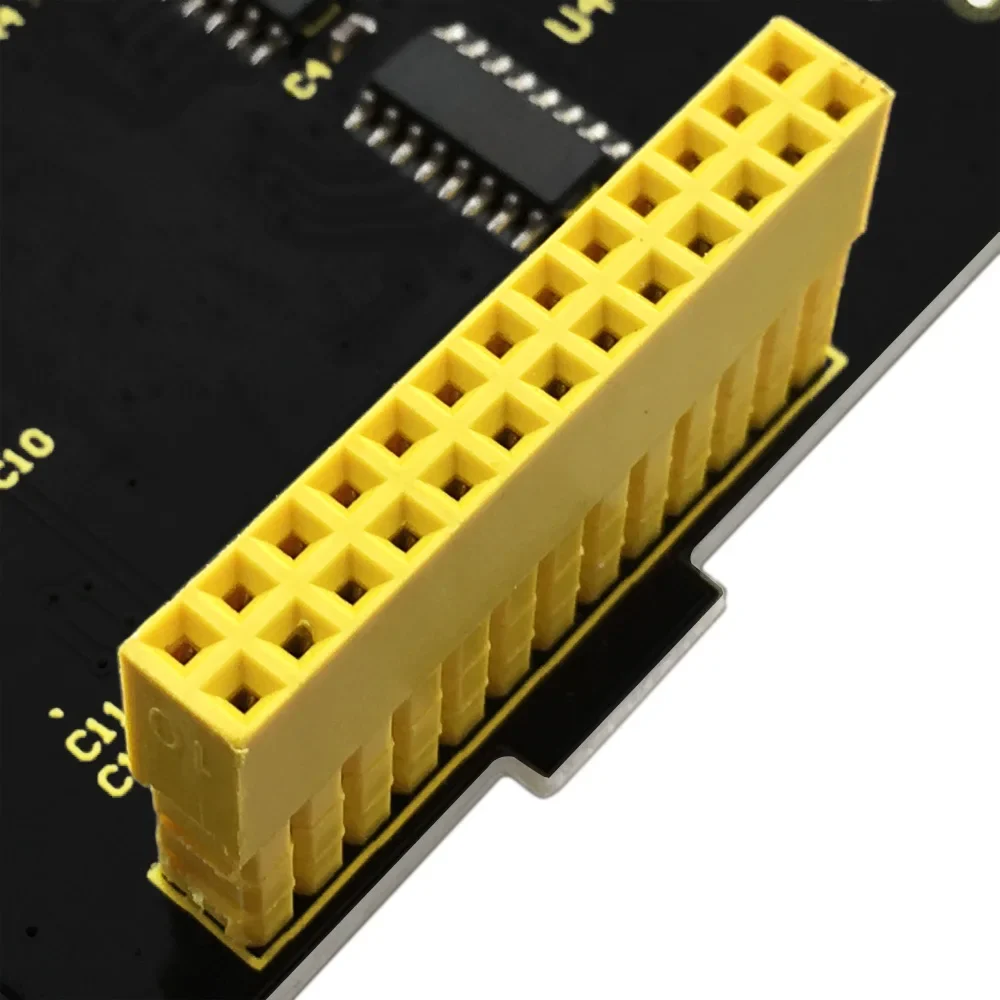
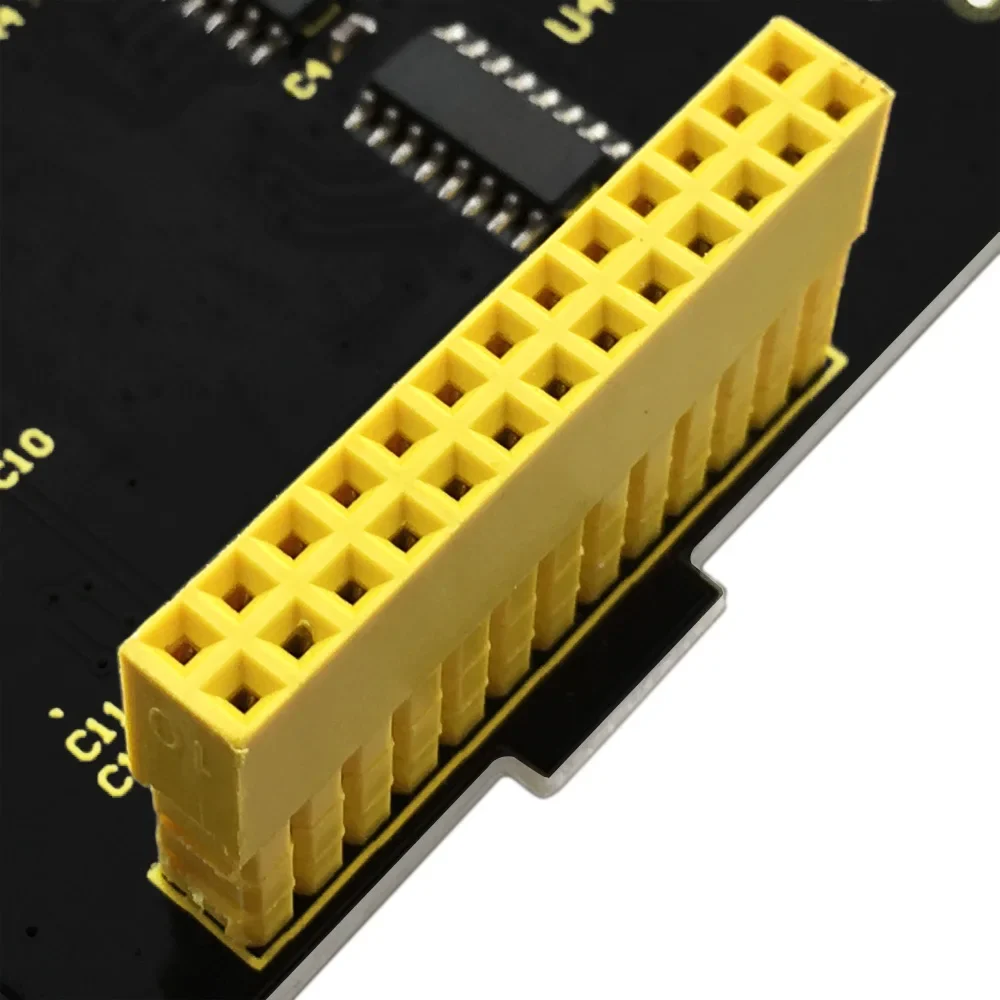
It supports any revision of Raspberry Pi (directly-pluggable).

Program Writing

1.Writing an image to the SD card

In our supporting files, you will find the image file “2016-05-27-raspbian-jessie” which is an operation system come with a Desktop Environment.

You need to use an image writing tool like Win32DiskImager to install it on your SD card. Then write the image into your SD card.

2.Log in the Pi

Insert the SD Card and finally attach the power supply.

The Raspberry Pi will boot immediately. This will take a little bit more than a minute. Once the Pi is booted it will ask you for the username and the password.

By default the following log-in credentials can be used:

  • Username: pi

  • Password: raspberry

3.Programming


How to connect Raspberry Pi 3B

1.Burn the image file “2016-05-27-raspbian-jessie” in the storage card of Raspberry Pi.
2.Log in Raspberry Pi with desktop display system, place LCD-show-160813.tar file in the Pi folder on Raspberry Pi system through WinSCP.
3.Execute tar xzvf LCD-show-160813.tar in the terminal. unzip LCD-show-160813.tar to get LCD-show folder.
4.Input cd LCD-show in the terminal to enter folder and type sudo ./LCD-show to run program.

Once this is done, your Raspberry Pi will reboot automatically:

How to Connect to Raspberry Pi 4B
1.Burn the system image file“RPi-35inch-LCD-(A)-Raspbian-190722”in the storage card of Raspberry Pi.
2. Copy ssh file to the root directory of system

3. Find out IP address via external screen and mouse

4. External screen displays the corresponding pictures after connecting, click LCD and set
5. Type cd LCD-show in the terminal and enter the folder. We could change the rotation direction of screen through the below commands, rotate 0°

Source Code and Installation Package:
https://fs.keyestudio.com/KS0214


Suggested products

ريلاي Keyestudio 4 قنوات 5 فولت

52 QAR

وحدة طاقة لوحة تجارب Keyestudio

46 QAR

وحدة تحكم JoyStick Keyestudio لراسبيري باي

32 QAR

وحدة بلوتوث Keyestudio DX-BT24 V5.1

41 QAR

سيارة روبوت ذكية متعددة البلوتوث

265 QAR

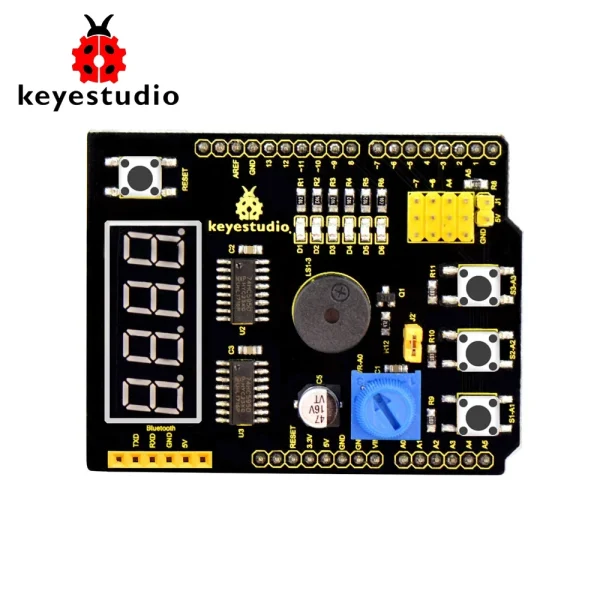
Shield Keyestudio متعدد الأغراض V2 للاردوينو

42 QAR

You can add

روبوت بيكو 4WD من كييستوديو

270 QAR

مستشعر مستوى سائل مكثف XKC-Y28

Select options This product has multiple variants. The options may be chosen on the product page

67 QAR

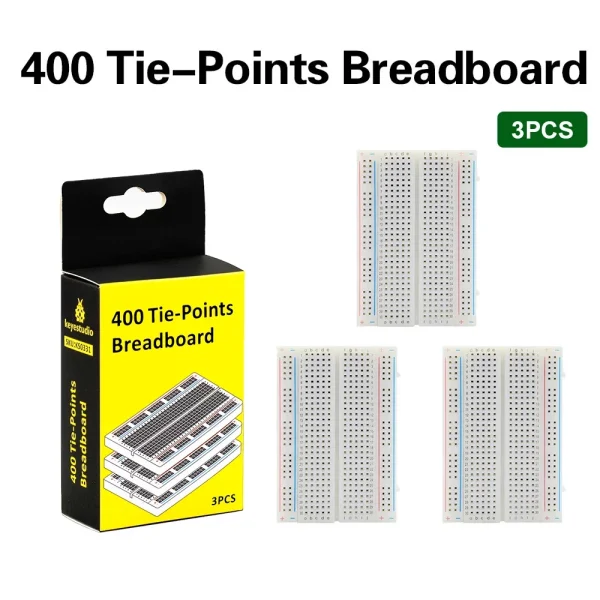
لوحة تجارب 400 فتحة عالية الجودة

46 QAR

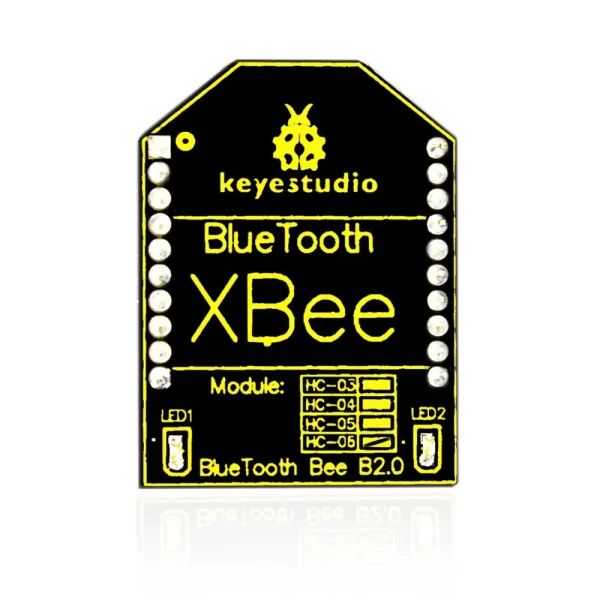
وحدة بلوتوث Keyestudio HC-06

36 QAR

مستشعر مستوى الماء Keyestudio

35 QAR

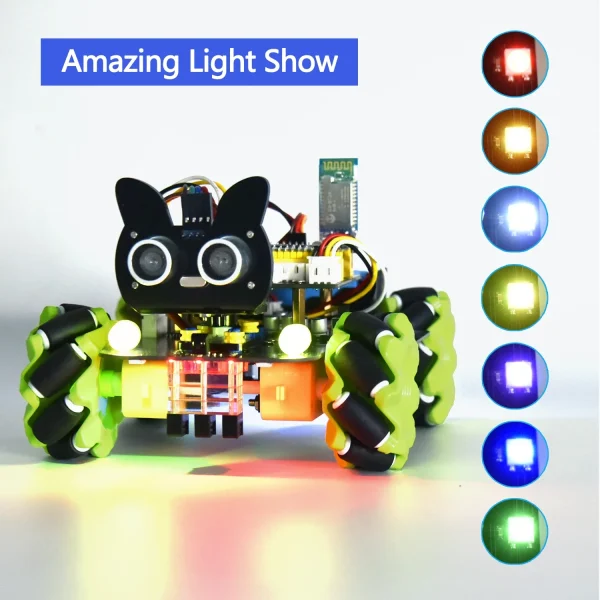
مجموعة سيارة روبوت ميكانوم بعجلات 4WD

Select options This product has multiple variants. The options may be chosen on the product page

Price range: 115 ر.ق through 133 ر.ق

اختر المنتج
0
    0
    Basket
    The basket is emptyBack to the store