

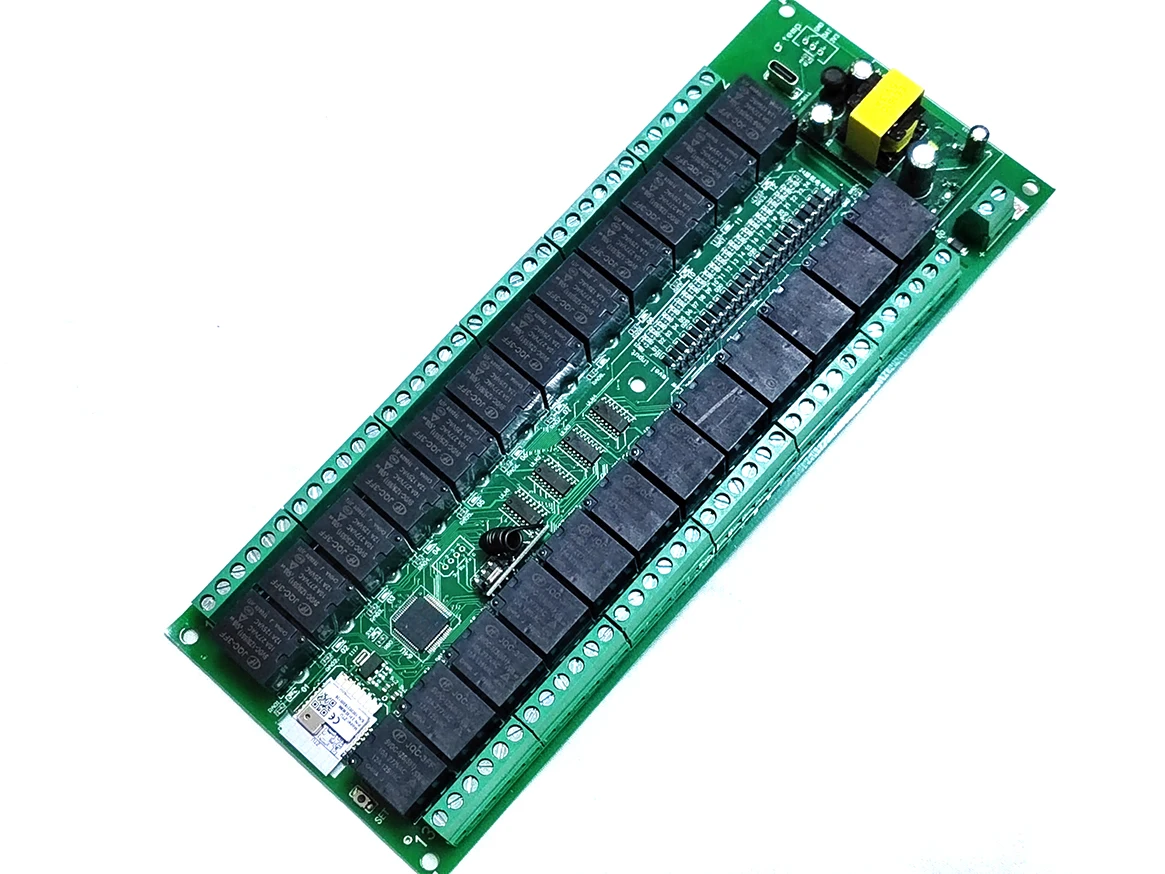
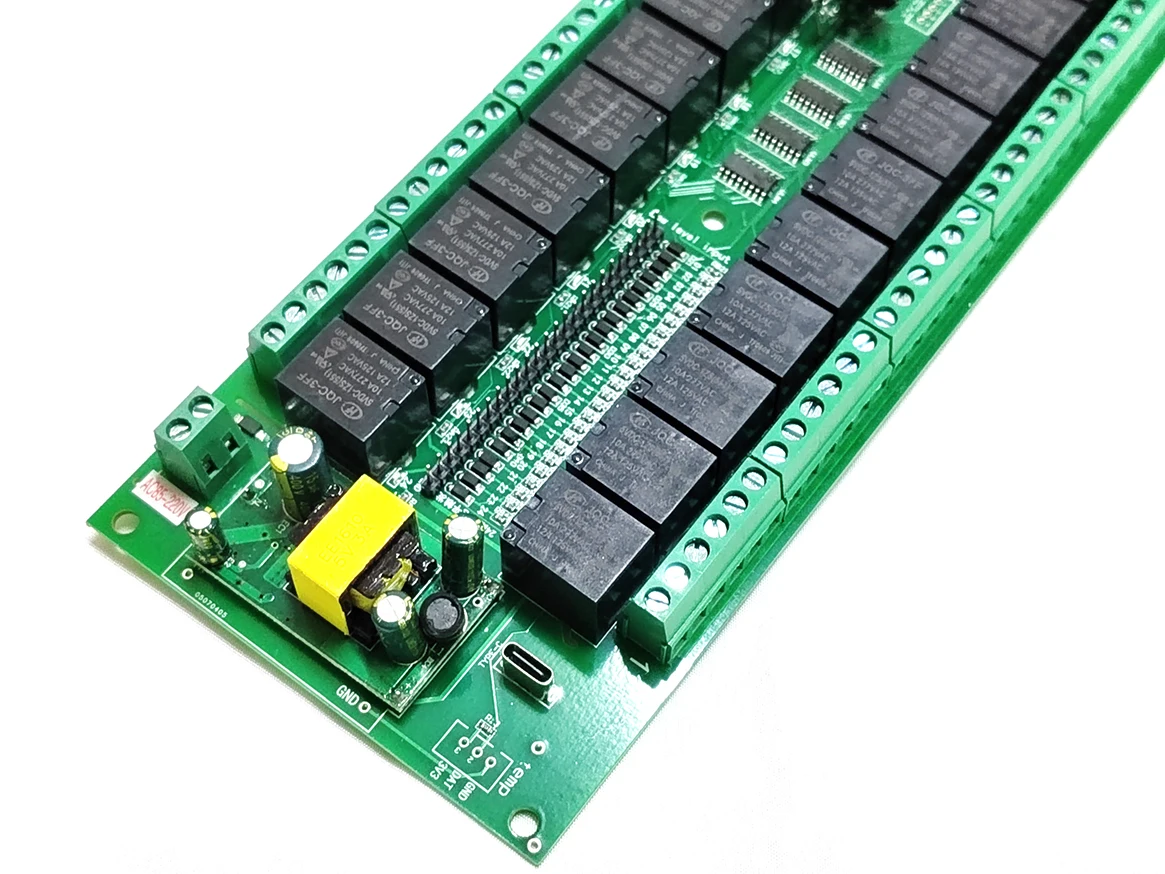
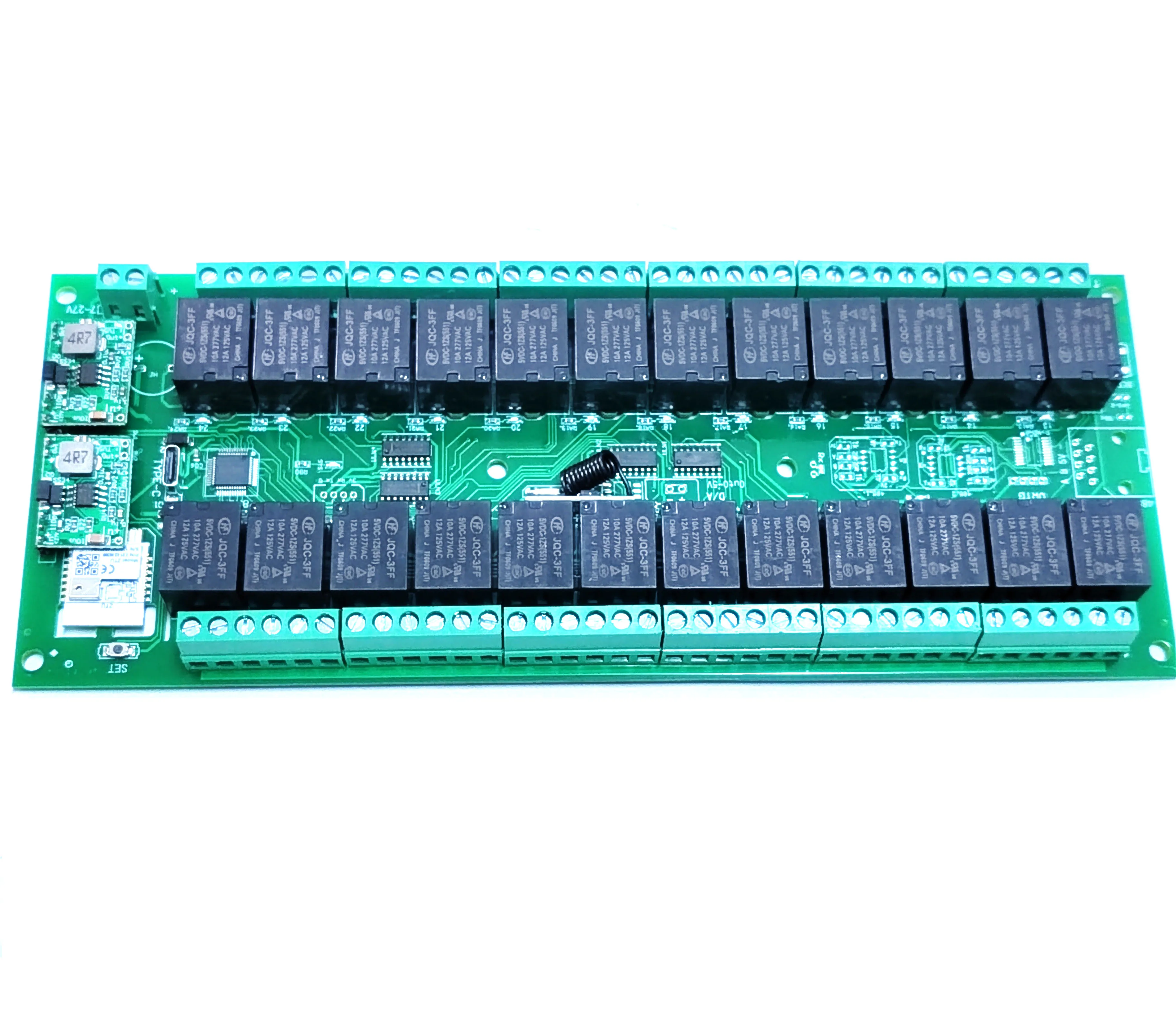
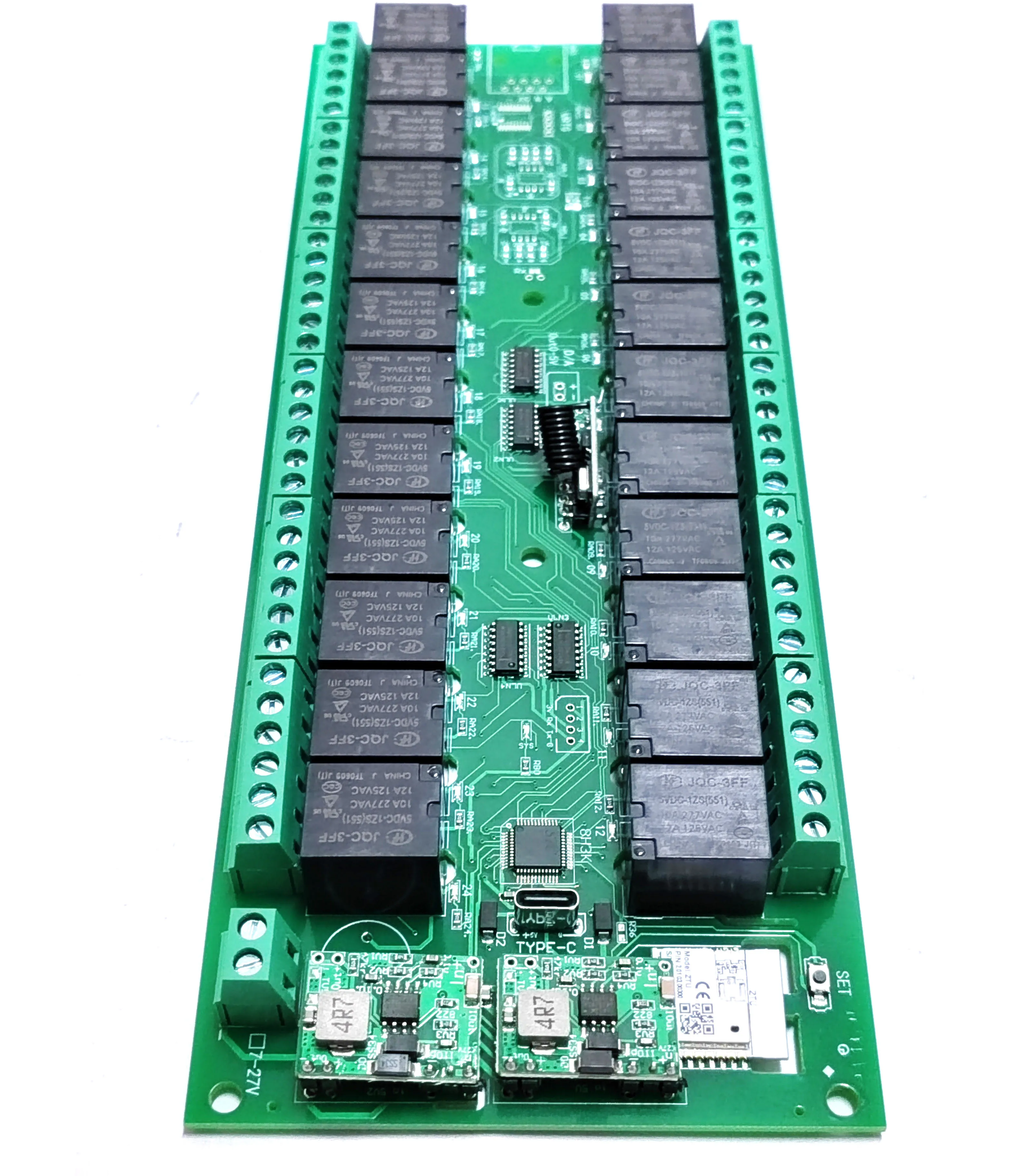
Relay Switch Module 24 Channel Works with Tuya WiFi Zigbee RF 433MHz Wireless Smart Home Remote Control Switch board controller
القسم: غير مصنف
شحن دولي
يرجى معاينة تفاصيل المنتج لمعرفة بلد المنشأ والشحن
مشاركة المنتج
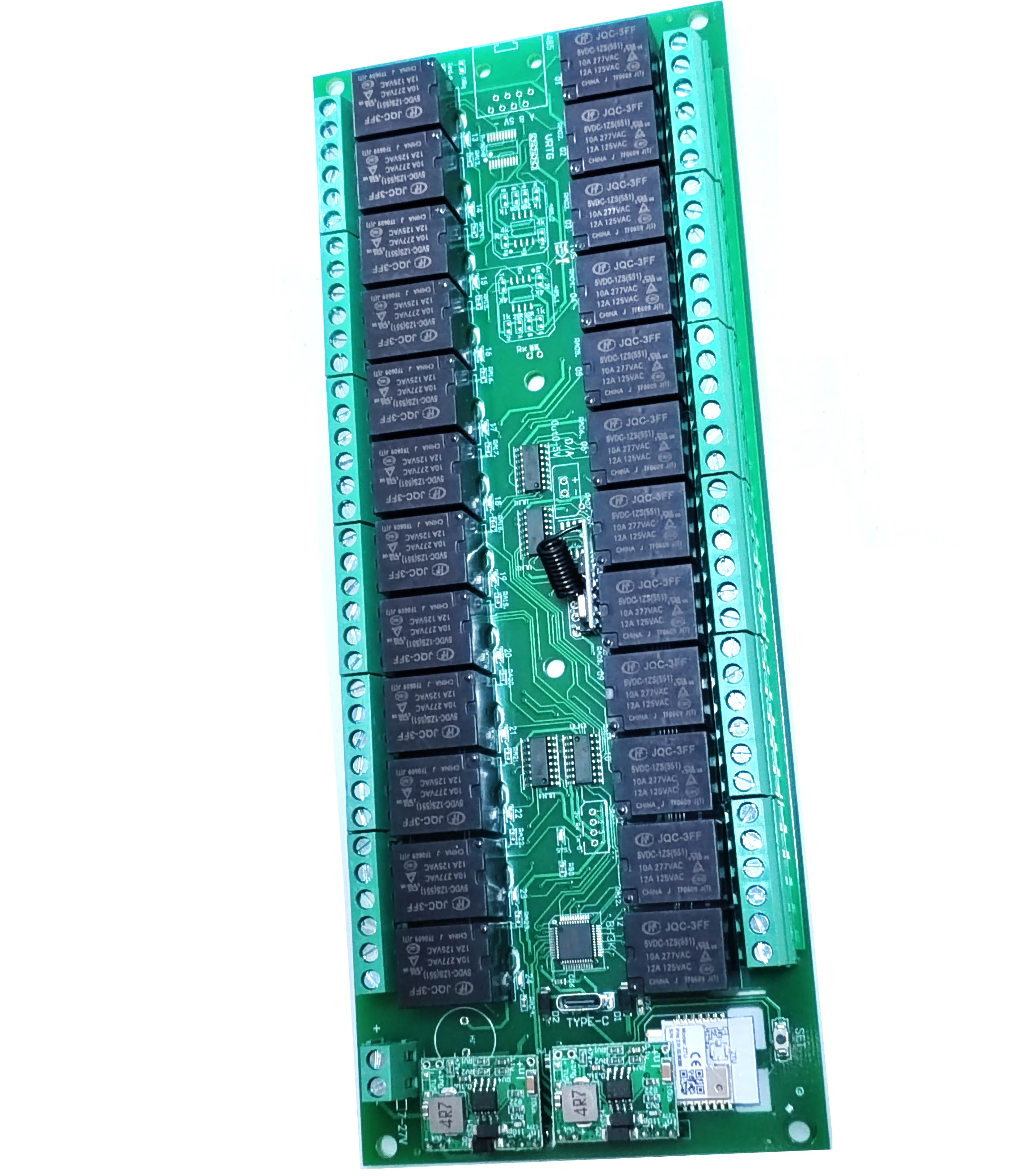
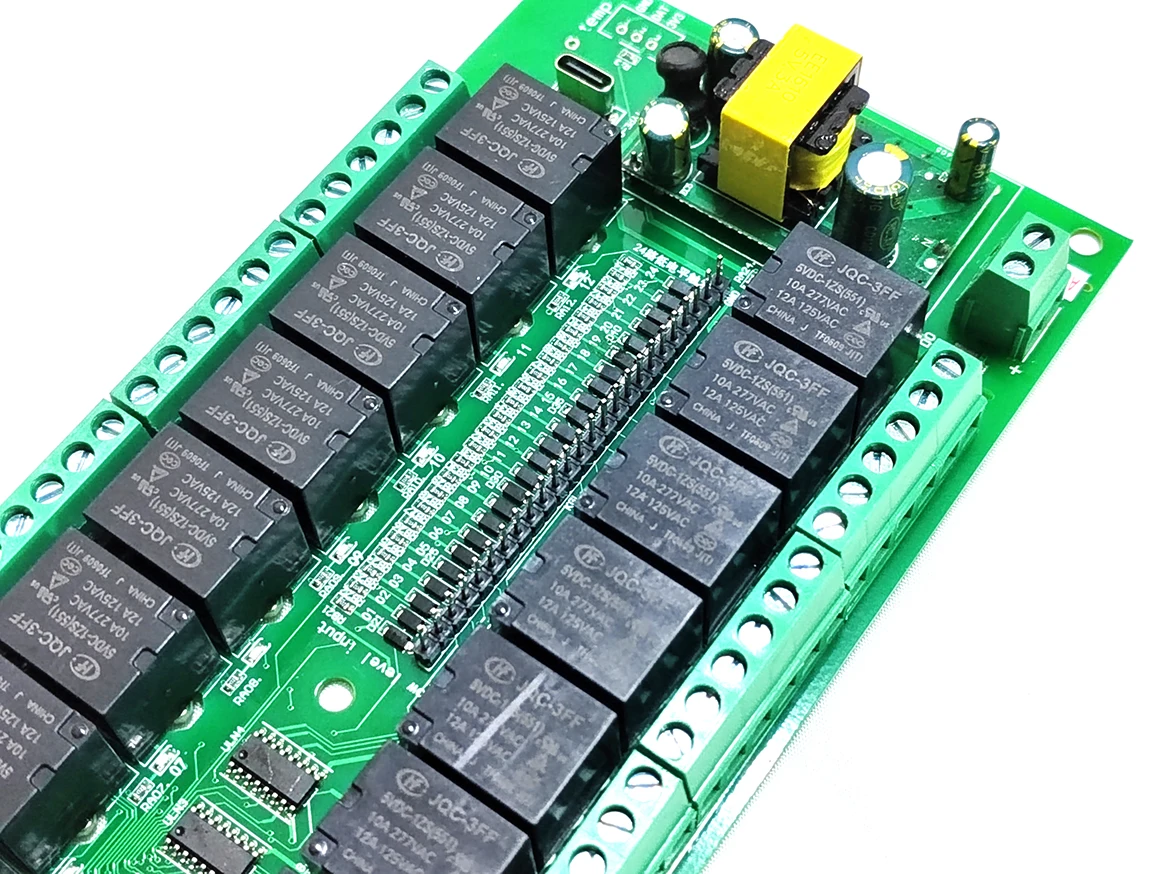
- معلومات المنتج
- مواصفات المنتج
- Brand Name: NONE
- Origin: Mainland China
- High-concerned chemical: None
- Model: v7023
- Interface: Exit Button
The power supply of the product is 5V type-c interface power supply or DC7-27V and 5V type-c interface power supply or AC85-250V power supply
product dimension: 230X90X20mm
Download "Tuya Smart" from the software market, install and register, power off the module and restart it, open the APP, and click the + sign in the upper right corner to add devices.
【Remote control】Only supported if you have purchased a remote control) (If there is a flash that does not meet the steps during the operation, please turn off the power and try again),
Note: Power off and on again, wait for the indicator light to finish flashing before operating.
Action explanation: self-locking (press once to open, press again to close)
Action explanation: jog (click and turn on and off automatically after about 0.5 seconds),
Action explanation: Press the lock (press and hold it, release it and close it)
Action explanation: only open (this key can only be opened, cannot be closed)
Action explanation: only close (this key can only be closed, not open)
Action explanation: interlock (this function needs to be set on the APP)
Action explanation: Timing (this function needs to be set on the APP)
Action explanation: delay (this function needs to be set on the APP)
The circuit board setting button setting method supports remote control and 433mhz remote control as follows:
(Learning self-locking) Quickly press the "Setting" button 5 times, relay 1 flashes, (click the setting button to change the learning relay number), at this time, long press a key on the remote control to learn a key, you can continue to press all the keys, after the operation, you need to power off and restart;
Interlock setting instructions: (requires Tuya APP setting)
●Input 2 on the top and 2 on the bottom, which means channel 1.2. Interlock
●Input 3 on the top and 3 on the bottom, which means channel 1.2.3 interlock
●Input 10 on the top and 10 on the bottom, which means interlocking channel 1.2.3.4.5.6.7.8.9.10
●Input 4 on the top and 2 on the bottom, which means channel 1.2. Interlock, 3.4. Interlock
●Input 8 at the top and 2 at the bottom, which means 1-2 interlock, 3-4 interlock, 5-6 interlock, 7-8 interlock
●Input 10 at the top and 5 at the bottom, which means channel 1.2.3.4.5 interlock, 6.7.8.9.10. interlock
●Enter 0 above and 0 below, indicating no interlock
【Jog setting】
●Input 1 for the channel number, the current jog time of channel 1 will be displayed below, and the jog time can be changed such as 500 milliseconds.
●Channel number input 2, the current jog time of channel 2 will be displayed below, and the jog time can be changed such as 500 milliseconds.
●Jogging time input 0 means this channel does not jog, set other channels by analogy.
Description: Jog time range: 1-999999999 milliseconds
【Power-on settings】
●Input 1 for the channel number, the value of the current channel will be displayed below
●Input 1 below, which means that the channel will be automatically opened when the power is turned on
●Enter 2 below to indicate that the channel is turned off after power-on
●Input 3 below, which means that the switch state before power-off will be maintained after power-on
●Input 4 below, which means it is forced to open after power-on, and the mobile phone will never be able to operate this channel
[Delayed opening] (Some products do not support it, if you need it, you can add it before shooting)
●Input 1 on the top, and the current setting value of channel 1 will be displayed on the bottom
●Input 3000 below, which means that the channel will not be opened when clicked to open, but will be opened automatically after 3000 milliseconds.
[Delay off] (Some products do not support it, if you need it, you can ask for more before shooting)
●Input 1 on the top, and the current setting value of channel 1 will be displayed on the bottom
●Input 3000 below, which means that the channel will not be closed when you click Close, but will be closed automatically after 3000 milliseconds.
[Learning Remote Control] (Optional)
●Power off and on again for 5 seconds, quickly press the setting button 5 times (press faster), the indicator light of channel 1 will keep flashing, at this time press and hold 1 button of the remote control until channel 2 flashes, and then press Hold down the other key on the remote control until channel 3 flashes, press all the keys in the same way, and finally turn off the power and turn it on again;
[Restore factory settings]
Press and hold "Settings" for 10 seconds, let go when the indicator light flashes quickly, and it's done.
| Color | 12V tuya wifi, 12V tuya zigbee, 220V tuya wifi, 220V tuya zigbee |
|---|---|
| Brand Name | NONE |
| Origin | Mainland China |
| High-concerned chemical | None |
| Model | v7023 |
| Interface | Exit Button |
منتجات مقترحة
KYSONA M600 V2 Black Gaming Mouse Wireless Mouse PAW3395 Adjustable DPI 55g Ultra Light Ergonomic Design For Competitive Gamers
178 ر.ق

ATK DragonFly A9 Air Ultimate Wireless Gaming Mouse PAW3950 Ultra 42000DPI 750IPS 8KHz RGB Ergonomic Design for Windows MacOs
151 ر.ق – 439 ر.قنطاق السعر: من 151 ر.ق خلال 439 ر.ق

VICKY New Simple Personalized Fashion Cat’s Eye Frame Design Women’s Anti-Blue Light Reading Glasses Customizable Prescription
84 ر.ق – 111 ر.قنطاق السعر: من 84 ر.ق خلال 111 ر.ق
Jomaa 26 Keys Wireless Number Pads Rechargeable USB Numeric Keypad Portable Financial Accounting Number Keyboard for Laptop
97 ر.ق
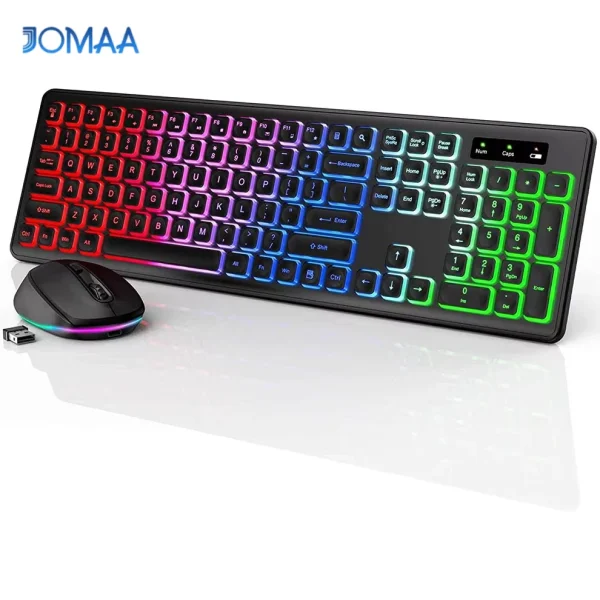
Wireless Keyboard and Mouse Combo Backlit Rechargeable Wireless Keyboard Set USB Cordless Combo for Computer Mac PC Laptop
220 ر.ق

Wired Gaming Mouse with RGB Backlit, 7200 DPI Adjustable, Mouse with 10 Programmable Macro Buttons ,X9 Gaming Mouse
93 ر.ق
بإمكانك إضافة
KYSONA M600 V2 Black Gaming Mouse Wireless Mouse PAW3395 Adjustable DPI 55g Ultra Light Ergonomic Design For Competitive Gamers
178 ر.ق
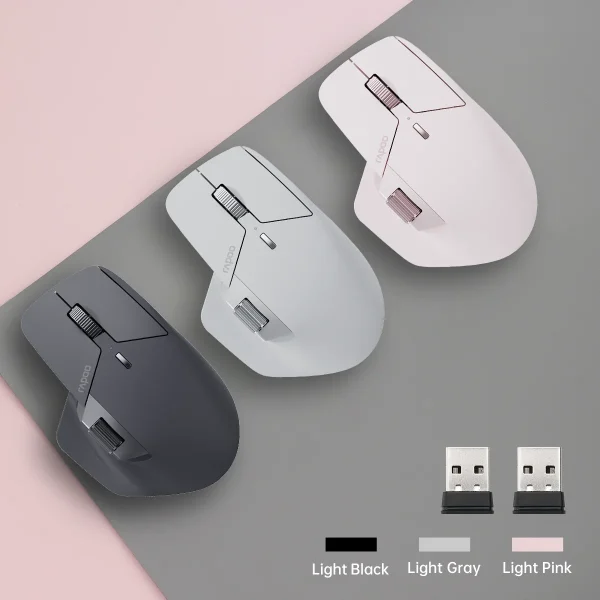
Rapoo MT760/MT760L/MT760Mini/MT760M Rechargeable Multi-mode Bluetooth Wireless Mouse Ergonomic 4000 DPI Support Up to 4 Devices
162 ر.ق – 174 ر.قنطاق السعر: من 162 ر.ق خلال 174 ر.ق

VICKY Classic Round Small Frames Men Glasses Anti-Blue Light Reading Glasses Customizable Prescription Myopia Hyperopia 2092
79 ر.ق – 110 ر.قنطاق السعر: من 79 ر.ق خلال 110 ر.ق

VICKY Simple Classic Geometric Frame Square Design Men’s and Women’s Anti-Blue Light Glasses Customizable Prescription 18322
74 ر.ق – 100 ر.قنطاق السعر: من 74 ر.ق خلال 100 ر.ق
Wired Gaming Mouse with RGB Backlit, 7200 DPI Adjustable, Mouse with 10 Programmable Macro Buttons ,X9 Gaming Mouse
93 ر.ق
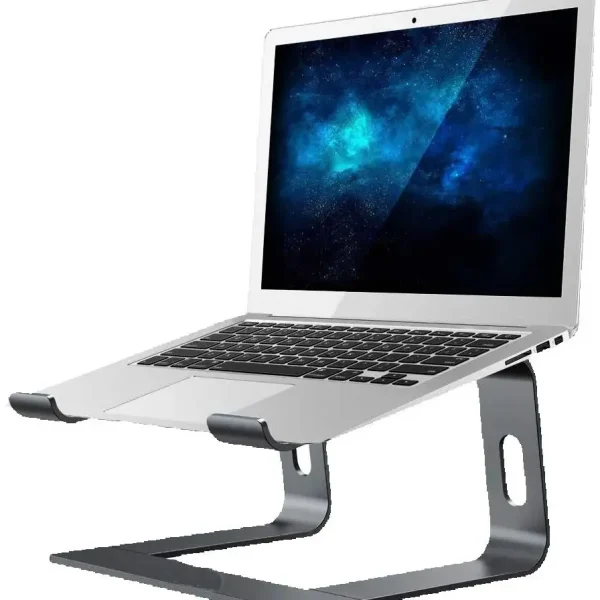
Jomaa Laptop Stand Ergonomic Aluminum Laptop Mount Computer Stand Detachable Laptop Riser Notebook Holder Stand Compatible
193 ر.ق – 206 ر.قنطاق السعر: من 193 ر.ق خلال 206 ر.ق