
- Brand Name: NONE
- High-concerned chemical: None
- Origin: Mainland China
- Material: Wood
- Installation Method: Assembly
Please read the description before the auction:
After reading the following description, I don’t know that the buyer should not shoot. Mind shooting carefully, confirm that it can be used and then shoot. Once shipped, it will not be returned or exchanged. We don’t know which models this module is suitable for. It is recommended to consult the merchant you purchased the air conditioner for, and then buy it after confirmation.
The following description is for reference only:
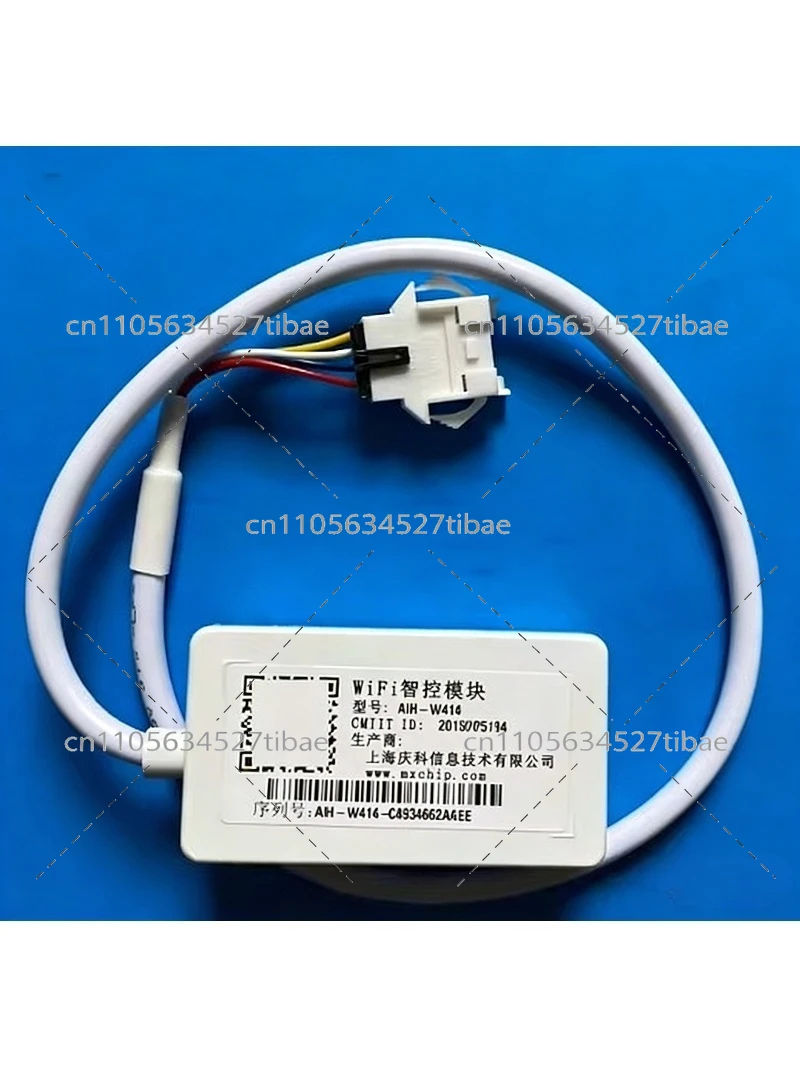
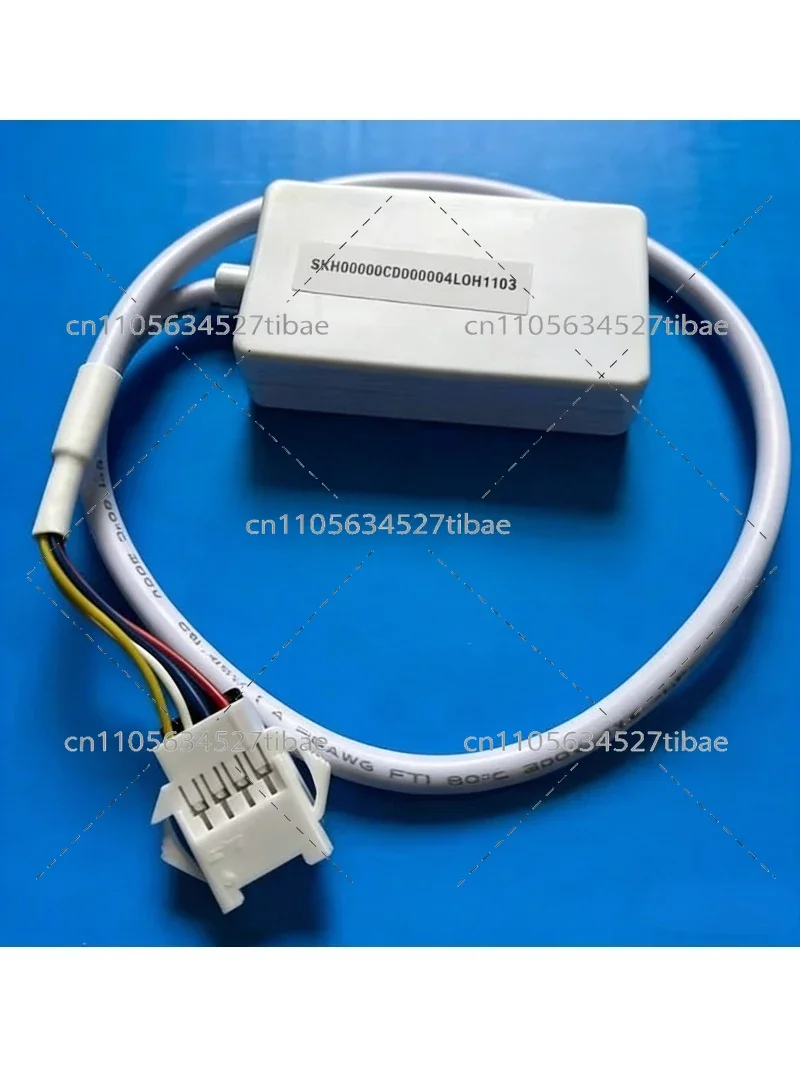
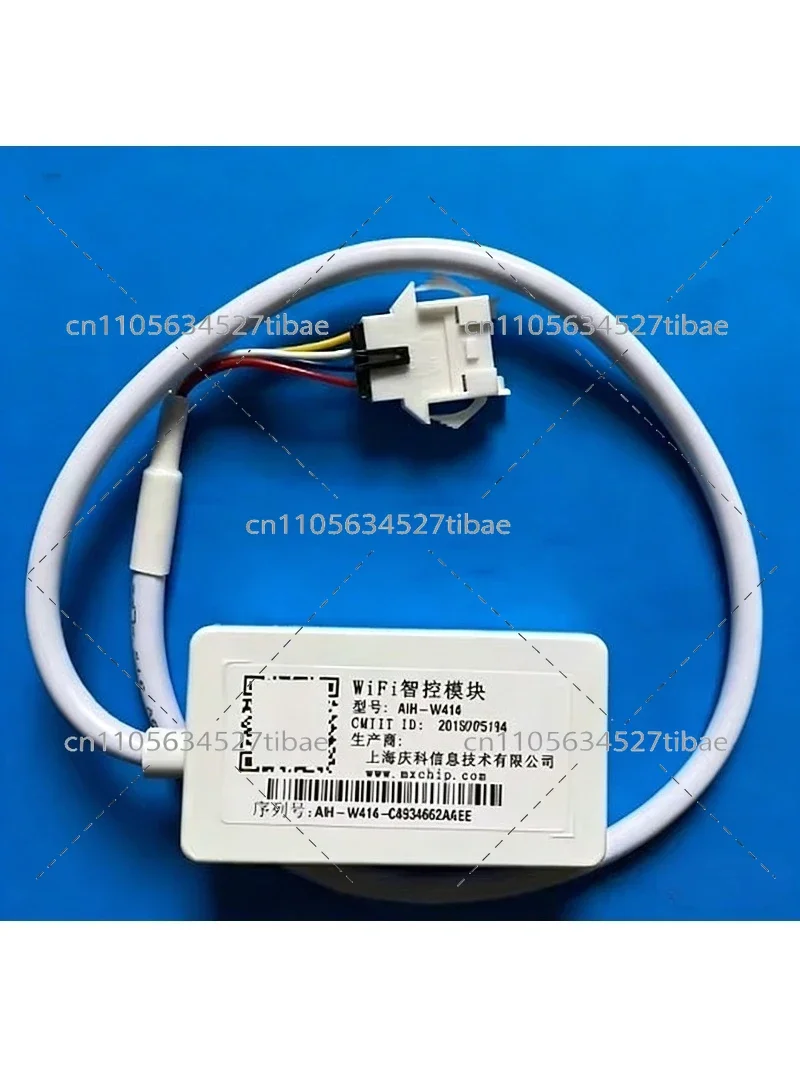
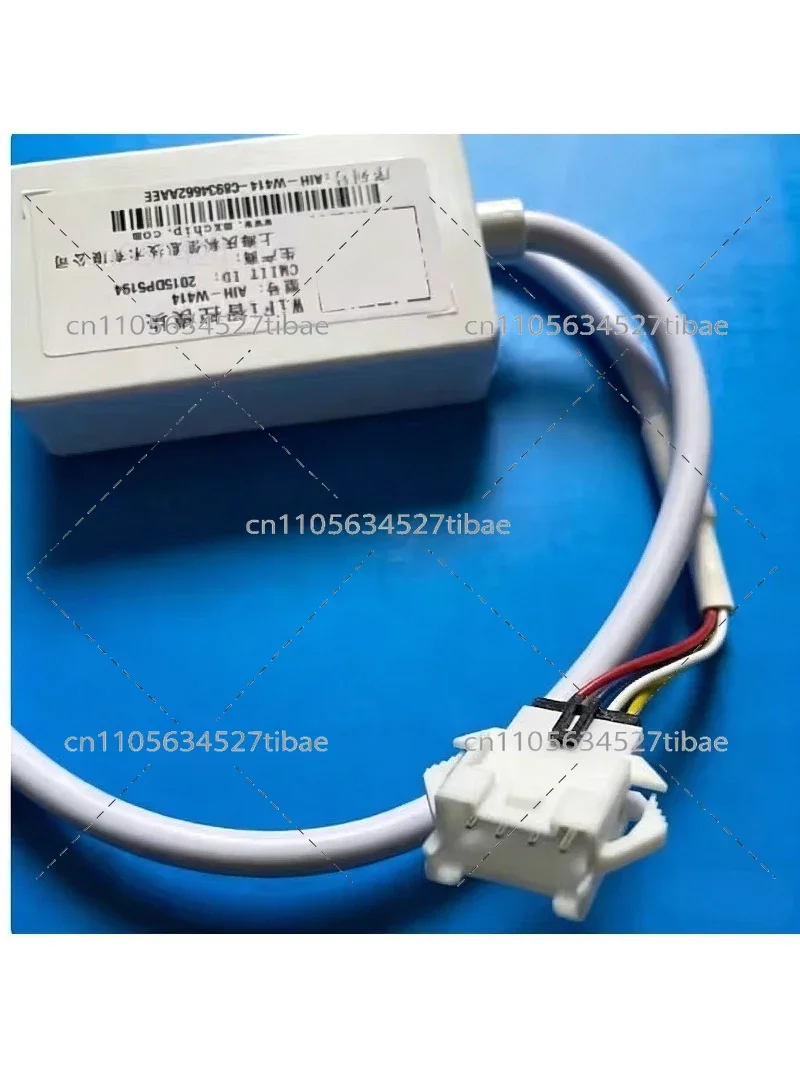
Hisense intelligent air conditioner WIFI intelligent control module!
This smart module is only suitable for Hisense smart air conditioners! There are many air conditioner models, so this module may not be available. It is recommended to consult the air conditioner seller to confirm the module model before shooting.
The connection core of the Hisense smart air conditioner is the Hisense WiFi intelligent control module, which establishes a control connection between the mobile phone and the Hisense smart air conditioner through WiFi technology; the user installs the Hisense Aijia software on the mobile phone, uses the smart software Hisense smart module to send control commands, and the Hisense WiFi smart module forwards the command to the air conditioner. After the air conditioner executes the command, the execution result is fed back to the mobile phone through the Hisense WiFi smart module, so as to control and manage the air conditioner.
Download the instructions for use:
1. Use environment: The smart air conditioner needs to be connected to the power supply, and the air conditioner can be connected to the smart service through the cooperation of the smart phone and the wireless router;
2. Operation steps:
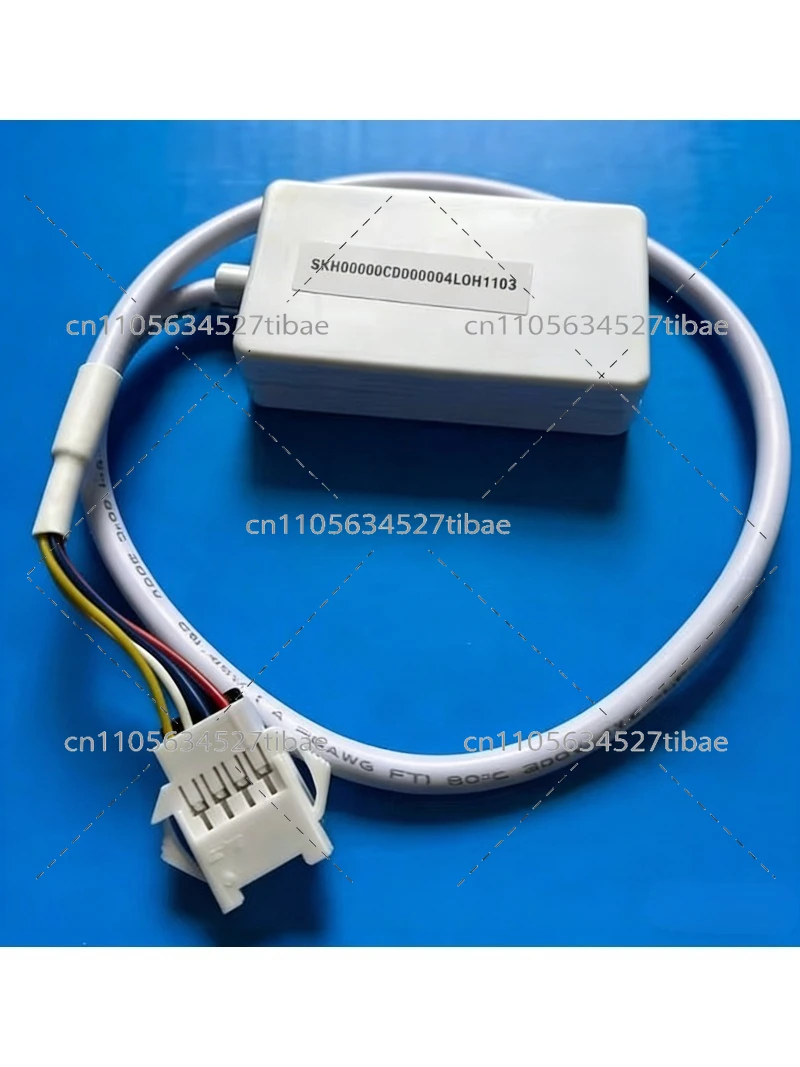
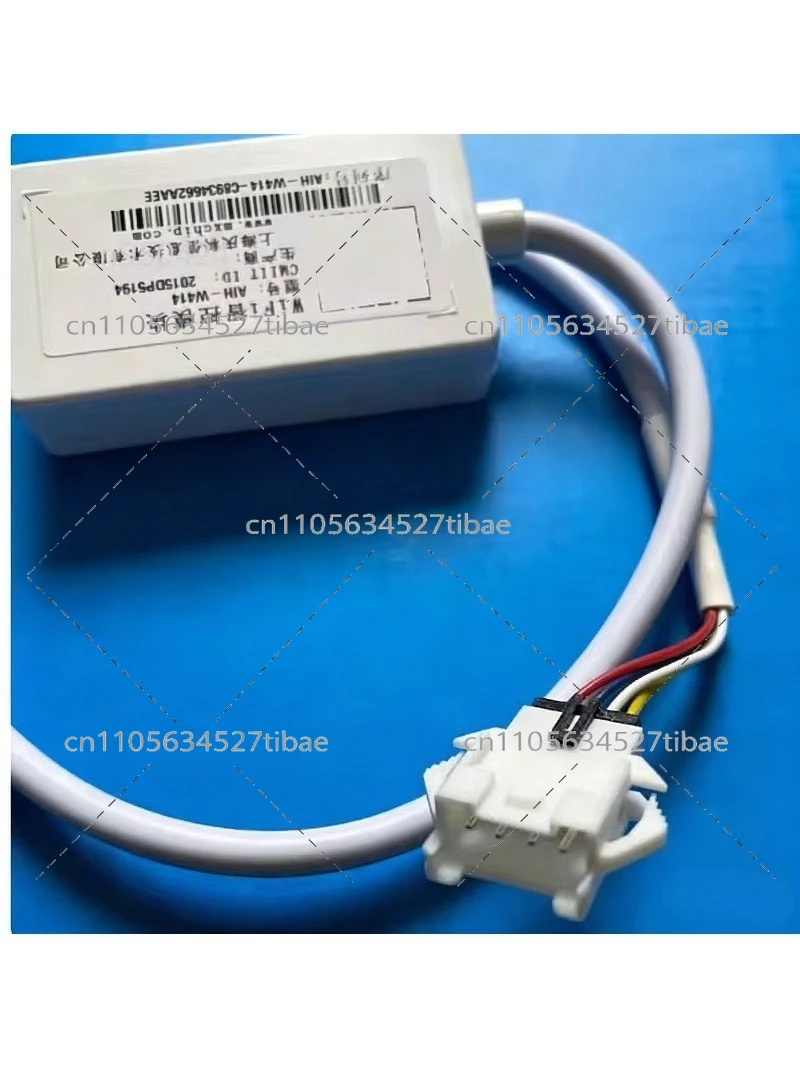
Step 1: Insert the 4-wire 4-pin plug/connection into the 4-hole socket of the air conditioner indoor unit (there is a reserved 4-pin socket on the front panel of the indoor unit, and it must be turned off before plugging in the module)
Step 2: Use the QR code on the mobile phone scan code module to download the APP,
Step 3: Open the APP after the successful download, and click Network Settings to configure the network access;
Step 4: Register your username, click Add WiFi Intelligent Control Module,
Step 5: To add the device, scan the barcode on the indoor unit and press the interface prompts that jump out to distribute the air conditioner network; this step cannot be wrong (many buyers scan the barcode on the module/useless)
For detailed operation instructions, you can view the novice tutorial in the APP.
Non-Kelon and Hisense smart air conditioners cannot be used.
Most of the panels on smart air conditioners are marked with a WiFi logo.
Or open the panel before shooting to see if there is a 4-hole or 4-pin connector inside.
If there is no reserved 4-hole or 4-pin connector, it is a non-intelligent air conditioner/cannot be used.