
- Compatible Systems: Windows,MacOS,Linux,Chrome OS,iOS,iPad OS,Android
- Compatible PC Devices: Laptop
- High-concerned chemical: None
- Package: Yes
- Certification: CE,FCC
- Funtion: RJ45,Thunderbolt,Charging
- Standard: USB 3.1
- Ports: 8
- Interface Type: USB Type-C
- Brand Name: UGREEN
- Ports: 8
- Origin: Mainland China
- Plug Type: EU
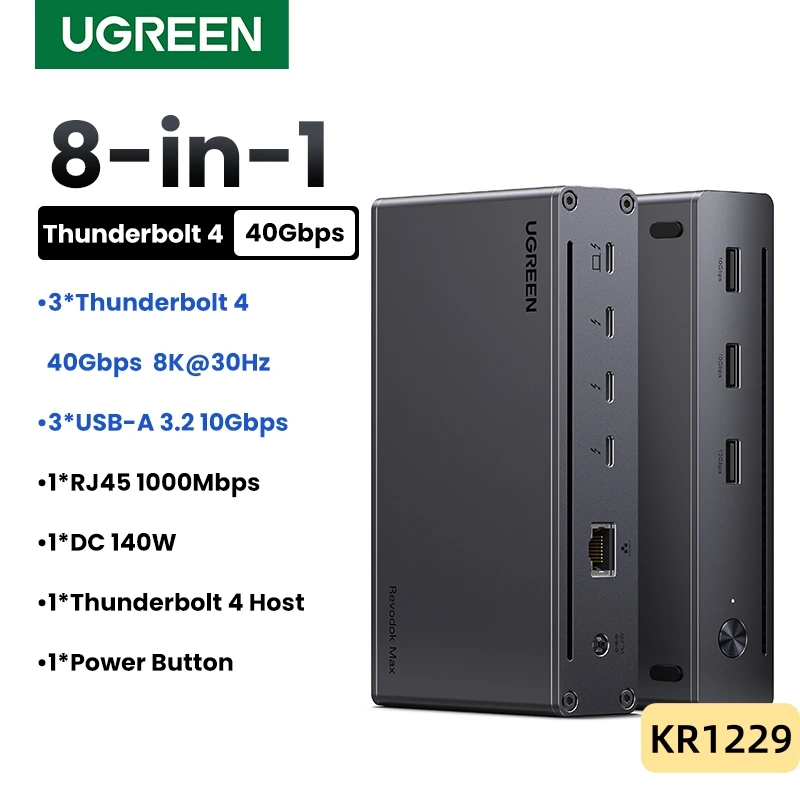
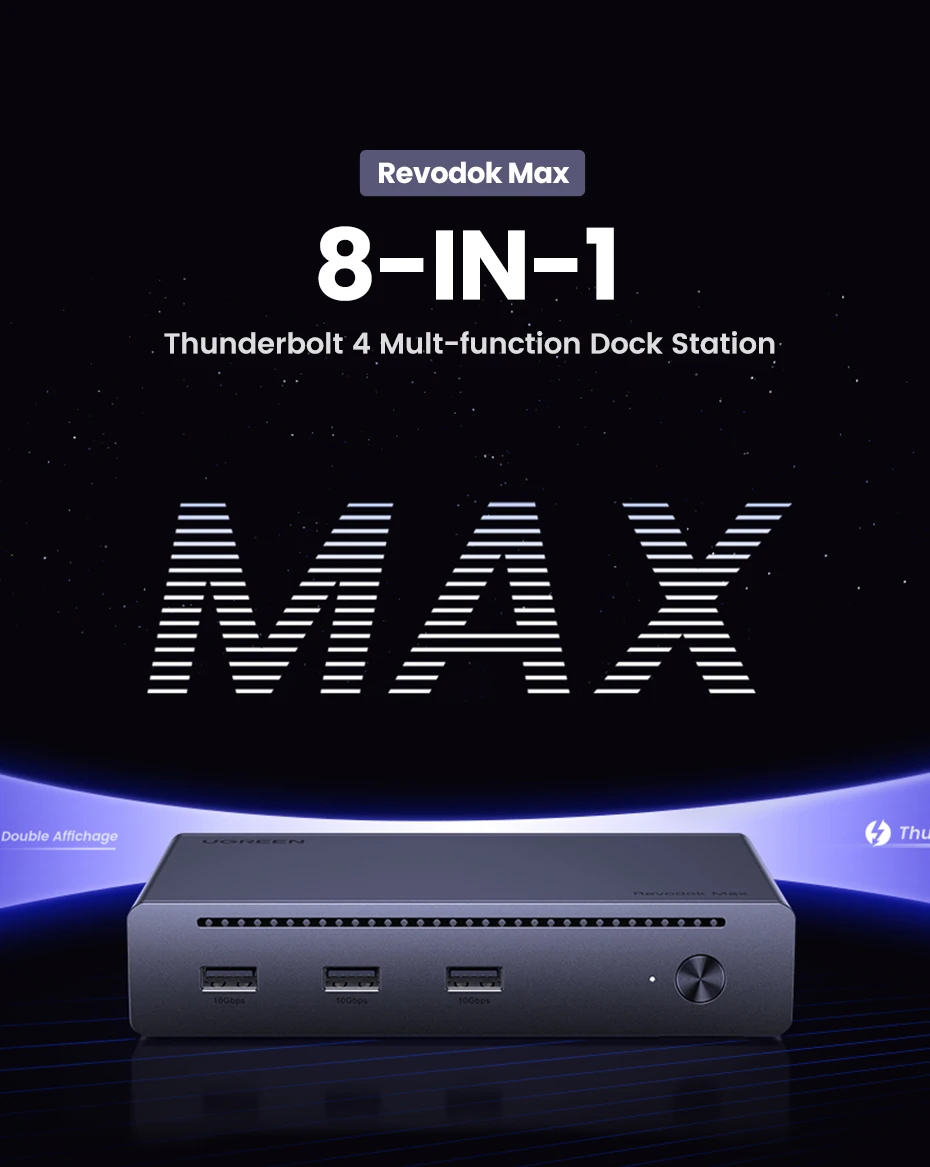
3xThunderbolt 4 8-IN-1 Docking Station
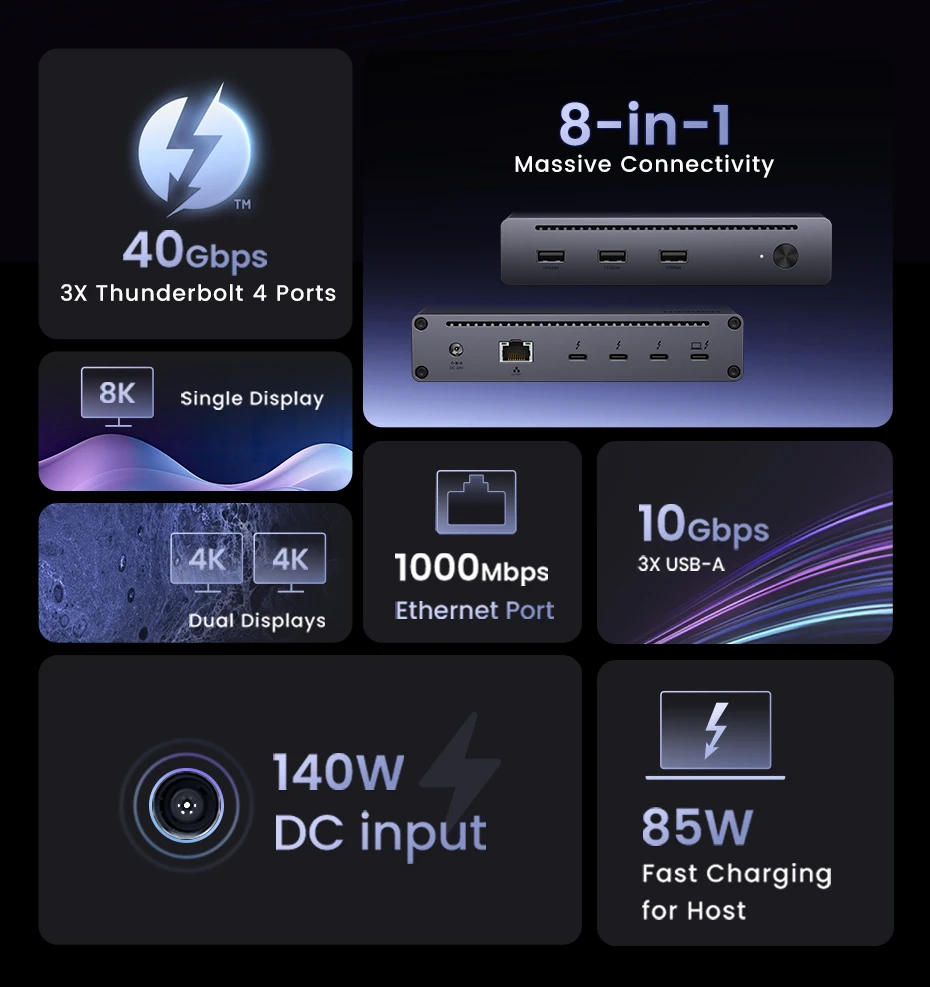
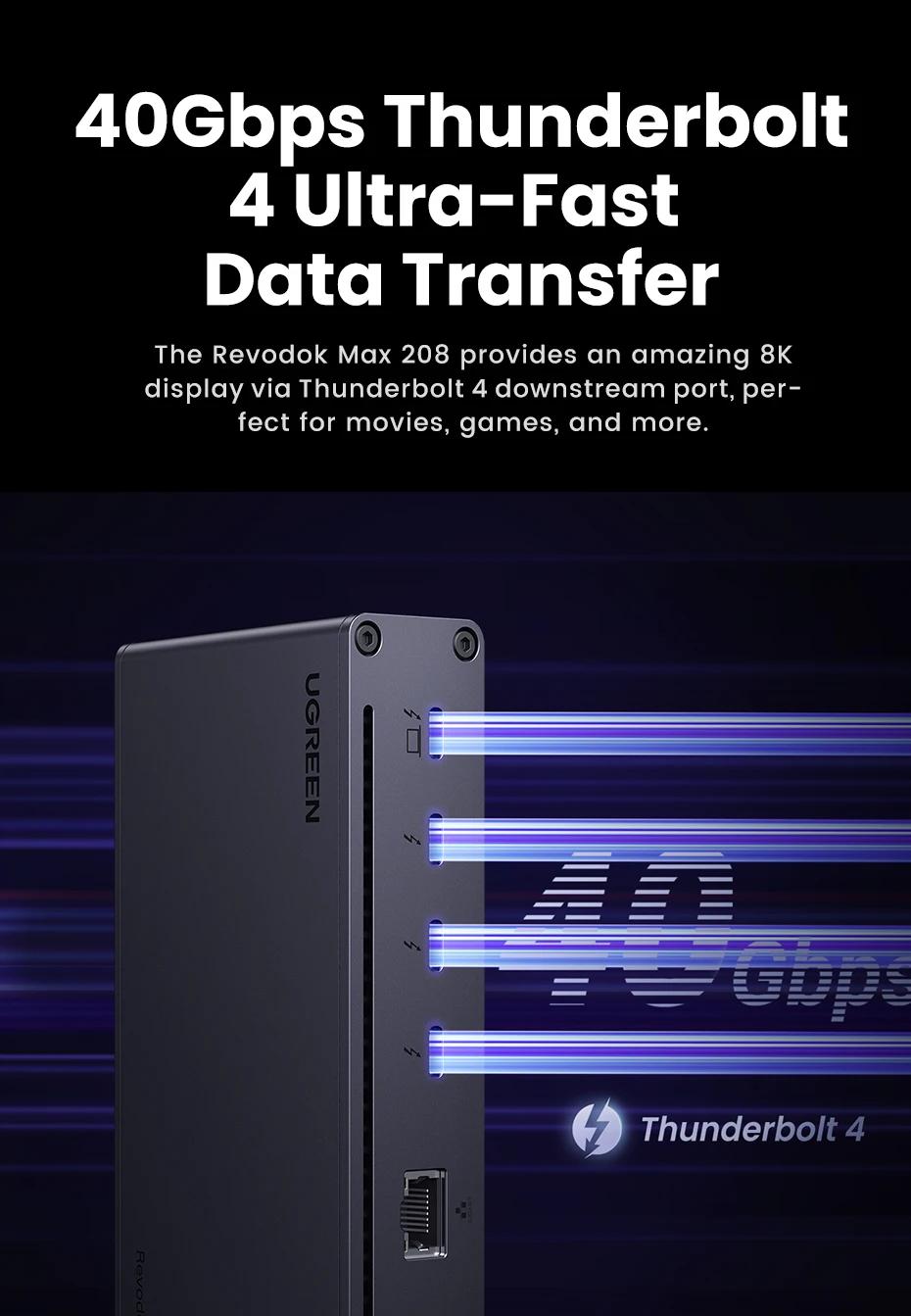
✔40Gbps 3xThunderbolt 4 Ports ✔8K Single Display
✔Dual 4K Display ✔10Gbps 3xUSB-A 3.2 Gen2
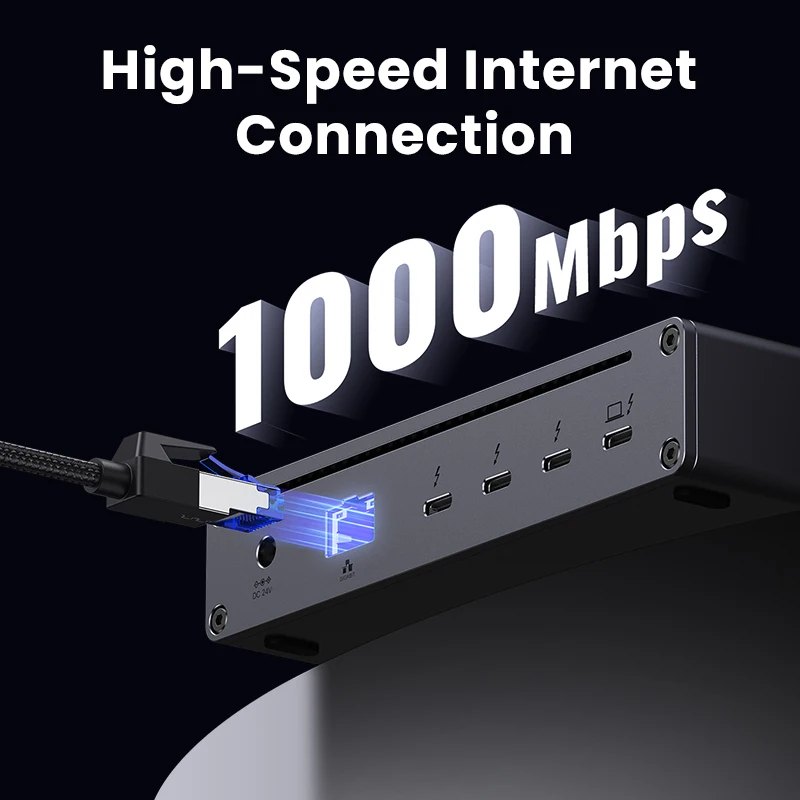
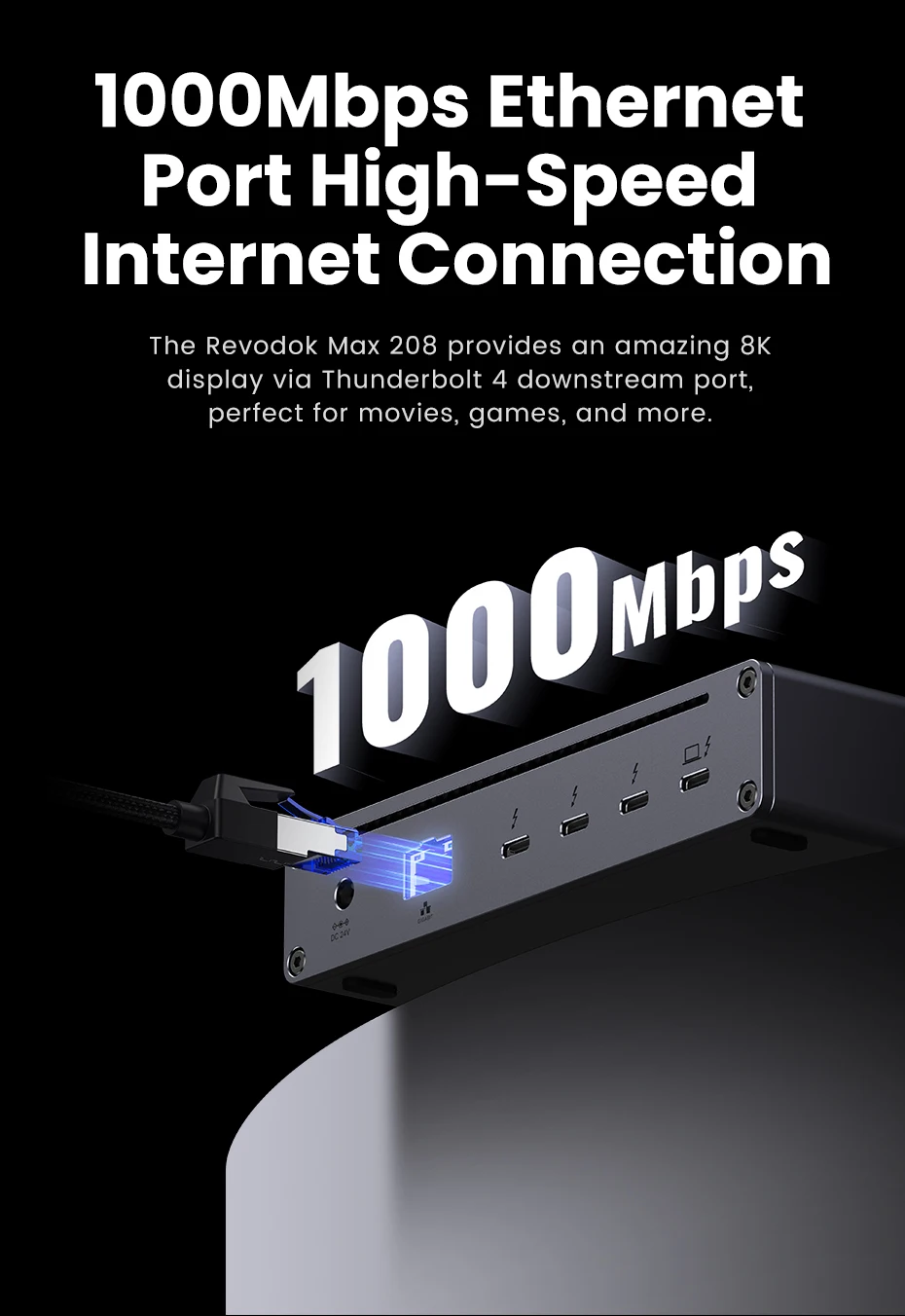
✔8 Ports Expansion ✔1000Mbps RJ45
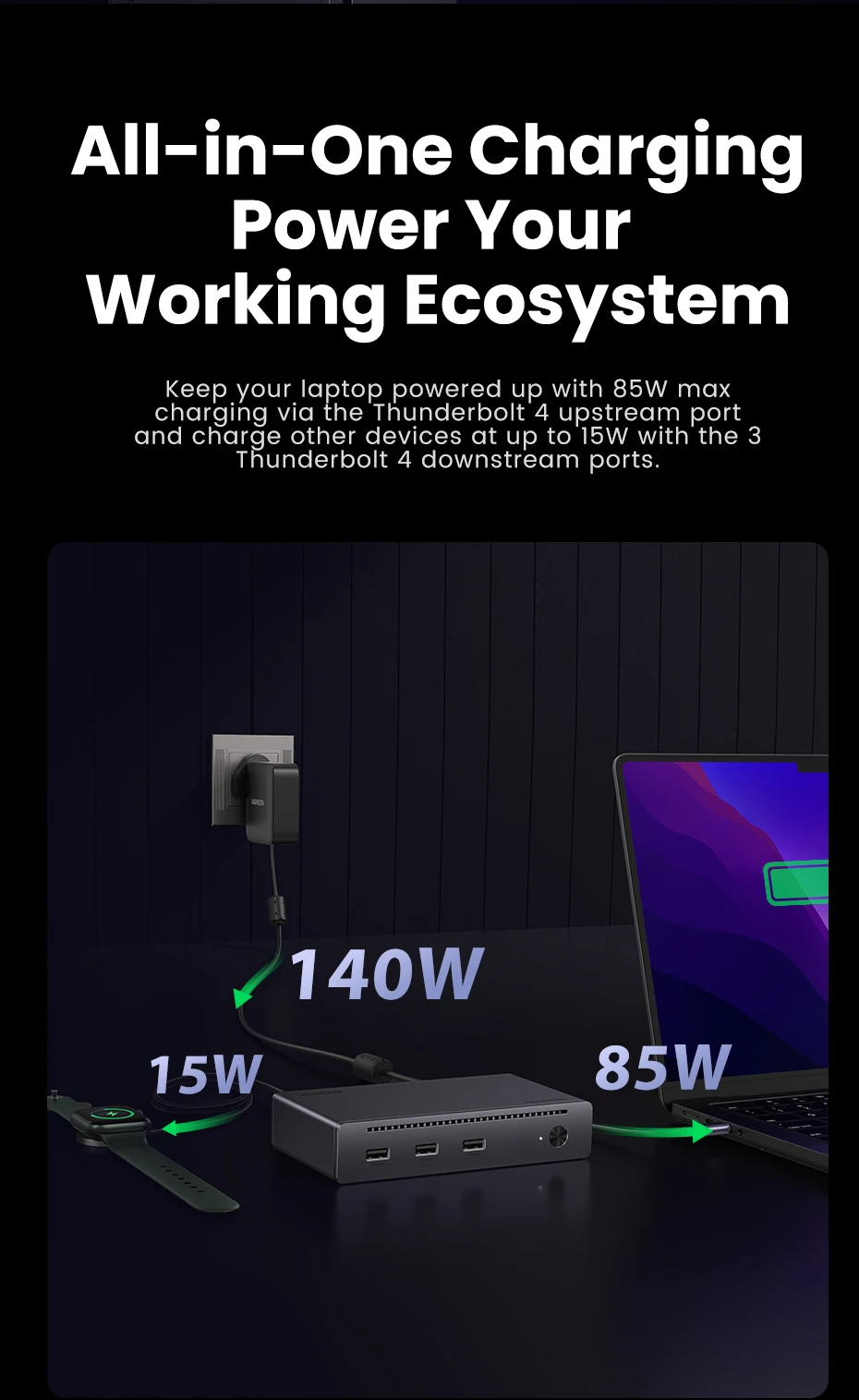
✔140W DC Input ✔85W Fast charge for host ✔Power Button
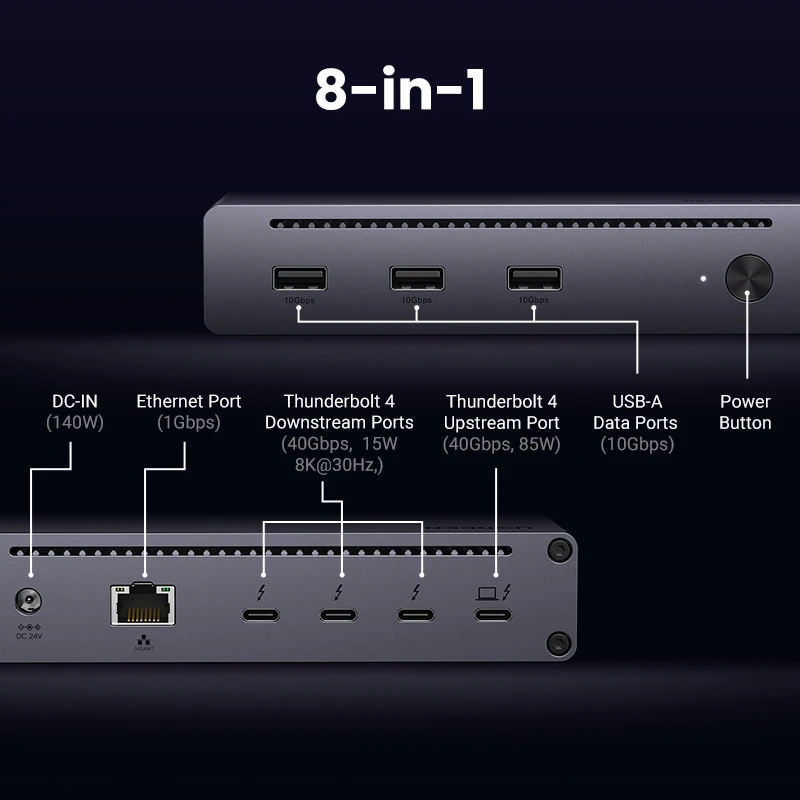
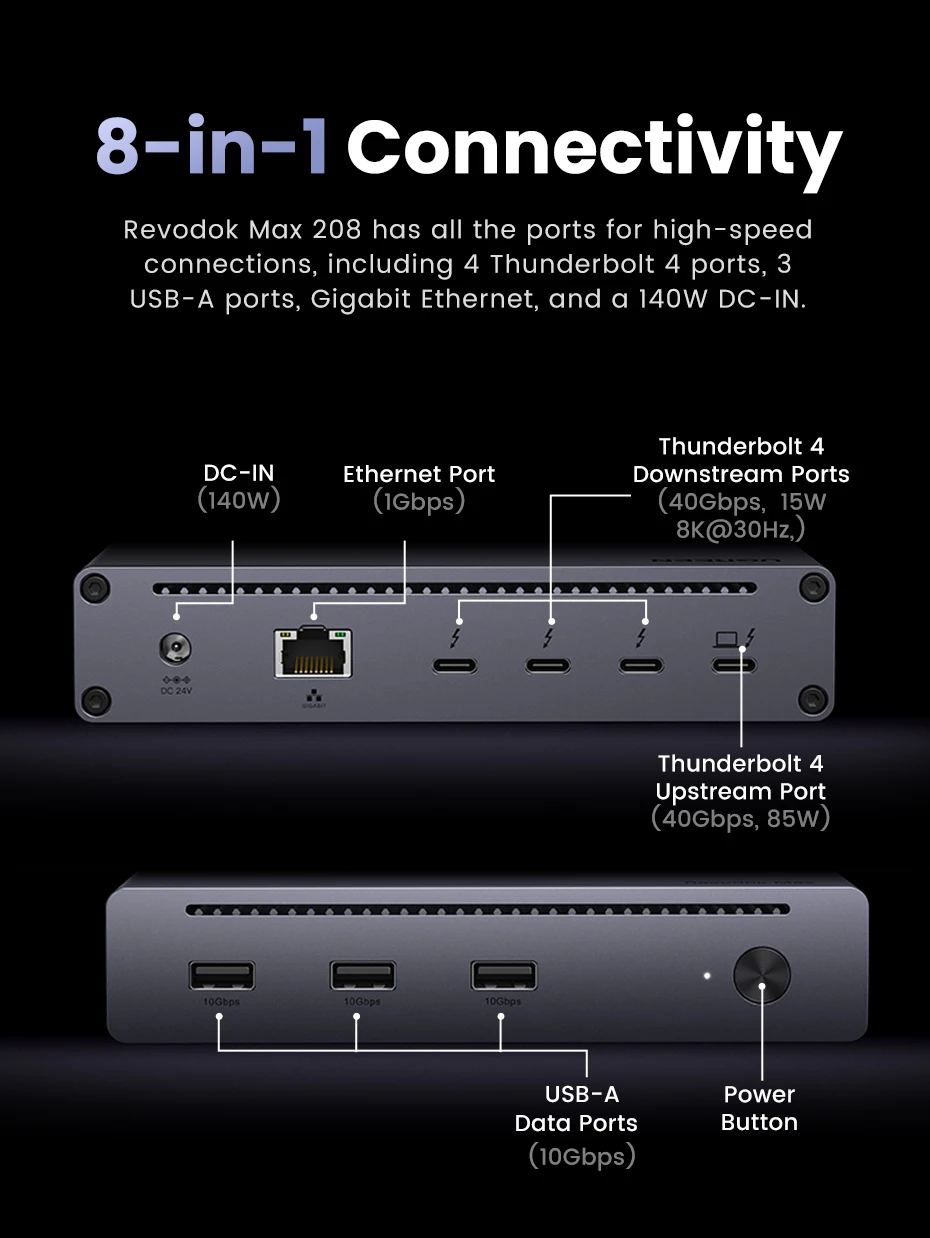
8-in-1 Massive Expansion: The 8-in-1 Thunderbolt 4 Dock is equipped with 3x Thunderbolt 4(40Gbps, 15W), 3x USB A 3.2(10Gbps), a gigabit ethernet, and a 140W DC power ports, which can meet all your high-performance expansion needs.
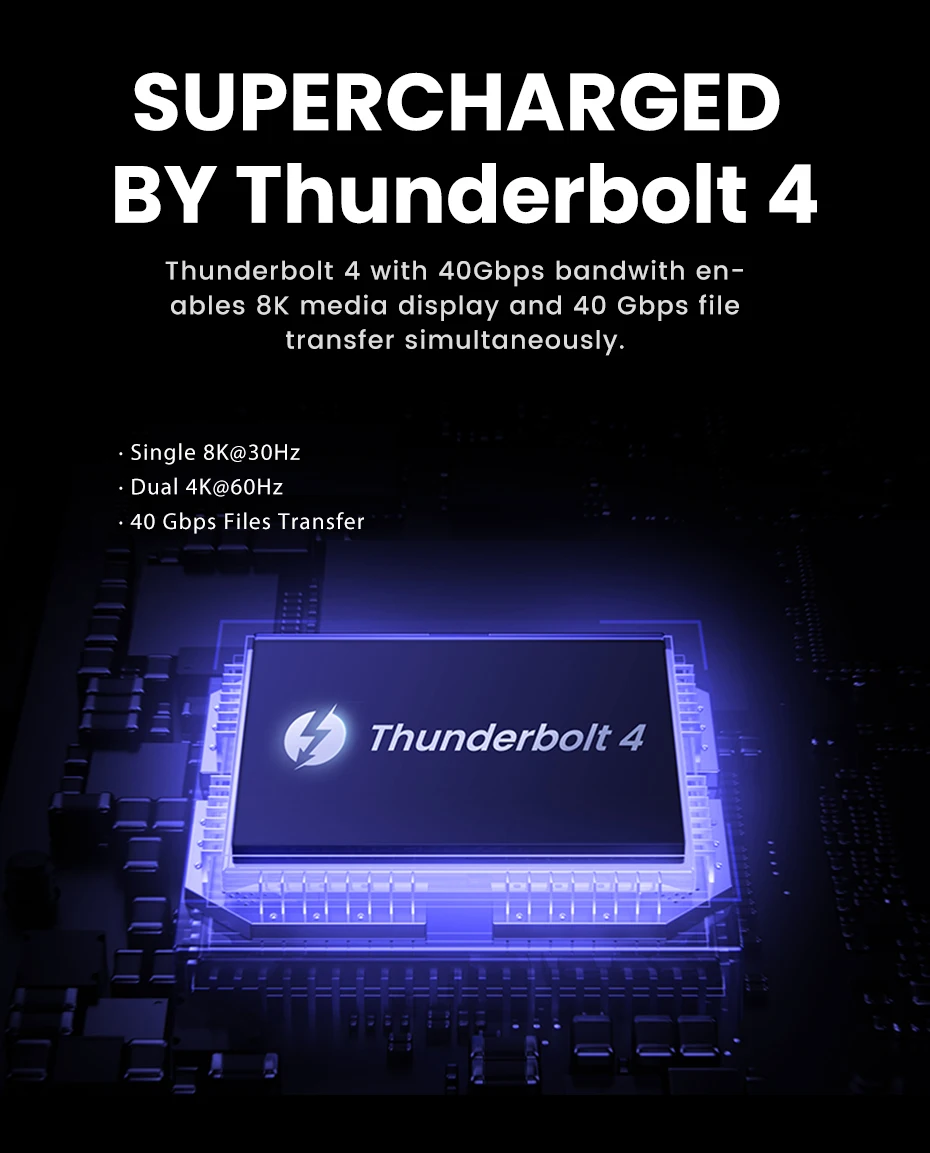
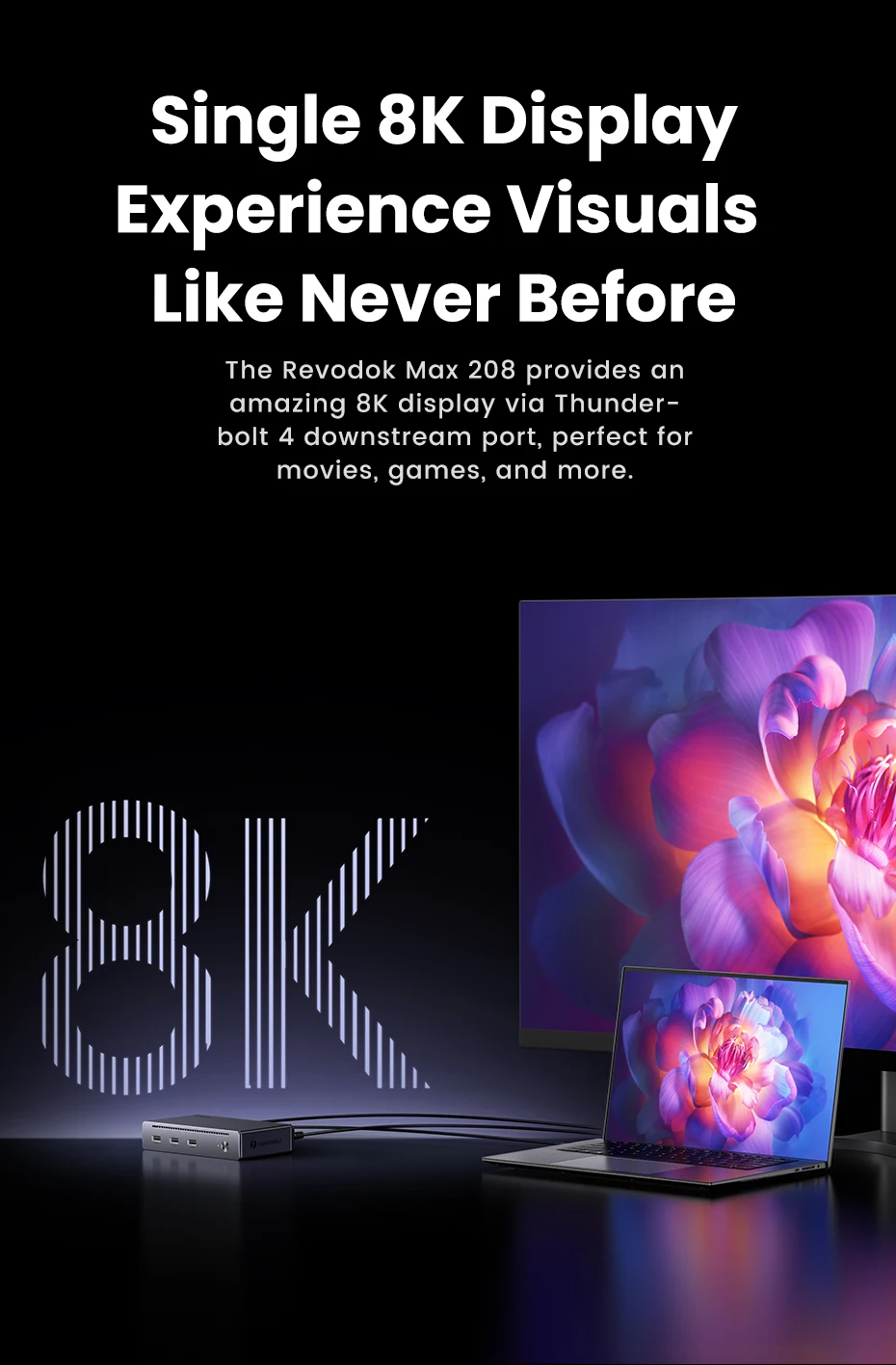
Powerful Thunderbolt 4: With one upstream and three downstream Thunderbolt 4 ports, you can transfer data at speeds up to 40Gbps and display in resolutions up to 8K. Experience high-performance work like never before.
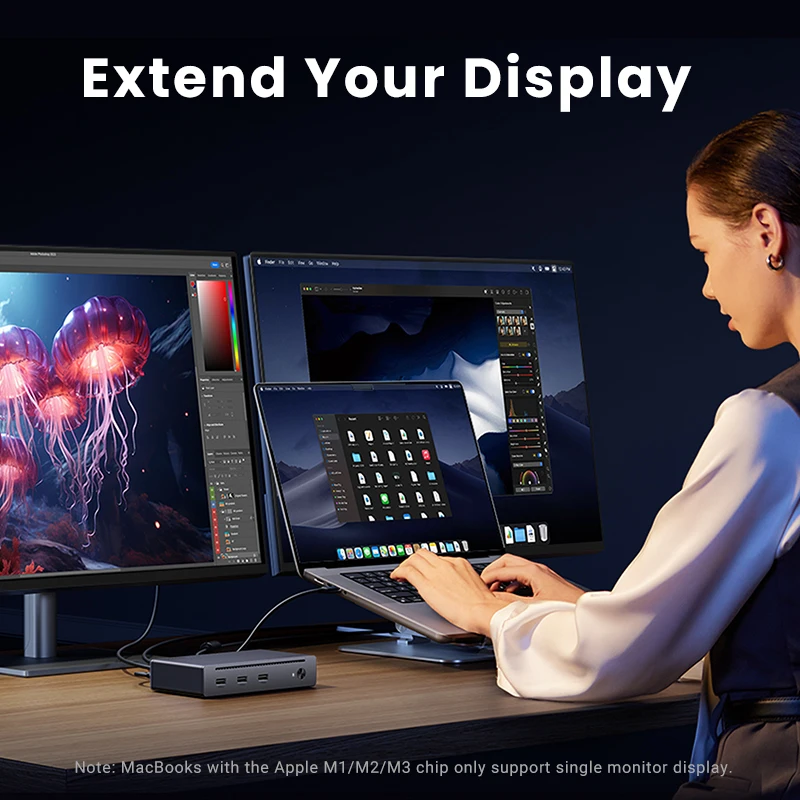
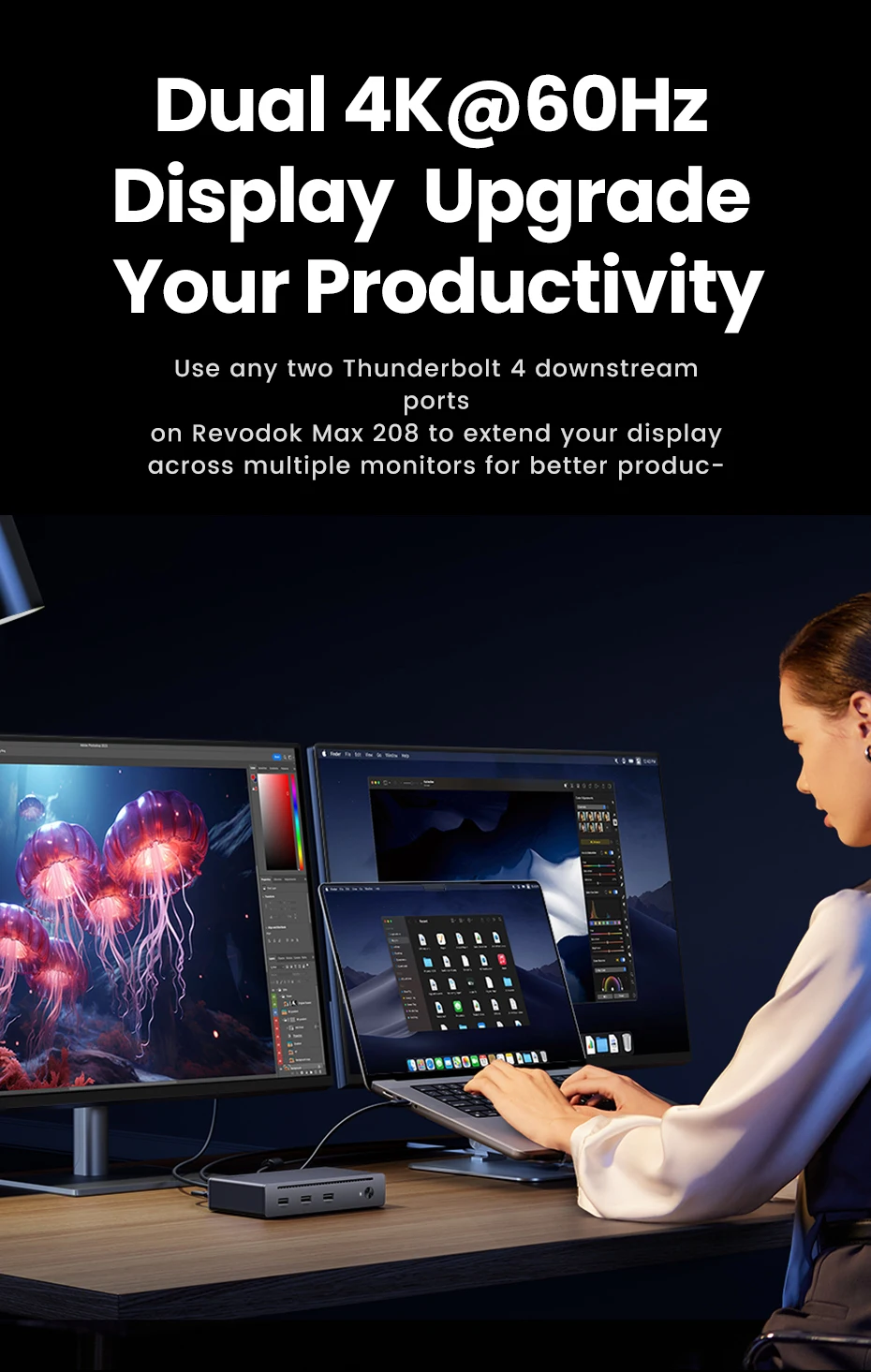
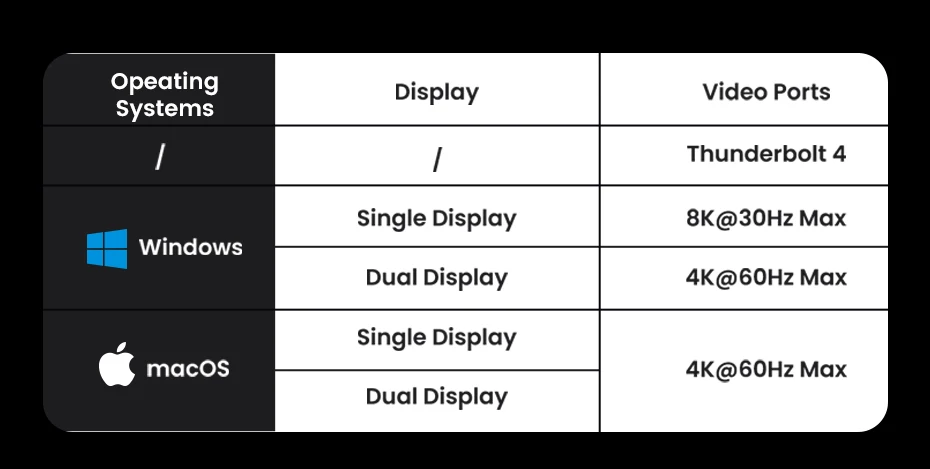
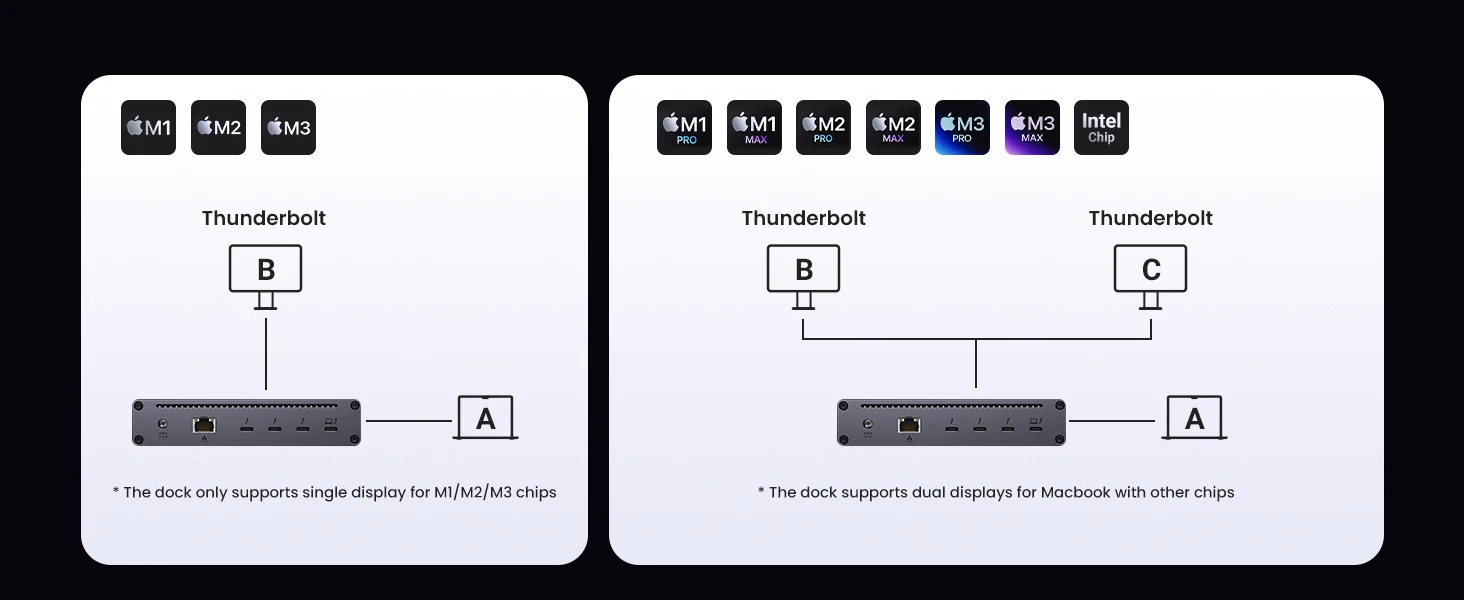
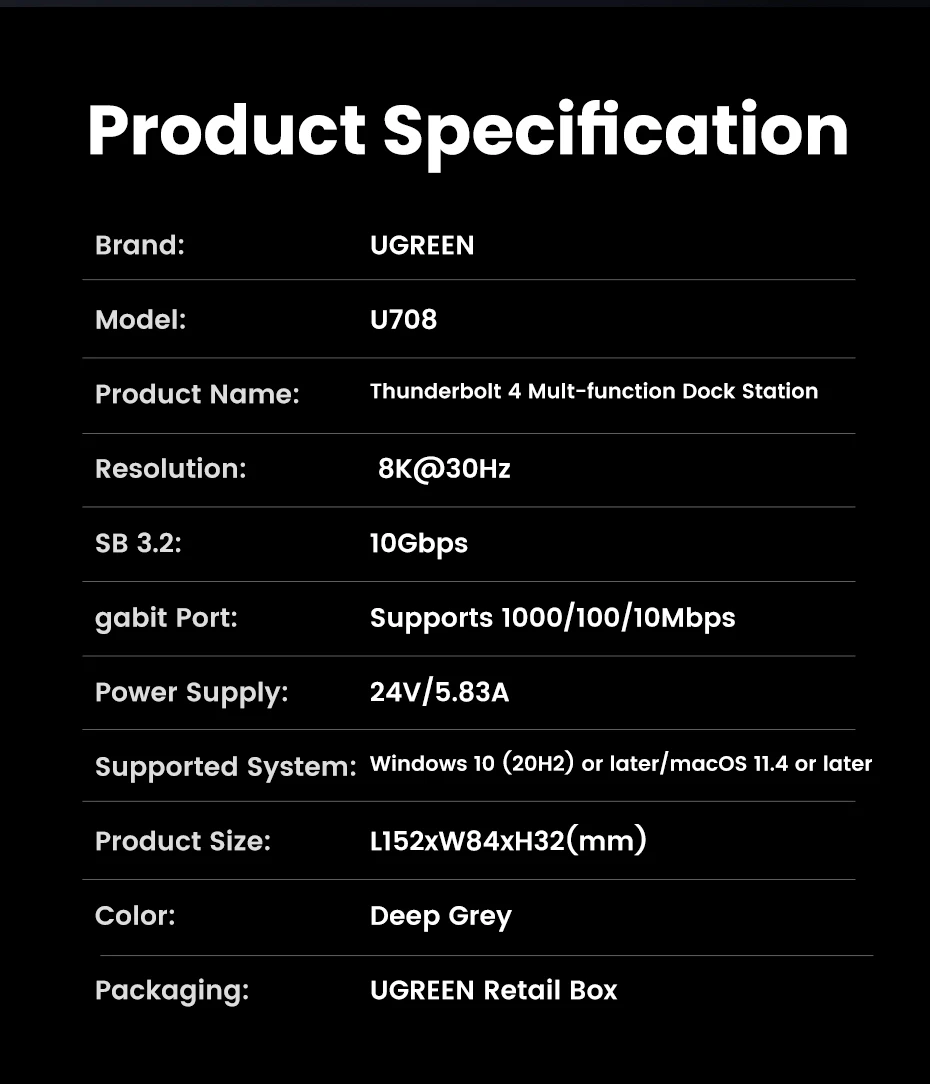
Dual 4K@60Hz or Single 8K Display: The Thunderbolt 4 Docking station can extend up to two 4K@60Hz displays or a single 8K@30Hz display for Windows laptops, two 4K@60Hz displays or a single 4K@60Hz display for Macbook with Pro/Max version M-Chips & Intel chips, a single 4K@60Hz display for Macbook with basic M-Chips. Greatly improve your work efficiency and display experience.
85W High-speed Charging: With the included 140W GaN charger, this Thunderbolt 4 Hub can charge your laptop up to 85W while working. No need to connect another charger. (The dock must be connected to the charger to work)
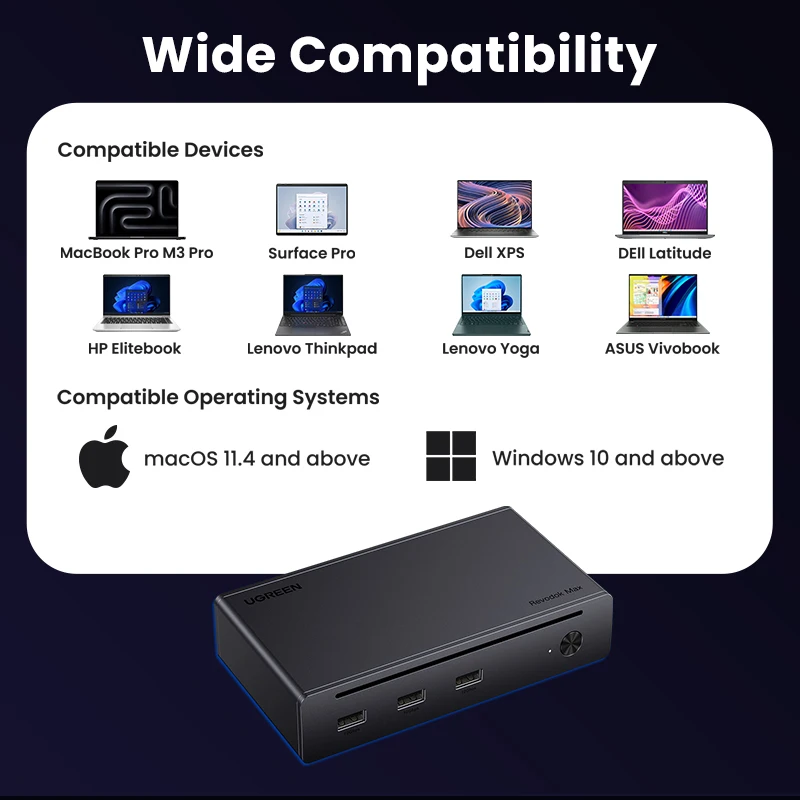
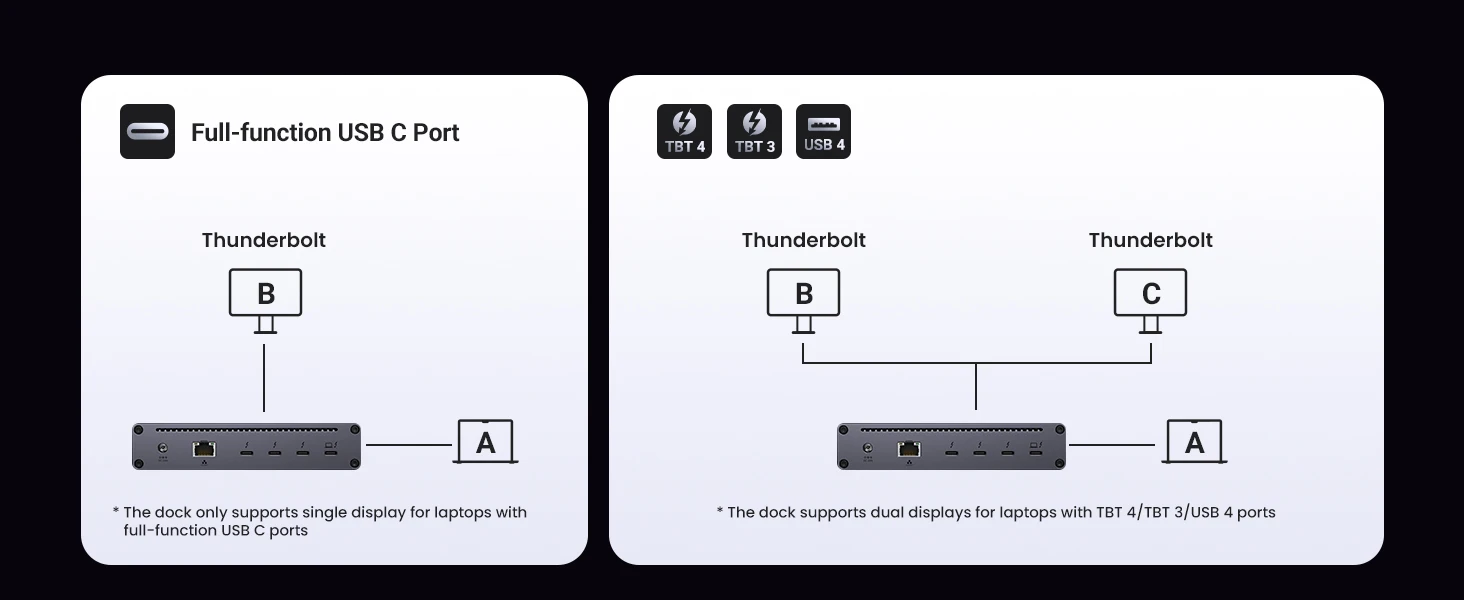
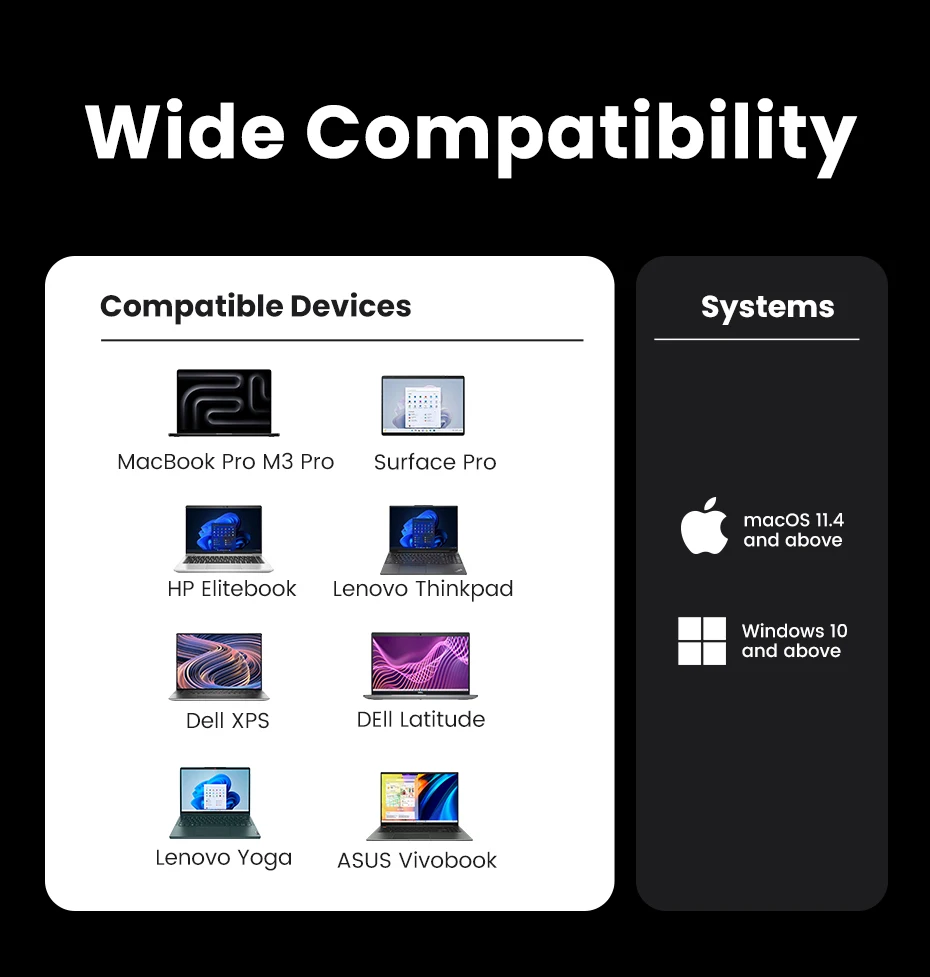
Widely Compatible: The Thunderbolt 4 Hub is compatible with most Thunderbolt 4, Thunderbolt 3, USB4, or USB-C computers or tablets, including Macbooks(macOS 11.4 & above), Windows laptops(Windows 10 & above), iPads, or other tablets with USB-C ports. (Full-function USB-C laptops and tablets only support single display)
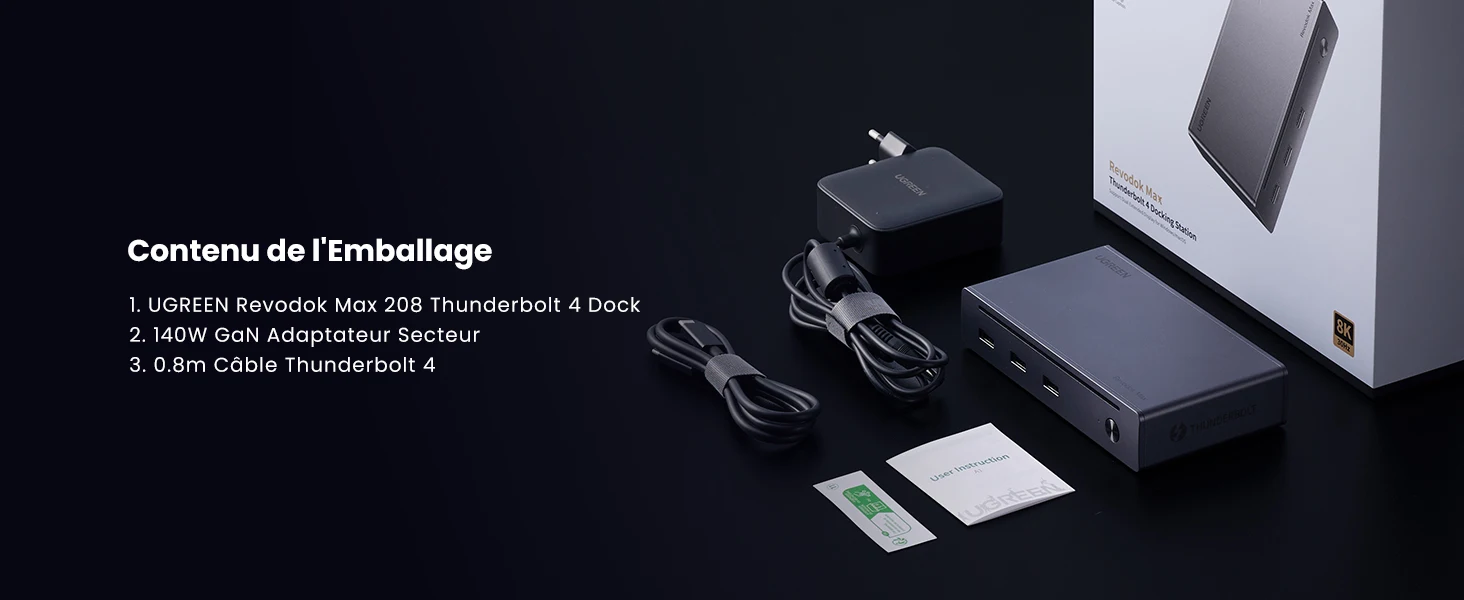
What’s in the box?
①1*UGREEN Revdock Max 208 Thunderbolt 4 Dock
②1*140W GaN EU Power Adapter
③1*0.8m Thunderbolt 4 Cable
Q1: Can this Thunderbolt 4 dock work without the charger?
A1: No, You must connect the included 140W GaN EU charger for the dock to work.
Q2: Why is there only one display work when two monitors are connected?
A2: 1) Only when the dock station is connected to a Thunderbolt 4/Thunderbolt3 or USB 4 port can it support dual displays.
2) When a M1/M2/M3 Macbook or tablet or a full-function USB-C computer is connected, it only supports a single display.
Q3: How many storage devices can I use at the same time?
A3: If you use HDD, It’s suggested to use up to 2 simultaneously, If you use SSD, It’s suggested to use up to 3 simultaneously. Due to the overload protection mechanism, Using too many storage devices simultaneously may cause product work unstable.
Q4: Why won’t my Dock-connected keyboard wake up my Macbook when it sleeps?
A4: When the Mac enters into sleep mode for more than two hours, you need to double-click instead of single-clicking any keys on the keyboard to wake it up.
Q5: How to deal with a black screen and display flickering when connecting to an external monitor?
1) Please unplug and plug the Thunderbolt ports, and ensure there is an interval of more than 3 seconds.
2) Please try to lower the resolution and refresh rate.
3) Try another Thunderbolt cable.
4) Restart the laptop.